4G AIRHOME 210 UK zamontowanymi na stałe antenami 4G
Nie znaleziono żadnych elementów.
Nie znaleziono żadnych elementów.
Wszystkie pytania
4G AIRHOME 210 UK zamontowanymi na stałe antenami 4G
Nie znaleziono żadnych elementów.
Nie znaleziono żadnych elementów.
Co oznaczają poszczególne stany karty SIM w interfejsie użytkownika?

Przed nawiązaniem połączenia z interfejsem użytkownika w sieci Web upewnij się, że karta SIM jest prawidłowo włożona oraz że kod PIN jest wyłączony lub został wprowadzony.
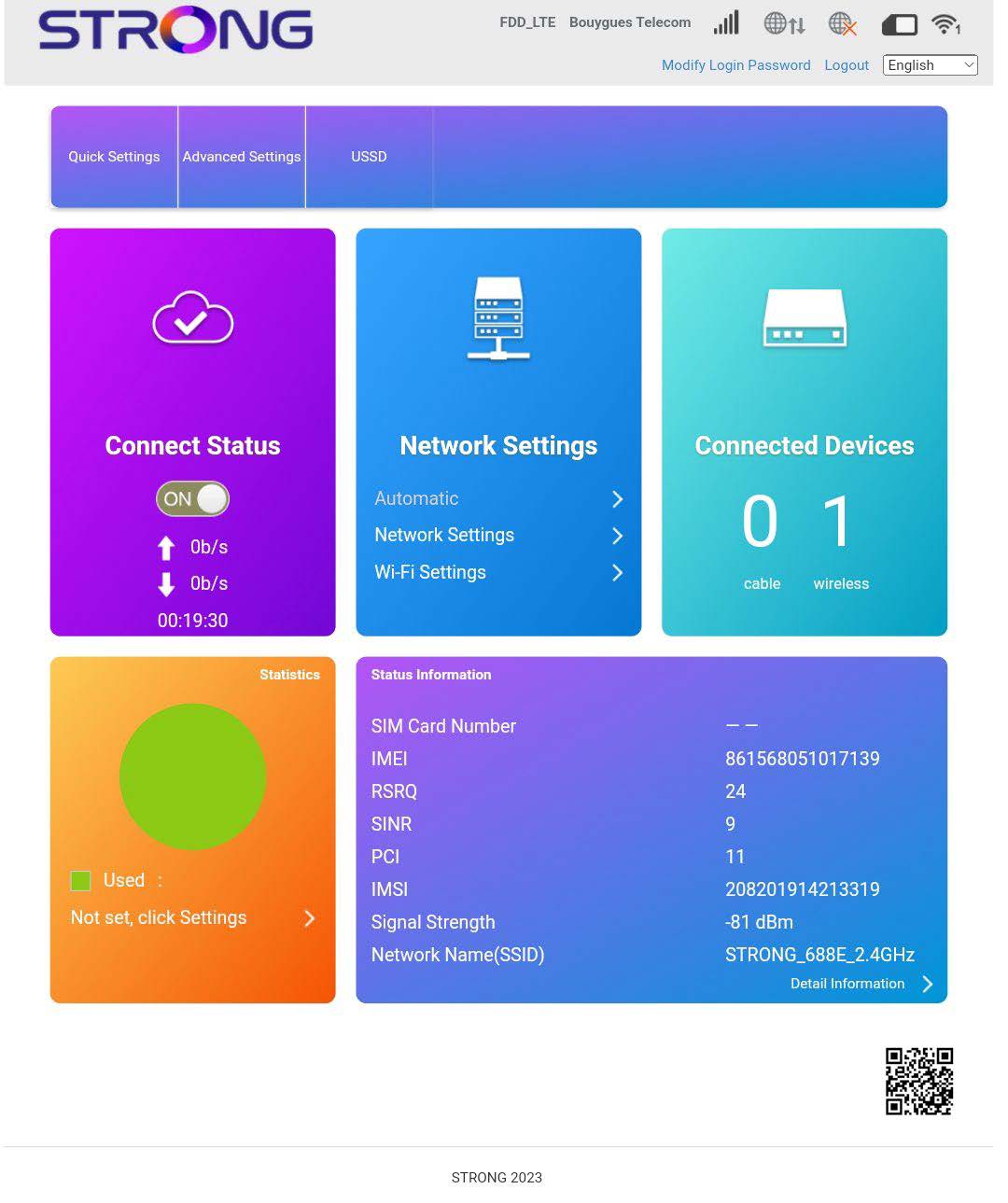
• Jeśli karta SIM jest zablokowana kodem PIN, należy połączyć się z interfejsem użytkownika (Web UI), aby go wprowadzić i odblokować kartę SIM.• Jeśli karta SIM nie jest wykrywana, należy sprawdzić, czy po włożeniu karty SIM do gniazda jej złota strona nie jest widoczna.• Jeśli karta SIM nie jest prawidłowo umieszczona, należy ją ponownie umieścić w gnieździe i sprawdzić, czy karta SIM jest dobrze osadzona w adapterze.Po wejściu do interfejsu użytkownika można zauważyć, że obok wiersza stanu karty SIM może pojawić się kilka różnych komunikatów:
• Brak karty SIM lub karta SIM jest nieprawidłowa: Karta SIM jest włożona i wykryta, ale nie działa z powodu kodu PIN. Karta SIM nie jest prawidłowo włożona do urządzenia lub w gnieździe nie ma karty SIM.

- Normalny stan: Karta SIM jest prawidłowo włożona do urządzenia i odblokowana. Wyświetla się strona główna interfejsu użytkownika.