5G AIRHOME 1050 | Wi-Fi 6
Wszystkie pytania
5G AIRHOME 1050 | Wi-Fi 6
Jak wprowadzić kod PIN karty SIM?
Aby wprowadzić kod PIN karty SIM, należy połączyć się z interfejsem użytkownika (Web UI).
1. Połącz sięz siecią Wi-Fi swojego routera
W tym celu wprowadź w swoim urządzeniu identyfikator SSID (nazwę sieci Wi-Fi) oraz hasło do sieci Wi-Fi routera:

2. Przejdźdo interfejsu użytkownika sieci Web, adres IP
Następnie wpisz w przeglądarce następujący adres IP: 192.168.0.1

3 Strona logowania
Należy wprowadzić nazwę użytkownika i hasło ( dane te znajdują się na etykiecie umieszczonej pod urządzeniem; prosimy o zapisanie nowego hasła administratora, które zostanie ustalone po pierwszym zalogowaniu). Następnie należy kliknąć przycisk „Zaloguj się”.

4. Wprowadźswoje dane logowania
Po pierwszym połączeniu z interfejsem użytkownika w sieci Web pojawi się komunikat ostrzegawczy z prośbą o wprowadzenie kodu PIN poprzez kliknięcie przycisku połączenia.
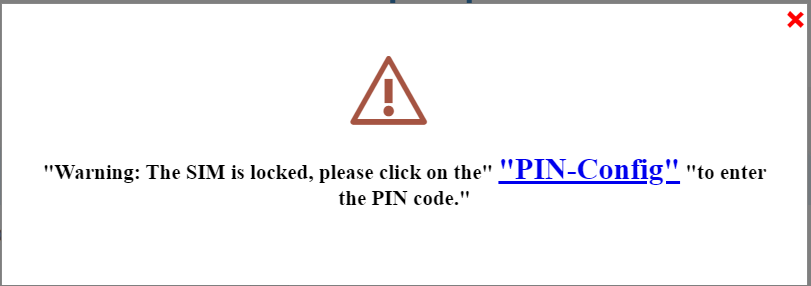
5. Wprowadźkod PIN
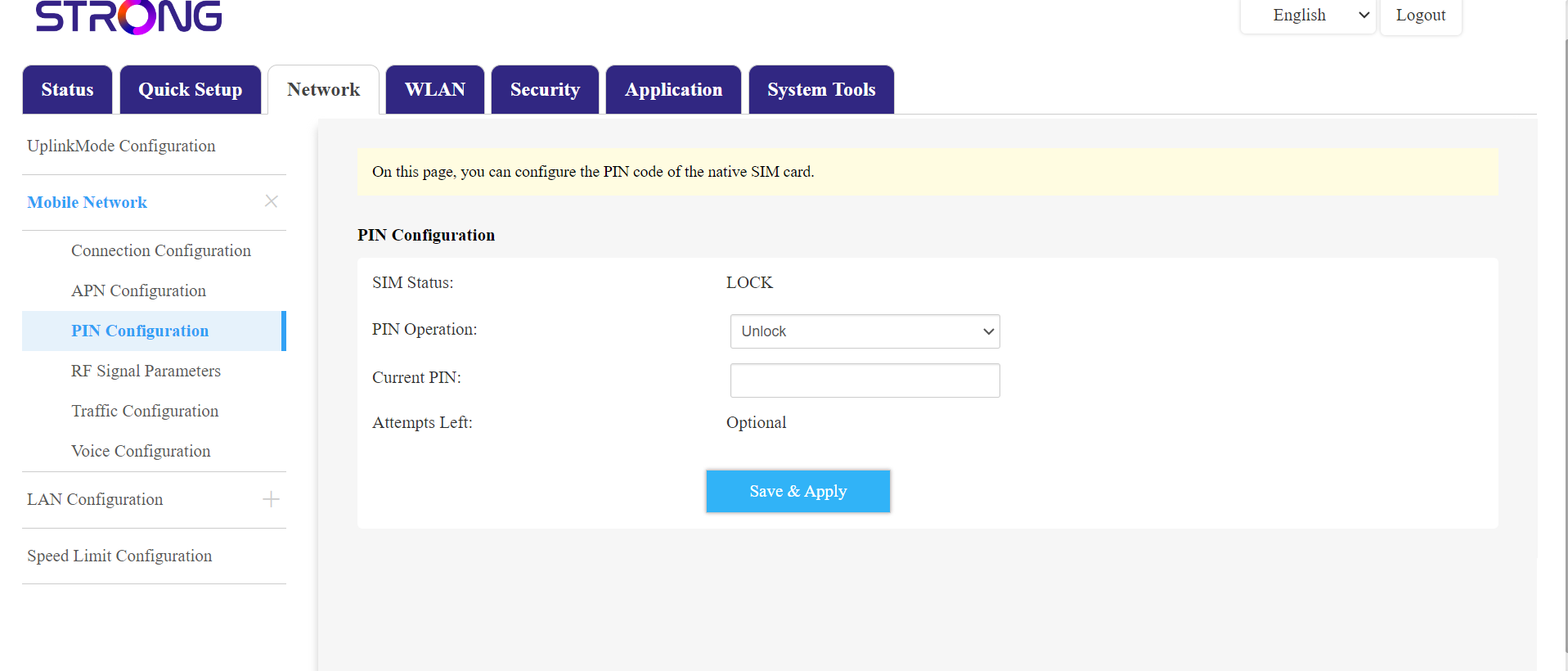
Następnie przejdź do opcji „Sieć” na górnym pasku, a potem do sekcji „Sieć komórkowa” i kliknij „Konfiguracja kodu PIN”.
Wpisz swój kod PIN w polu i kliknij „Prześlij”.
Karta SIM 6jest odblokowana
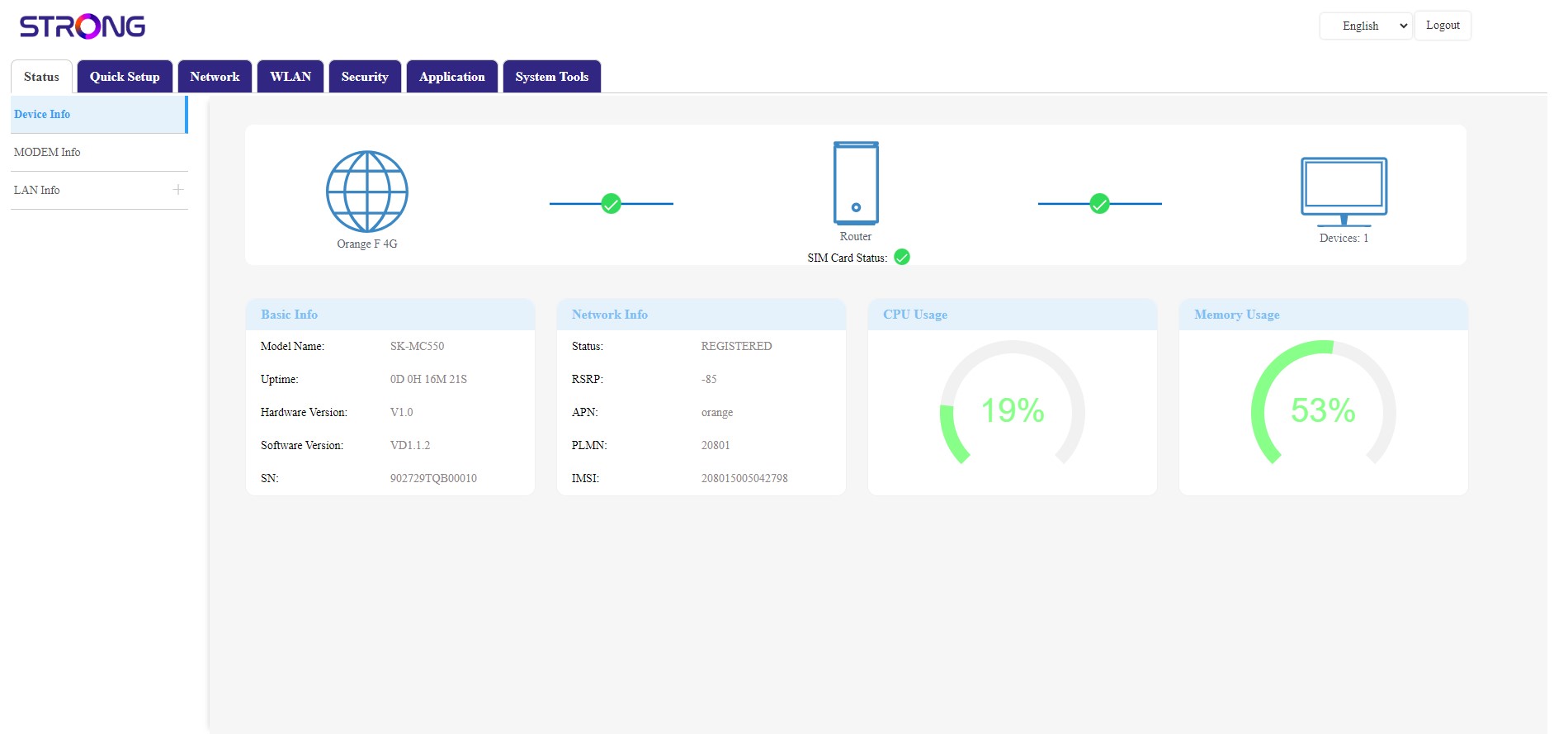
Karta SIM jest odblokowana, a jej ikona zmieniła kolor na zielony, a obok niej widoczna jest nazwa sieci.