
Nie znaleziono żadnych elementów.
Nie znaleziono żadnych elementów.
SMART HOME KAMERA SMART HOME 2K+
Wszystkie pytania
Nie znaleziono żadnych elementów.
Nie znaleziono żadnych elementów.
SMART HOME KAMERA SMART HOME 2K+
Jak wykonać twardy reset aparatu (bez użycia aplikacji)?
Jeśli nie możesz korzystać z aplikacji, możesz zresetować aparat za pomocą przycisku znajdującego się na urządzeniu.
Aby to zrobić, należy wykonać poniższe czynności.
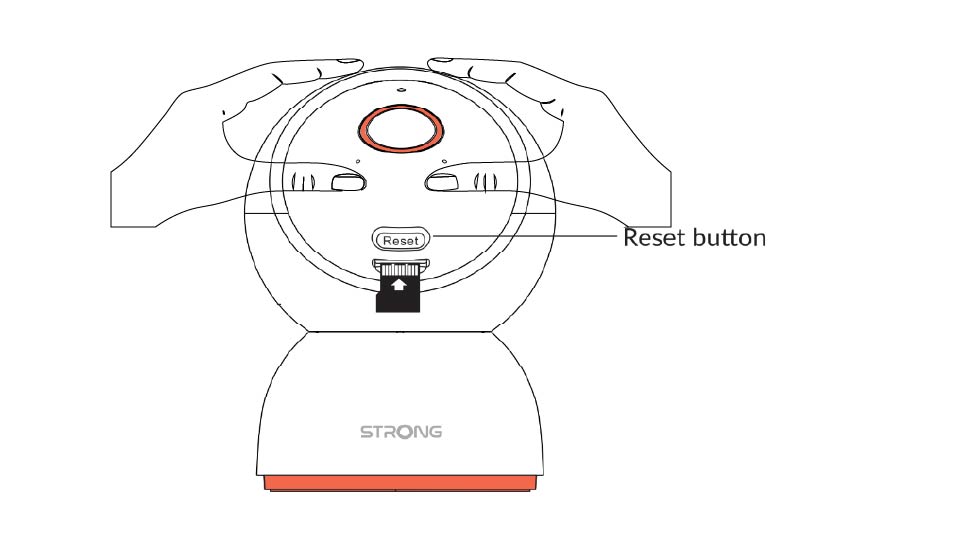
1. Znajdźprzycisk resetowania
Obróć obiektyw aparatu, aby znaleźć przycisk resetowania.
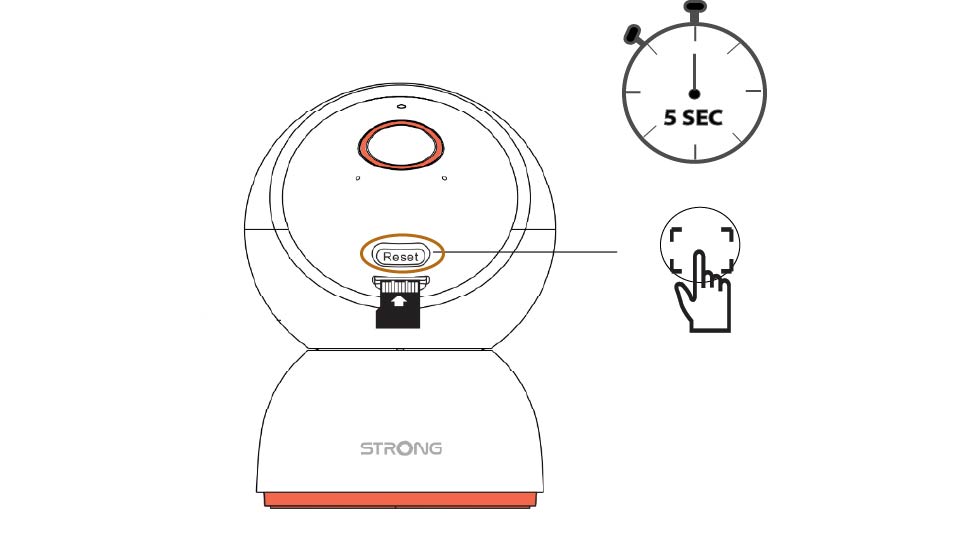
2. Naciśnijprzycisk resetowania
Naciśnij i przytrzymaj przycisk przez 5 sekund.
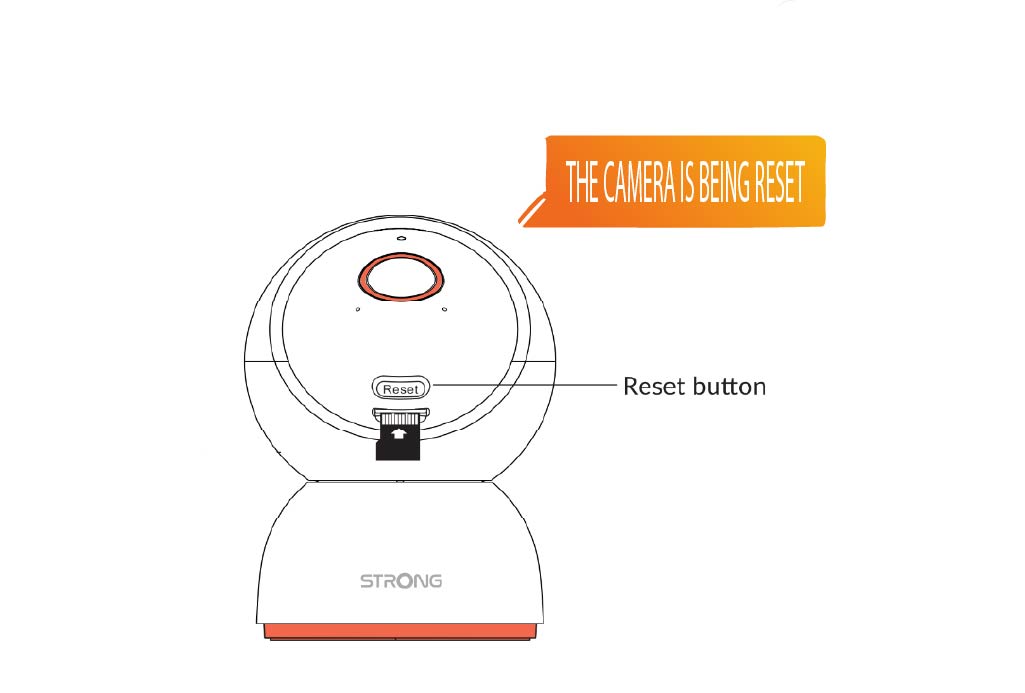
3. Poczekajna komunikat o zresetowaniu
Po wykonaniu tego kroku usłyszysz komunikat: „Kamera jest resetowana”. Następnie kamera uruchomi się ponownie automatycznie.
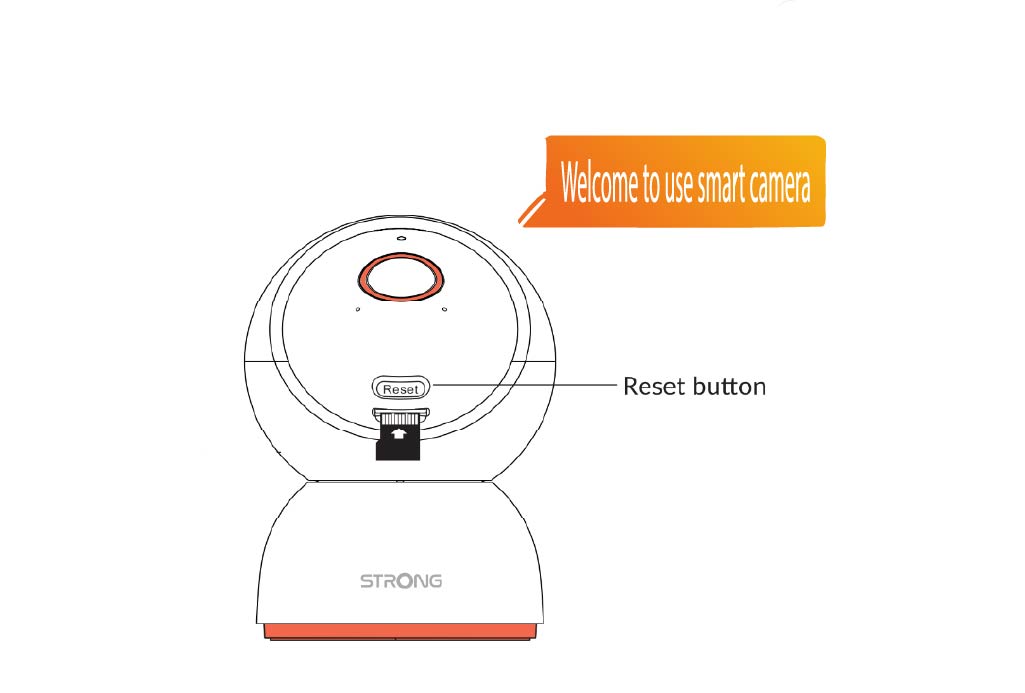
4. Powitanie
Gdy będzie gotowe, pojawi się komunikat: „Zapraszamy do korzystania z inteligentnej kamery”.
WSKAZÓWKA: Po zakończeniu resetowania otwórz aplikację i ponownie dodaj kamerę.