Nie znaleziono żadnych elementów.
Nie znaleziono żadnych elementów.
SMART HOME KAMERA SMART HOME 2K+
Wszystkie pytania
Nie znaleziono żadnych elementów.
Nie znaleziono żadnych elementów.
SMART HOME KAMERA SMART HOME 2K+
Jak odłączyć aparat od aplikacji?
Jeśli po przywróceniu ustawień fabrycznych nadal występują jakiekolwiek problemy z aparatem, które nie zostały rozwiązane, prosimy o usunięcie powiązania urządzenia z aplikacją i ponowne zainstalowanie aplikacji.
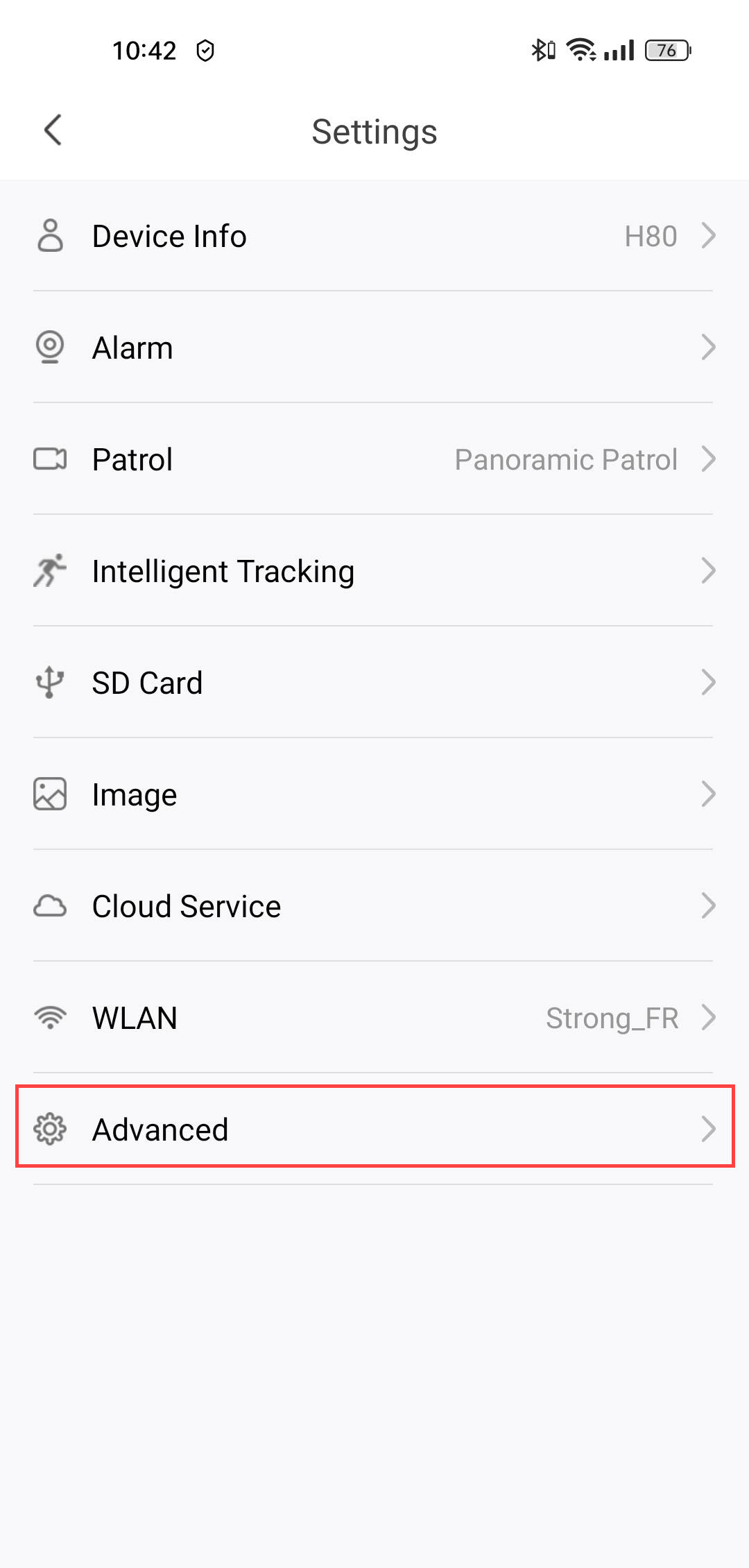
1. OtwórzUstawienia
Kliknij „Ustawienia”.

2. Przejdźdo ustawień zaawansowanych
Kliknij przycisk „Zaawansowane”.
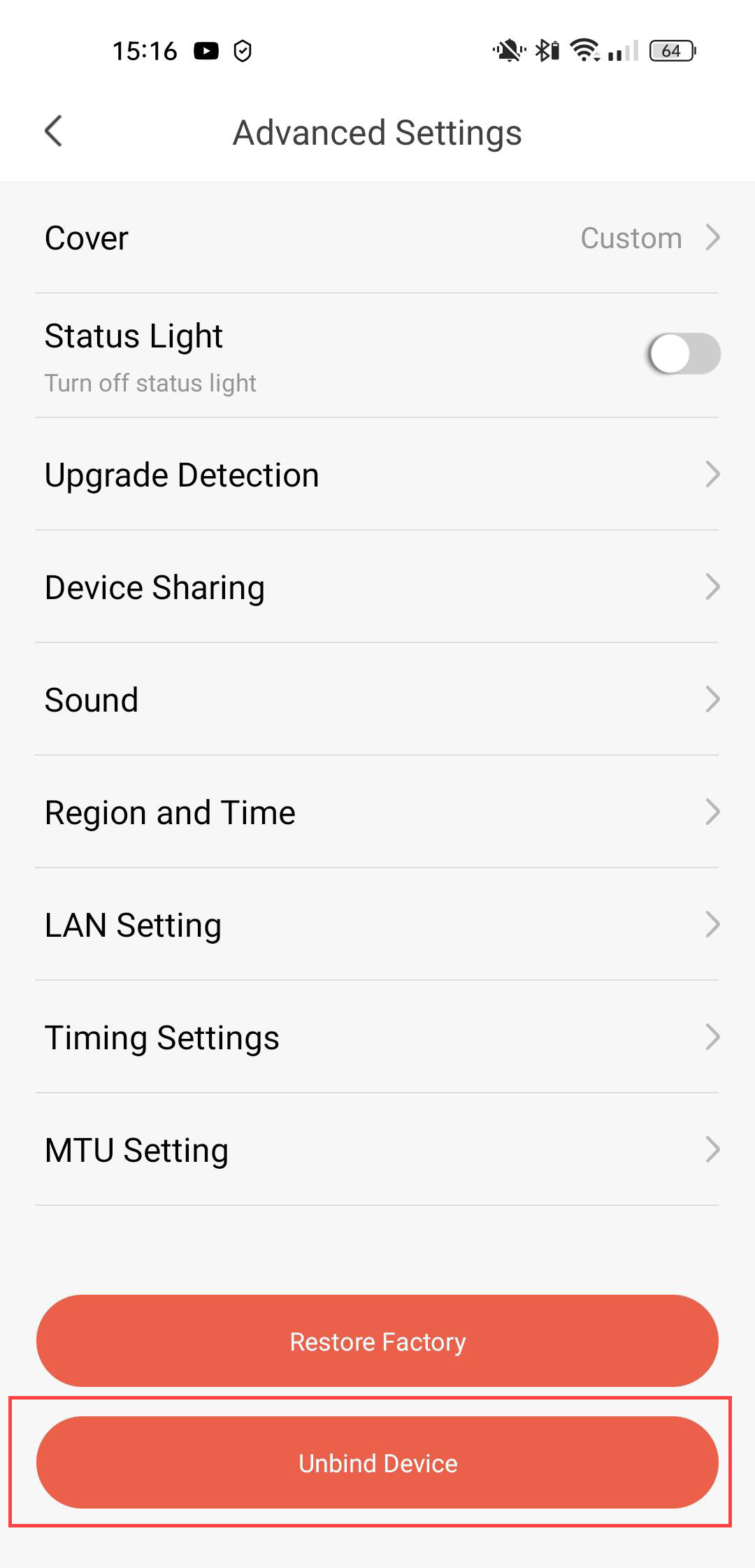
3. Odłączurządzenie
Kliknij „Usuń powiązanie”
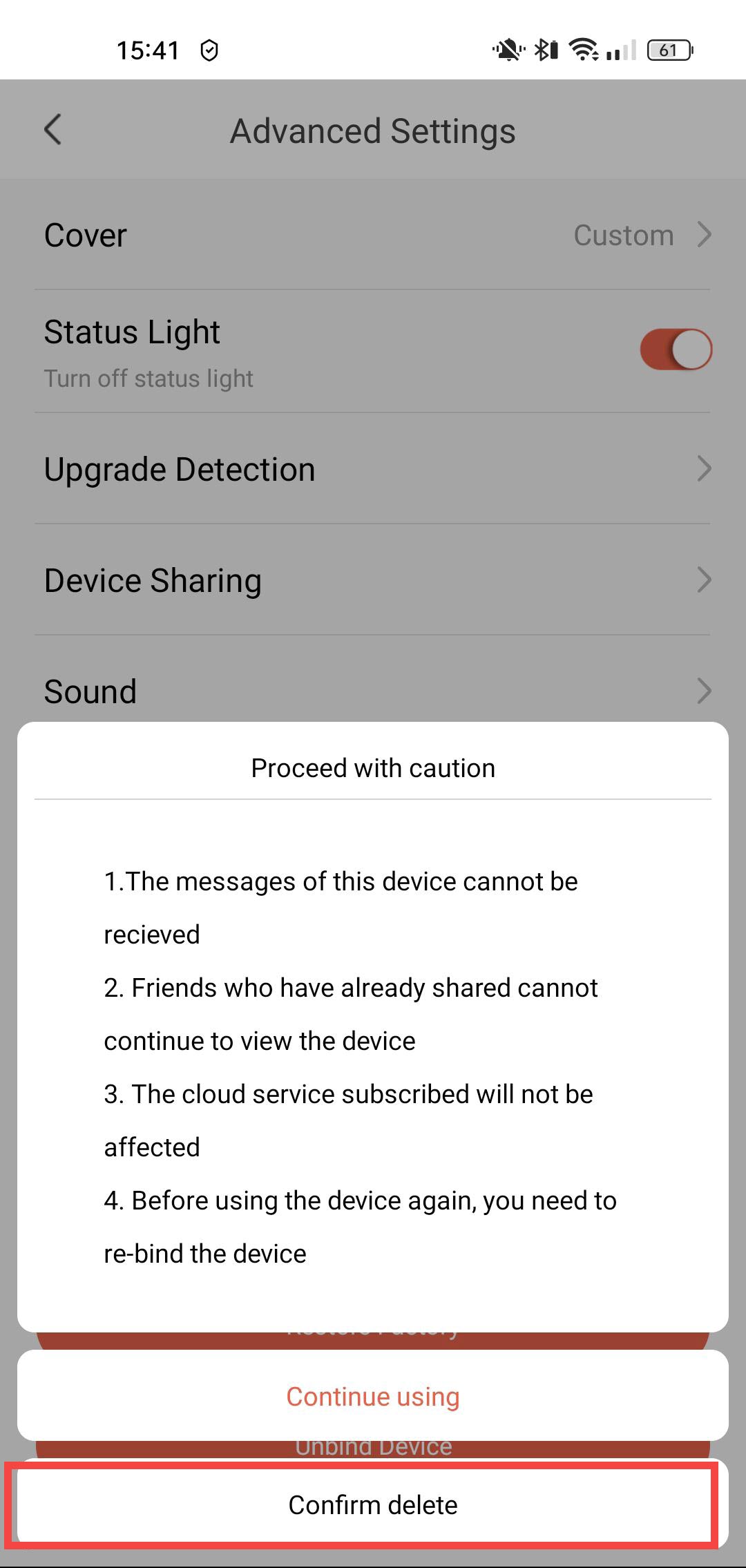
4. Potwierdźcofnięcie powiązania
Kliknij „Potwierdź usunięcie”.