
Wi-Fi 4G AIRSPOT 220 com ecrã
Nenhum item encontrado.
Nenhum item encontrado.
Todas as perguntas
Wi-Fi 4G AIRSPOT 220 com ecrã
Nenhum item encontrado.
Nenhum item encontrado.
Como posso aceder à interface de utilizador web?
Para aceder à interface de utilizador web, tem de estar ligado à rede Wi-Fi do seu 4G PORTABLE HOTSPOT 150 COM ECRÃ/4G PORTABLE HOTSPOT 150, após ter colocado o cartão SIM na ranhura.
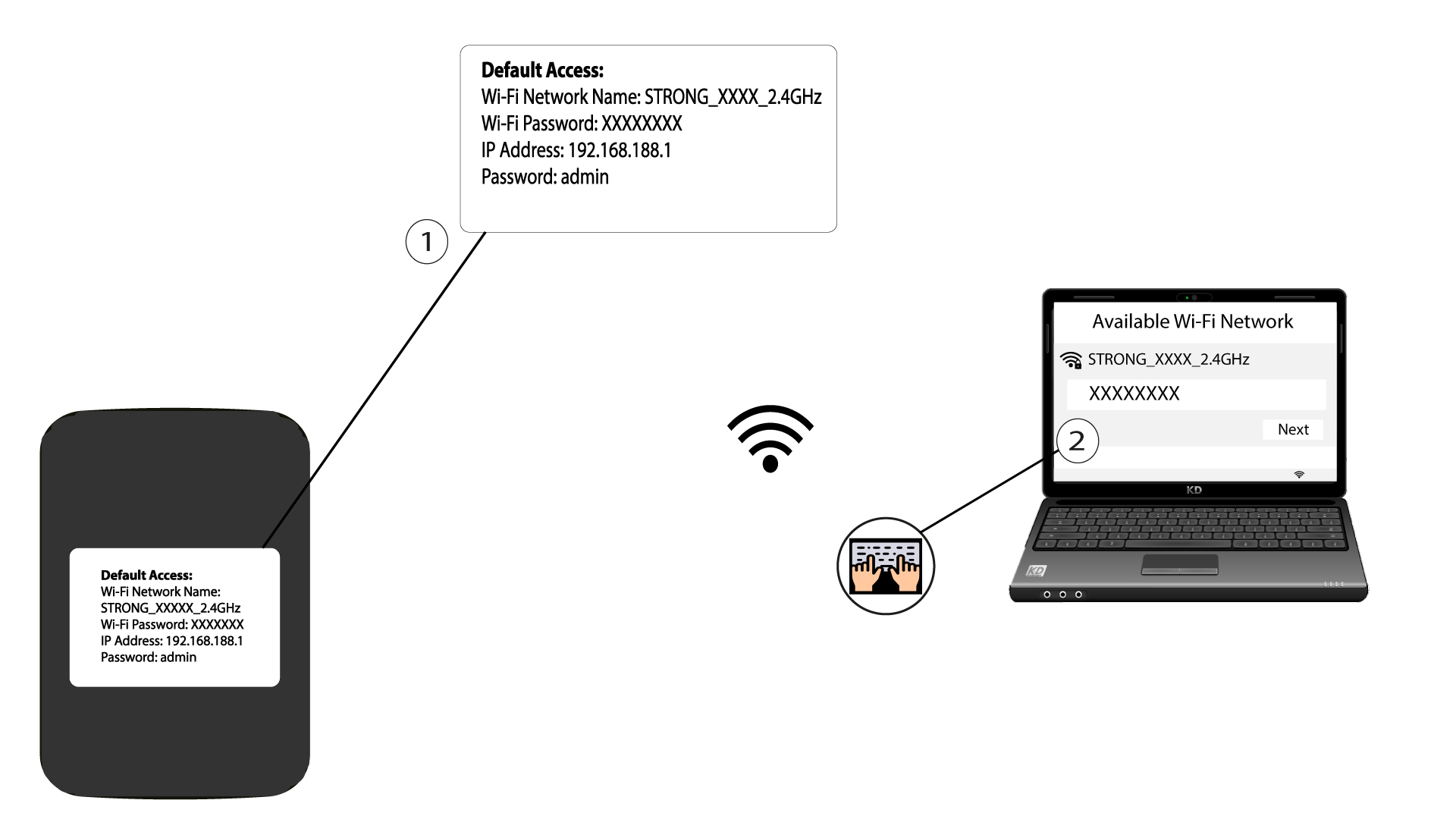
1Ligue-seà rede Wi-Fi do router
Para tal, introduza o SSID e a palavra-passe do router no seu dispositivo.
2. Acedaao endereço IP da interface de utilizador web
Em seguida, introduza o seguinte endereço IP no seu navegador: 192.168.188.1

3. Acedaà página de início de sessão
Depois de aceder ao endereço IP, deve introduzir a palavra-passe e clicar em «Iniciar sessão».

4Mensagem de aviso
Assim que estiver ligado, irá ver uma mensagem de aviso sobre a palavra-passe de administrador.


Aviso: Após a primeira ligação, recomendamos vivamente que altere a palavra-passe de administrador para proteger o acesso ao router e evitar ataques informáticos.