4G AIRHOME 310 s odnímateľnými 4G anténami
Nenašli sa žiadne položky.
Nenašli sa žiadne položky.
Všetky otázky
4G AIRHOME 310 s odnímateľnými 4G anténami
Nenašli sa žiadne položky.
Nenašli sa žiadne položky.
Ako môžem pripojiť svoje zariadenia pomocou WPS?

Pomocou funkcie WPS môžete napríklad nastaviť pripojenie Wi-Fi medzi routerom a počítačmi (Linux/Windows). Mobilný telefón nie je možné pripojiť pomocou funkcie WPS. Ak chcete telefón jednoducho pripojiť k sieti Wi-Fi, naskenujte prosím QR kód umiestnený na zadnej strane routera – telefón sa automaticky pripojí k sieti bez zadávania hesla Wi-Fi.
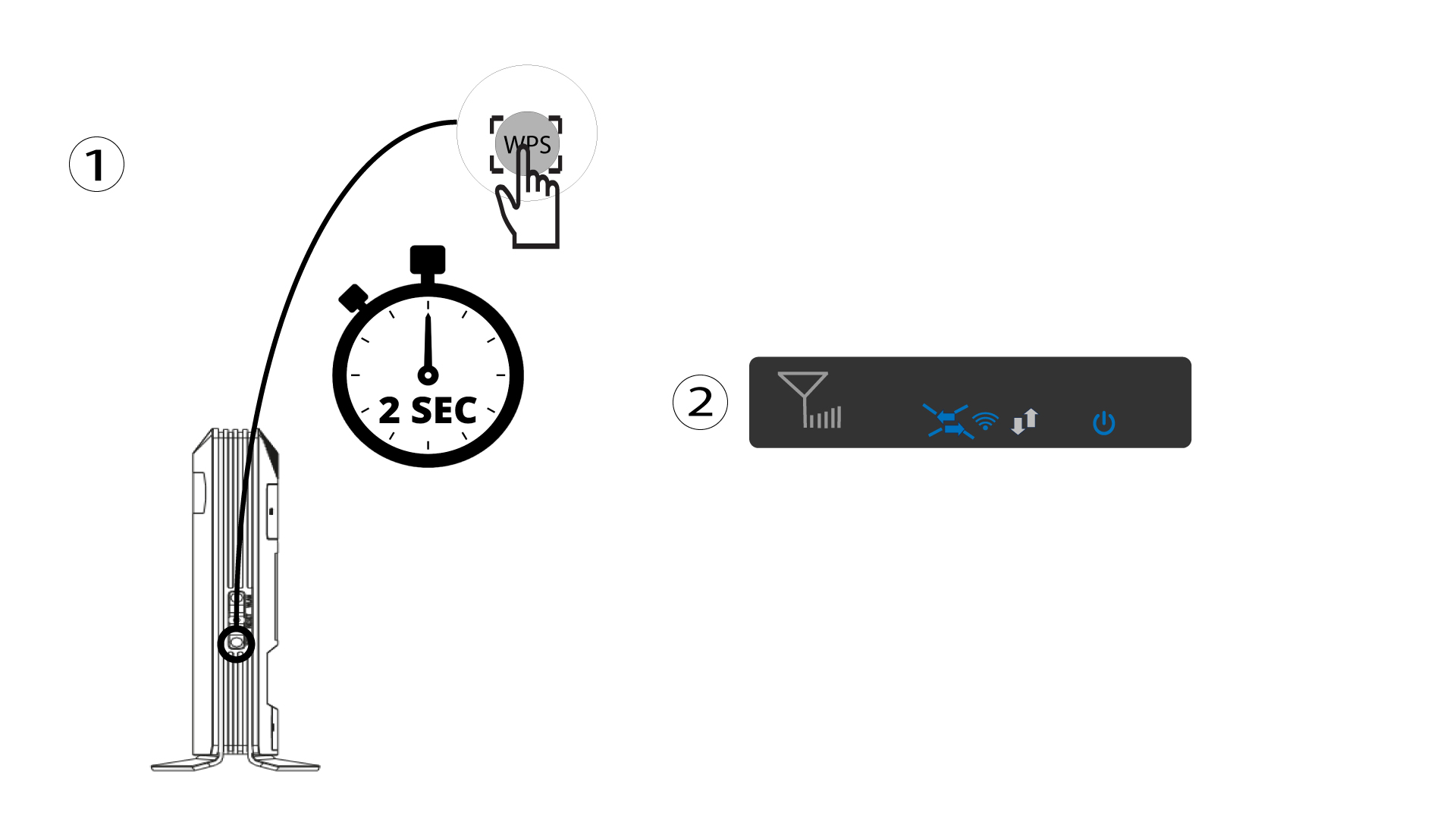
1. Stlačtetlačidlo WPS
Stlačte tlačidlo WPS na 2 sekundy, aby sa akékoľvek kompatibilné zariadenie vo vašej domácnosti mohlo automaticky pripojiť k Wi-Fi sieti routera. Po aktivácii budú vodorovné šípky blikať modro.
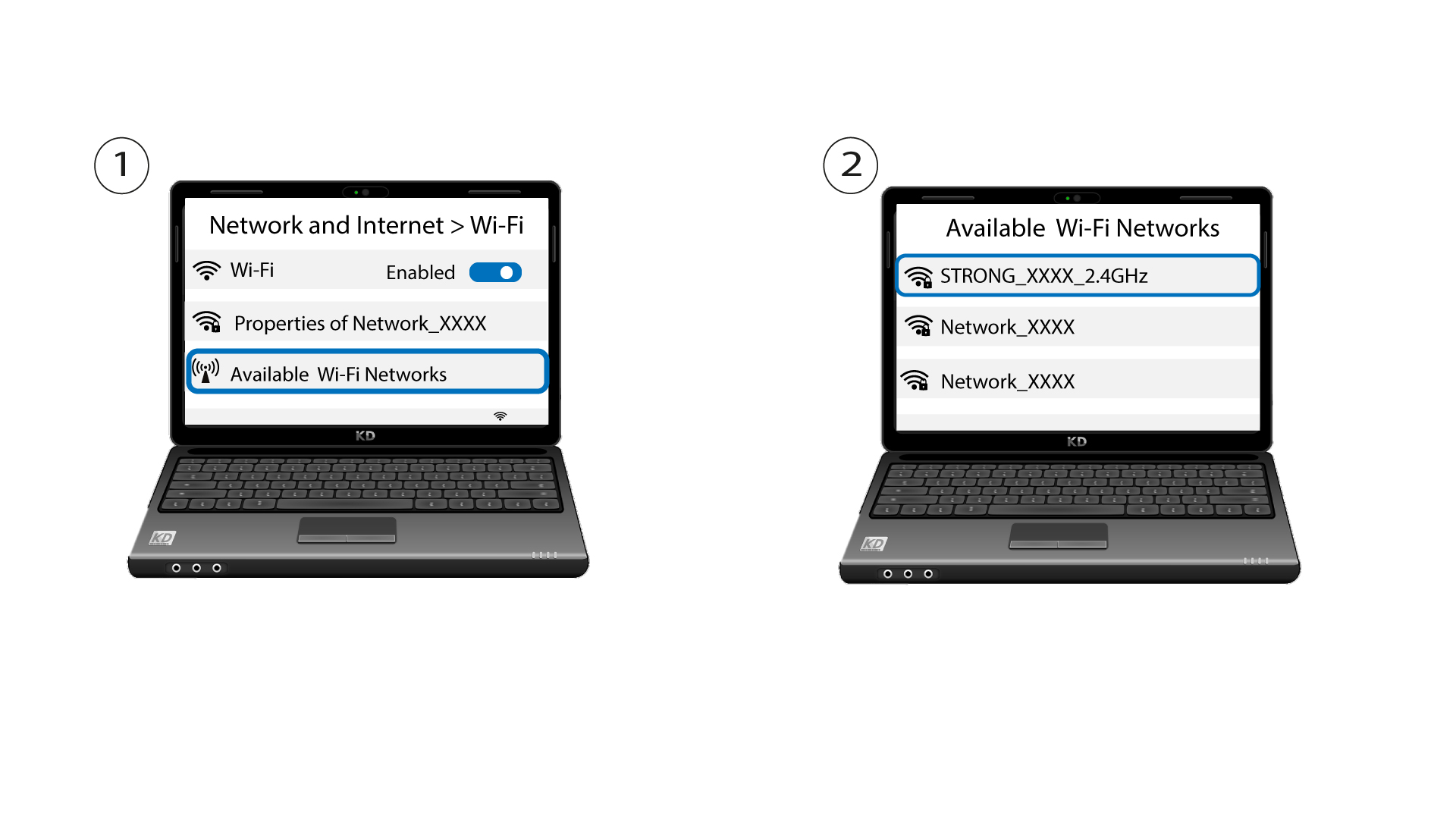
2Vybertesieť Wi-Fi zo zoznamu dostupných sietí
Prejdite do nastavení Wi-Fi na počítači alebo telefóne a kliknutím na názov routera ho vyberte.
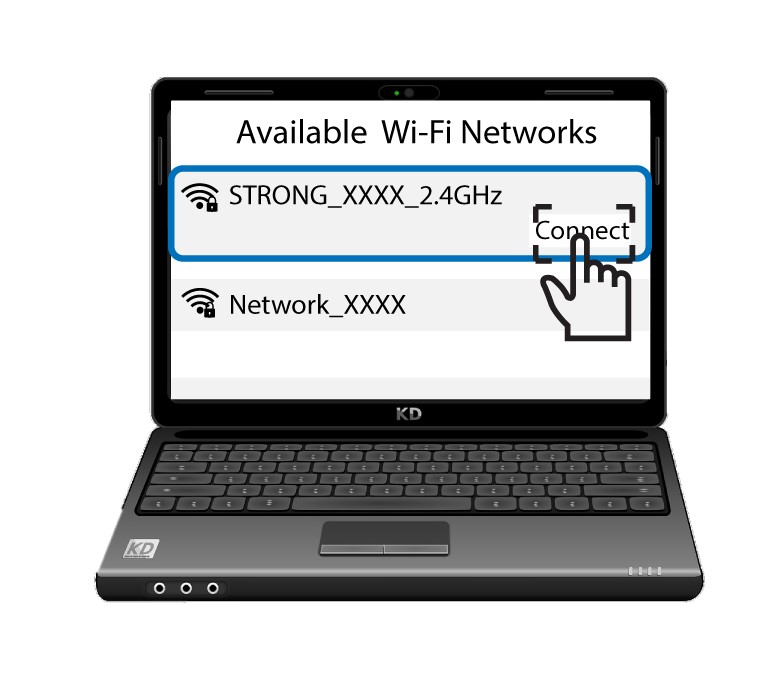
3. Pripojtesa k sieti Wi-Fi
Potom kliknite na tlačidlo „Pripojiť “.