5G AIRHOME 1050 | Wi-Fi 6
Сва питања
5G AIRHOME 1050 | Wi-Fi 6
Како да унесем ПИН код своје СИМ картице?
Да бисте унели ПИН код за СИМ картицу, морате се повезати са веб интерфејсом.
1 Повежите се на Wi-Fi мрежу вашег рутера
Да бисте то урадили, унесите SSID (назив Wi-Fi мреже) и лозинку за Wi-Fi рутер у свој уређај:

2 Прегледајте ИП адресу веб интерфејса
Затим, унесите следећу ИП адресу у ваш прегледач: 192.168.0.1

3 Страница за пријаву
Морате унети корисничко име и лозинку (информације су написане на етикети производа која се налази испод производа, запишите нову администраторску лозинку коју сте подесили након првог повезивања). Затим кликните на Пријава.

4 Унесите своје акредитиве
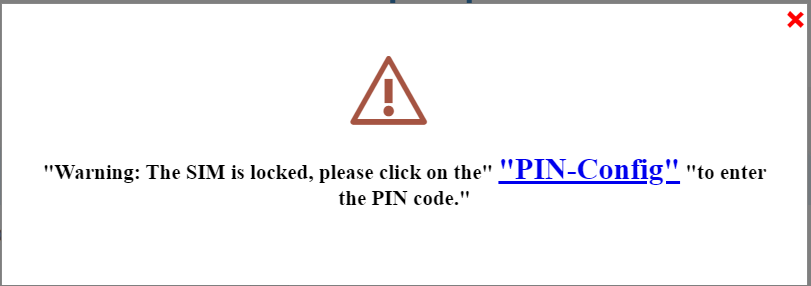
Када се први пут повежете са веб интерфејсом, видећете поруку упозорења која вас позива да унесете ПИН код кликом на дугме за повезивање.
5 Унесите свој ПИН код
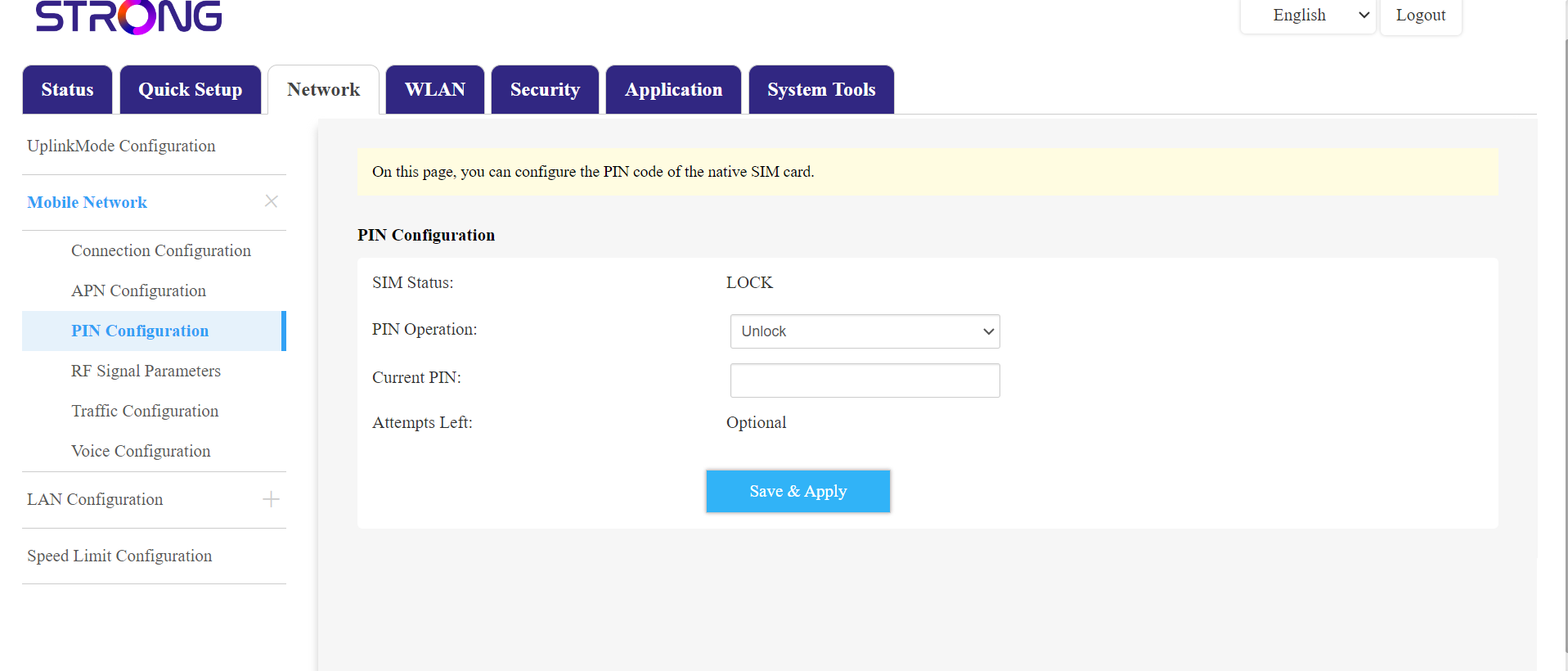
Затим идите на Мрежа у горњој траци, а затим у одељку Мобилна мрежа кликните на Конфигурација ПИН-а.
Унесите свој ПИН код у поље и кликните на дугме за слање .
6 СИМ картица је откључана
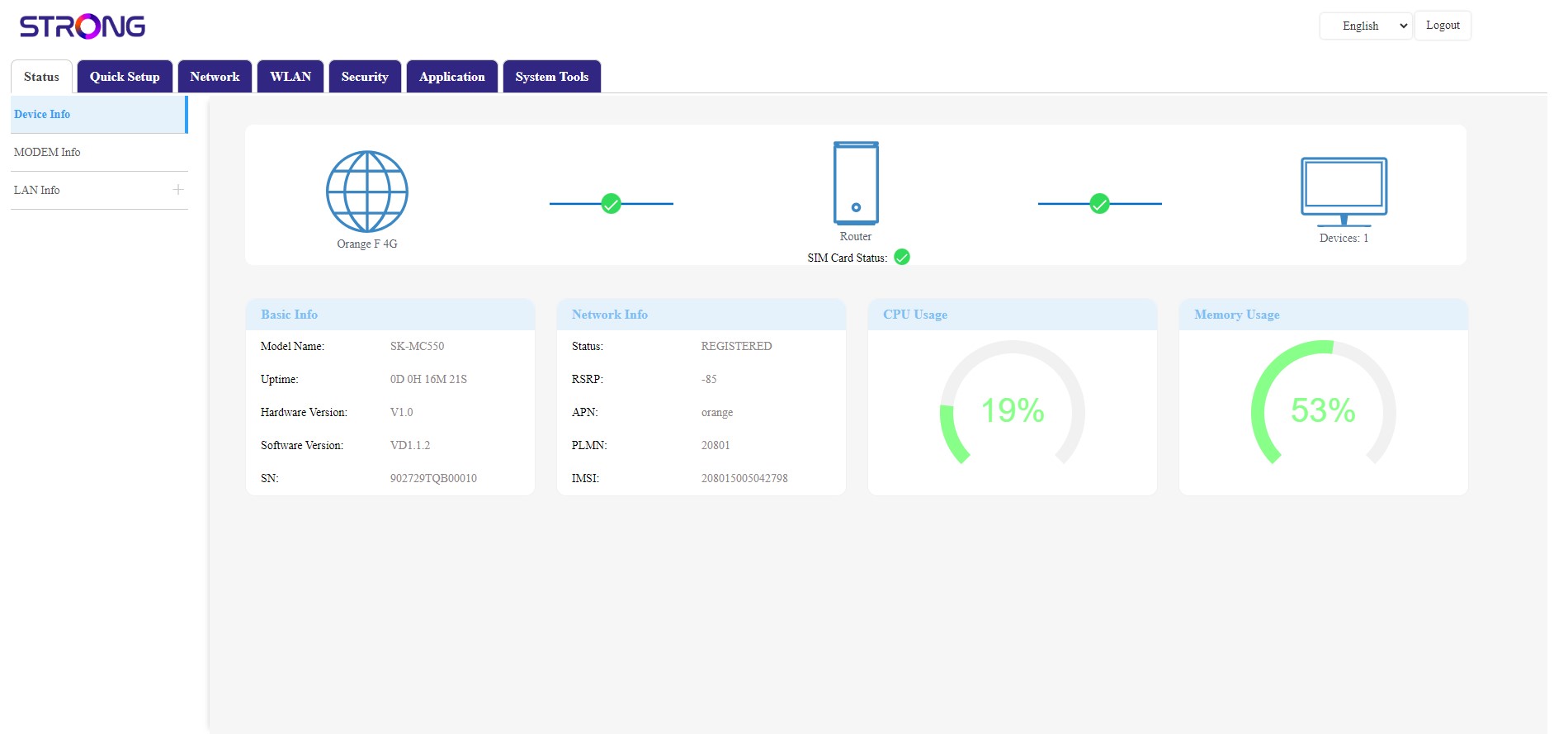
СИМ картица је откључана, а њена икона сада постаје зелена, а поред ње се налази назив мреже.