АТРИА Ви-Фи 6 Mesh Систем 3000 (пакет од 2 комада)
Сва питања
АТРИА Ви-Фи 6 Mesh Систем 3000 (пакет од 2 комада)
Шта могу да урадим у веб интерфејсу?
1 Повежите се са Wi-Fi мрежом уређаја
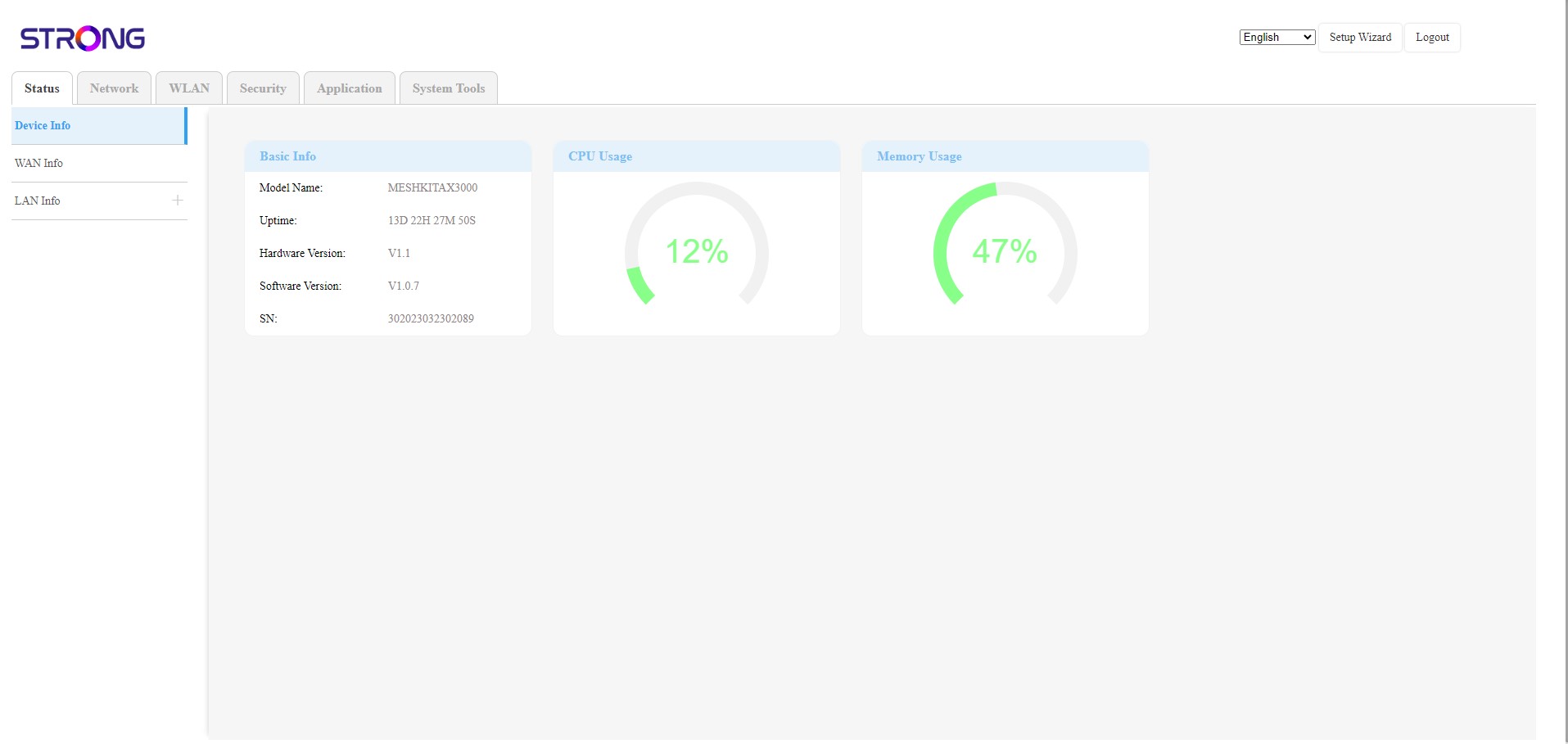
Веб кориснички интерфејс је подељен на 6 делова:
• Статус : Где можете пронаћи све информације о Mesh уређај и мрежа.
• Мрежа : где можете конфигурисати WAN, LAN подешавања (IPv4 / IPv6) и подесити ограничење брзине.
• WLAN : где бирате између 2.4G и 5G мреже, подешавате више SSID-ова, WPS, управљате интернет приступом различитих MAC адреса, мењате SSID и Wi-Fi лозинке и подешавате Mesh .
• Безбедност : где можете подесити заштитни зид, подешавања за DoS, URL/MAC филтере, IP филтере, родитељску/сервисну контролу и заказати Mesh Активација мреже.
• Апликација : где можете конфигурисати NAT подешавања (ALG, DMZ, Port Forwarding), VPN, SNTP (временска зона), VPN, динамички DNS, UPnP и приступити IPTV конфигурацији.
• Системски алати : где можете променити податке за пријаву, поново покренути уређај, ажурирати фирмвер, сачувати и вратити резервну копију, вратити уређај на фабричка подешавања, управљати ЛЕД диодама, приступити логовима и покренути дијагностику.