4G+ AIRSPOT 510 Wi-Fi
Inga föremål hittades.
Inga föremål hittades.
Alla frågor
4G+ AIRSPOT 510 Wi-Fi
Inga föremål hittades.
Inga föremål hittades.
Hur uppdaterar jag enhetens firmware?
Du kan utföra en automatisk uppgradering eller en uppgradering av typen ” manual ” i webbgränssnittet.
Fall 1: Automatisk uppgradering
1Öppnawebbgränssnittet
Följ anvisningarna nedan för att komma åt webbgränssnittet: Hur kommer jag åt webbgränssnittet?
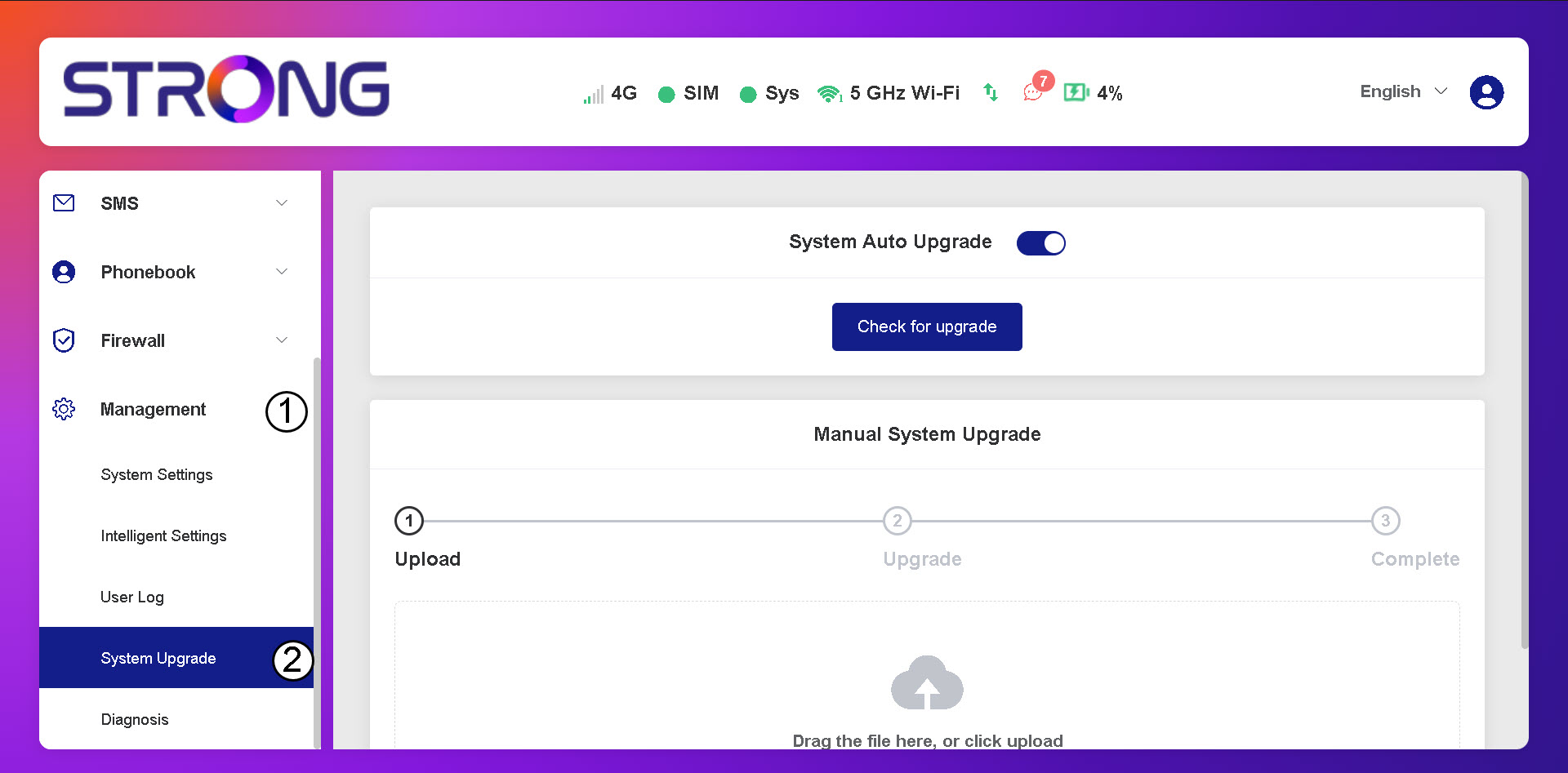
2Öppnainställningarna för systemuppgradering
Klicka på ”Hantering och systemuppgradering”.
3. Kontrolleraom det finns automatiska uppdateringar
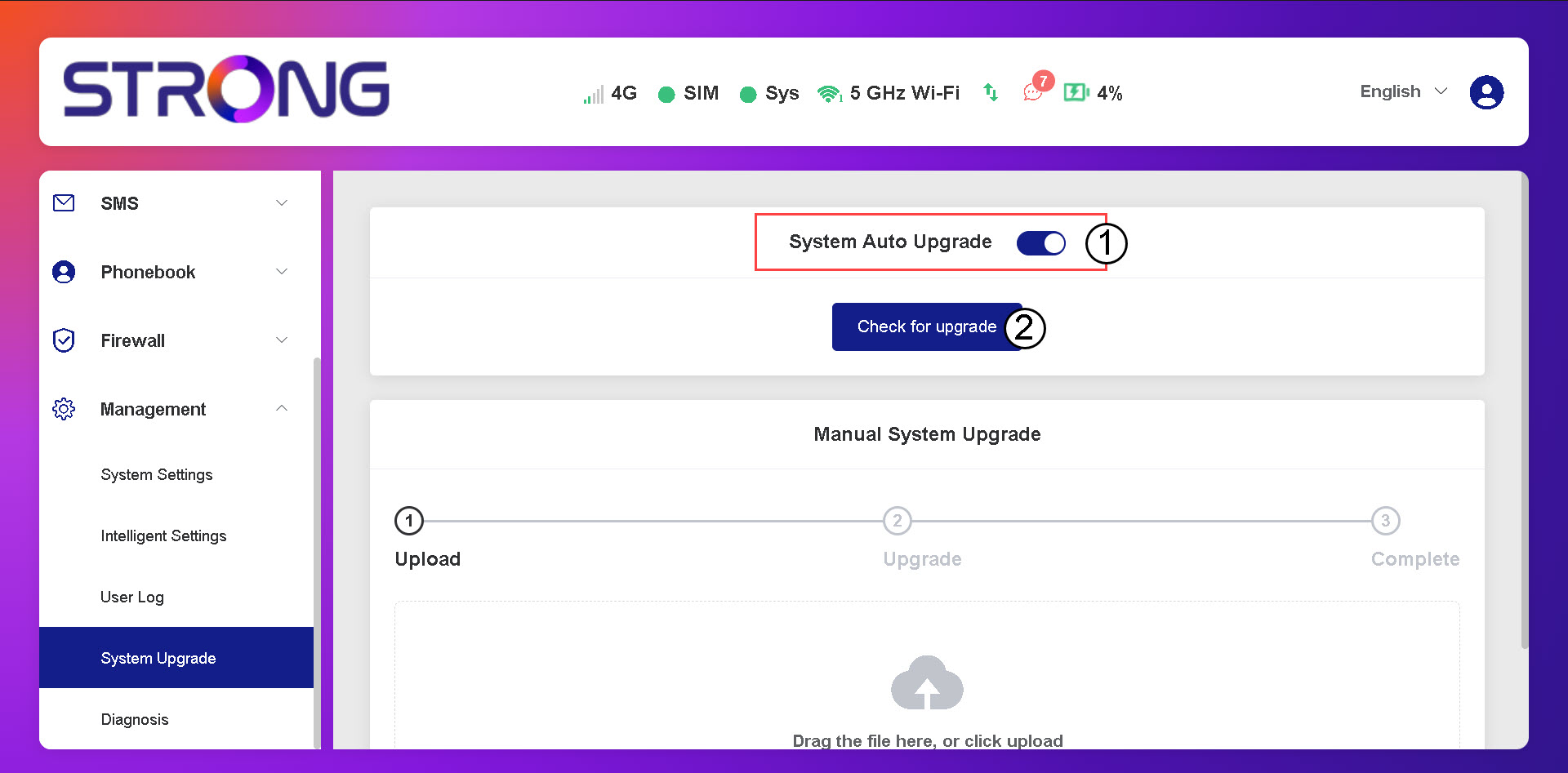
Kontrollera om alternativet ”Automatisk systemuppgradering” är aktiverat och klicka på knappen ”Sök efter uppgradering”.
4. Väntapå uppgraderingskontrollen
Vänta tills systemet söker efter uppdateringen. Om det finns en uppdatering kommer systemet att be dig ladda ner den.

5. Kontrollerasystemstatus
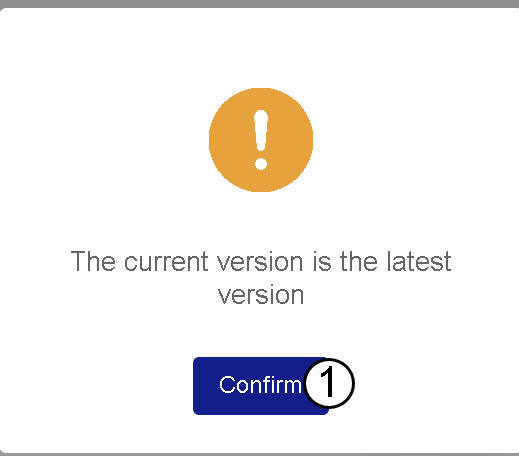
Om din enhet är uppdaterad visas följande meddelande.