4G AIRHOME 200 Mini-router med avtagbara 4G-antenner
Alla frågor
4G AIRHOME 200 Mini-router med avtagbara 4G-antenner
Vad betyder de olika SIM-kortstatusarna i webbgränssnittet?

Innan du ansluter till webbgränssnittet ska du se till att SIM-kortet är korrekt isatt och att PIN-koden är inaktiverad eller angiven.
• Om SIM-kortet är låst med en PIN-kod måste du ansluta till webbgränssnittet för att ange koden och låsa upp SIM-kortet.
• Om SIM-kortet inte känns igen, kontrollera att den guldfärgade sidan inte syns när SIM-kortet är isatt i kortfacket.
• Om SIM-kortet inte sitter rätt, placera det på nytt i kortfacket och kontrollera att SIM-kortet fortfarande sitter kvar i adaptern.
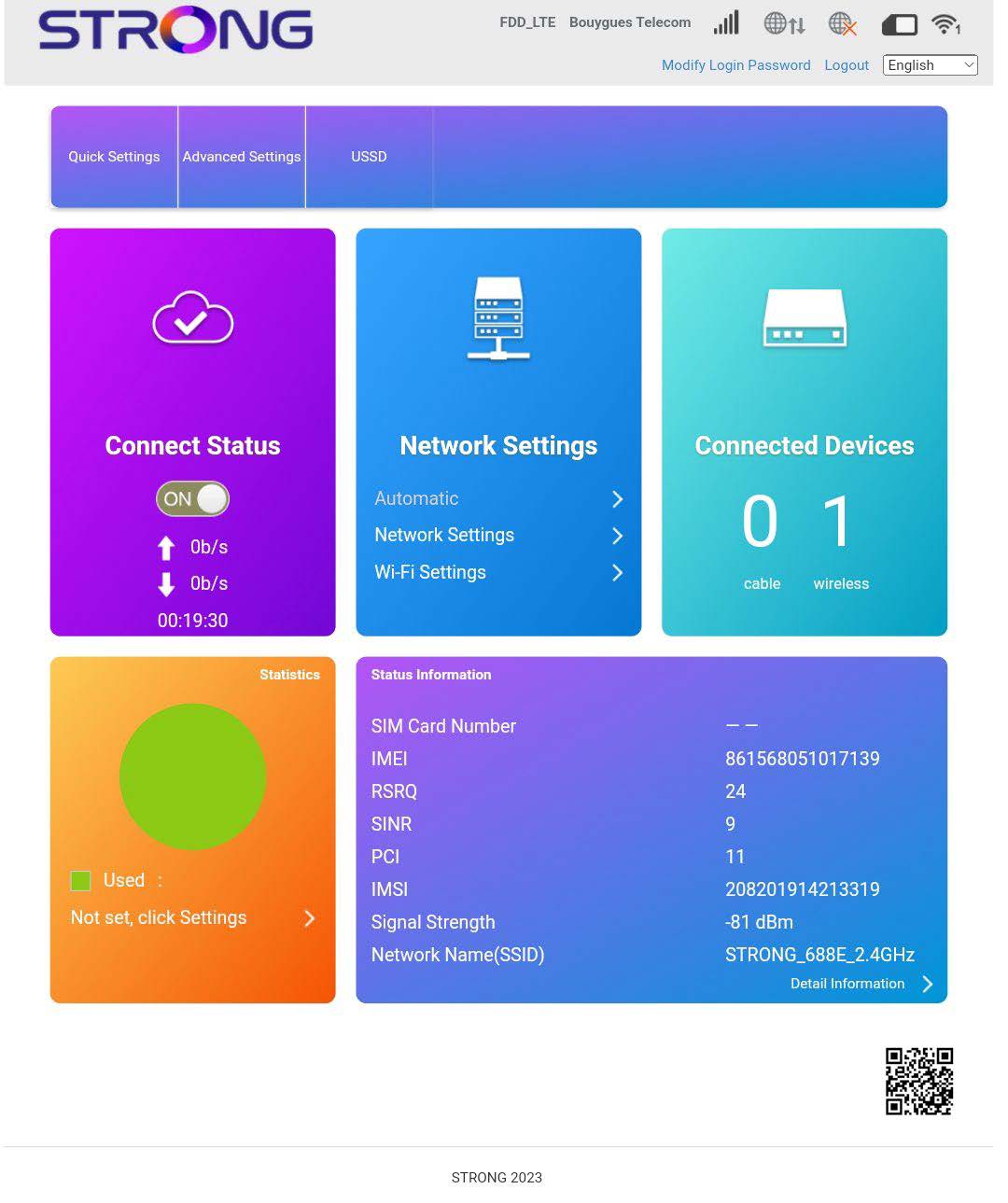
När du är inne i webbgränssnittet kan du se att flera olika statusar kan visas bredvid raden för SIM-kortets status:
• Inget SIM-kort eller ogiltigt SIM-kort: SIM-kortet är isatt och har identifierats, men fungerar inte på grund av PIN-koden.  SIM-kortet är inte korrekt isatt i enheten, eller så finns inget SIM-kort i kortplatsen.

Normalt: SIM-kortet är korrekt isatt i enheten och olåst. Du ser startsidan i webbgränssnittet.