
Wi-Fi 4G+ AIRSPOT 510
Нічого не знайдено.
Нічого не знайдено.
Усі питання
Wi-Fi 4G+ AIRSPOT 510
Нічого не знайдено.
Нічого не знайдено.
Як отримати доступ до веб-інтерфейсу користувача?
Щоб отримати доступ до веб-інтерфейсу, необхідно підключитися до мережі Wi-Fi вашого пристрою «4G PORTABLE HOTSPOT 900 WITH A DISPLAY» після встановлення SIM-картки в слот.
1. Підключітьсядо мережі Wi-Fi « маршрутизатор»
Для цього введіть на своєму пристрої SSID (ім’я мережі Wi-Fi) та пароль Wi-Fi пристрою « маршрутизатор ».

2. Увійтиу веб-інтерфейс
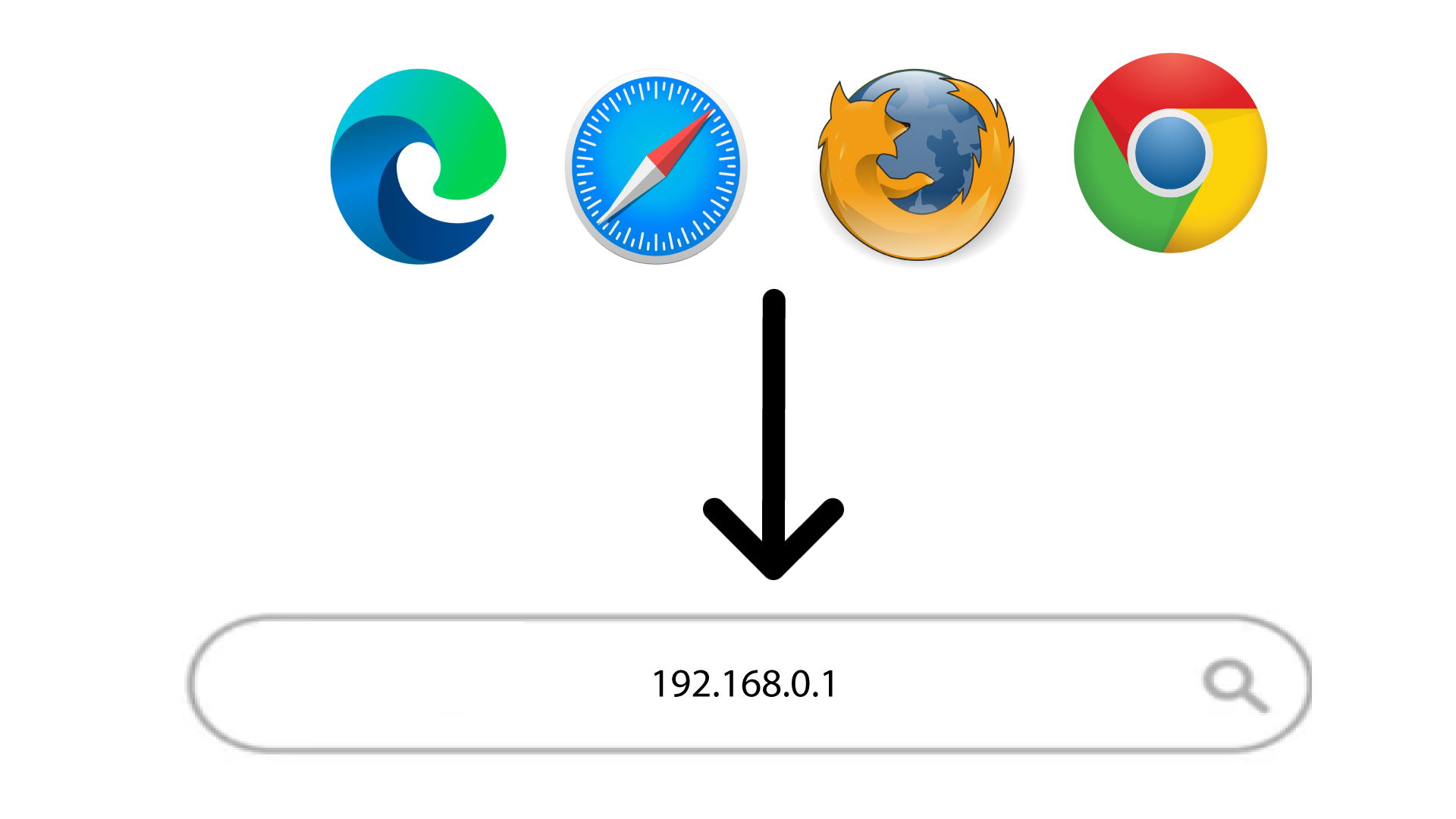
Потім введіть у браузері таку IP-адресу: 168.0.1
3. Увійдітьу веб-інтерфейс
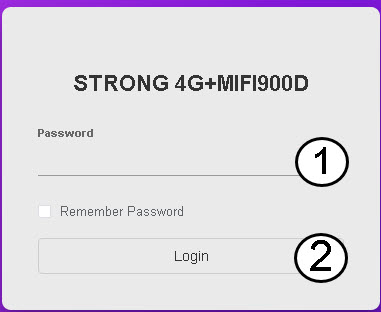
Після переходу на сторінку з вказаною IP-адресою вам потрібно ввести пароль, а потім натиснути кнопку «Увійти».
ПОДКАЗКА: Щоб відобразити свій пароль, натисніть на значок у вигляді ока.