Wi-Fi 4G+ AIRSPOT 510
Нічого не знайдено.
Нічого не знайдено.
Усі питання
Wi-Fi 4G+ AIRSPOT 510
Нічого не знайдено.
Нічого не знайдено.
Як оновити прошивку пристрою?
У веб-інтерфейсі можна виконати автоматичне оновлення або оновлення вручну.
Випадок 1: Автоматичне оновлення
1. Увійтиу веб-інтерфейс
Щоб отримати доступ до веб-інтерфейсу, виконайте наведені нижче дії: Як отримати доступ до веб-інтерфейсу?
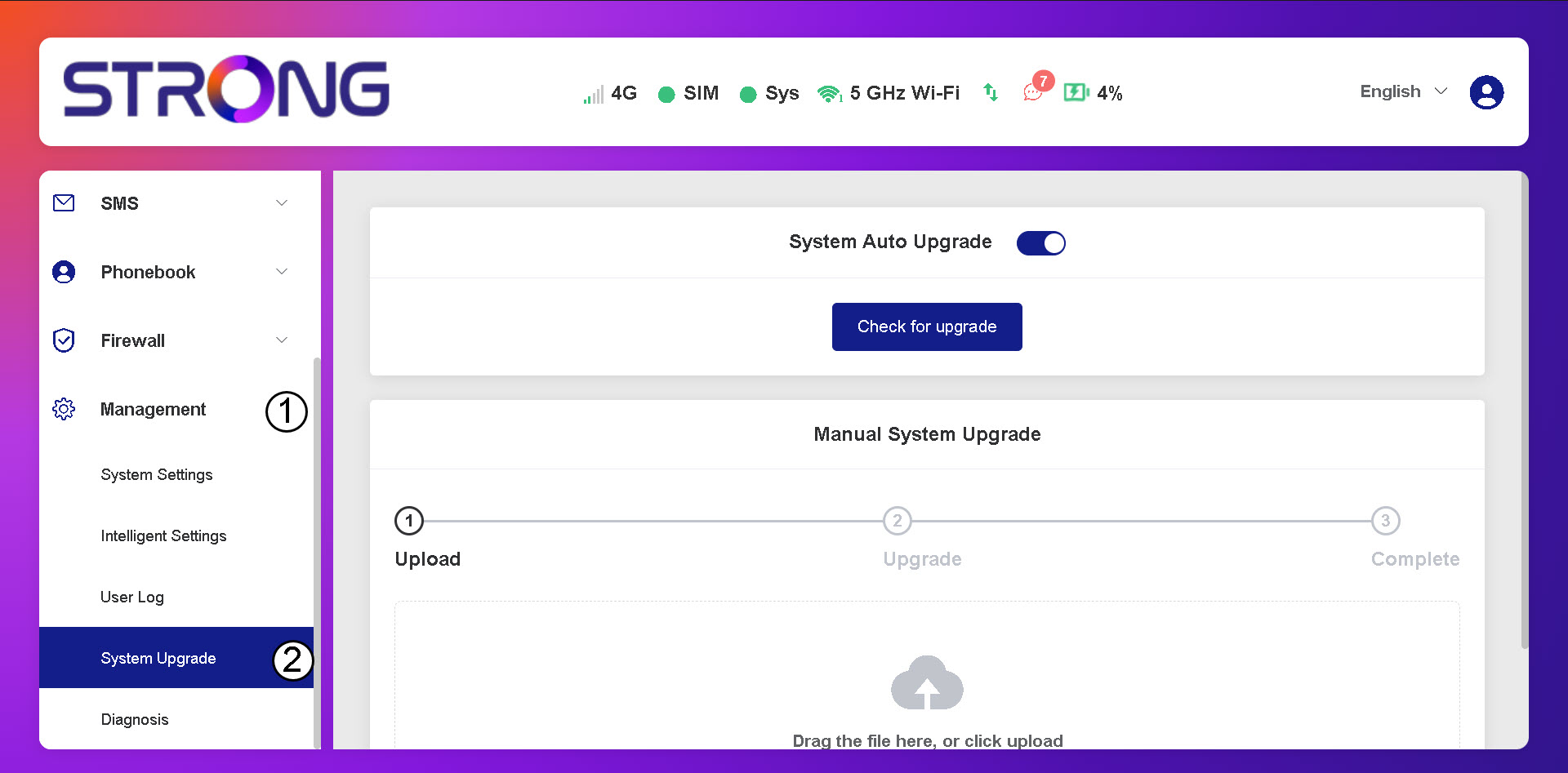
2. Відкритиналаштування оновлення системи
Натисніть «Управління та оновлення системи».
3. Перевірканаявності автоматичних оновлень
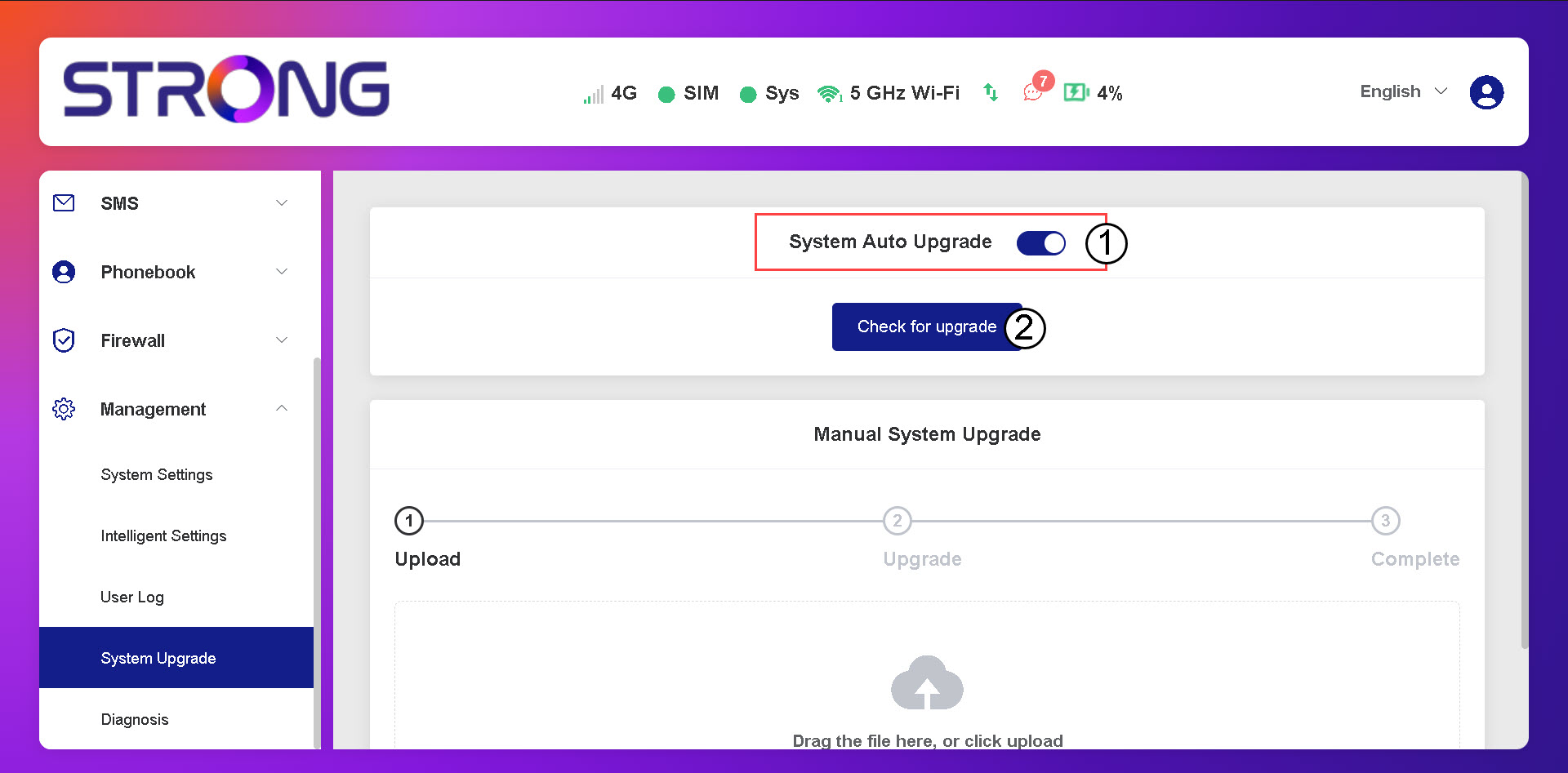
Перевірте, чи увімкнено перемикач «Автоматичне оновлення системи», і натисніть кнопку «Перевірити наявність оновлень».
4. Дочекайтесяперевірки наявності оновлень
Зачекайте, поки система перевірить наявність оновлення; якщо воно є, система запропонує вам завантажити його.

5. Перевіритистан системи
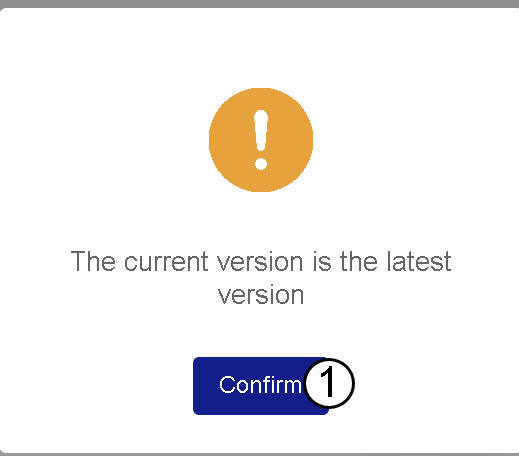
Якщо на вашому пристрої встановлено найновішу версію, з’явиться таке повідомлення.