
Нічого не знайдено.
Нічого не знайдено.
2K+ КАМЕРА SMART HOME
Усі питання
Нічого не знайдено.
Нічого не знайдено.
2K+ КАМЕРА SMART HOME
Як виконати повне скидання налаштувань на моїй камері (без використання додатка)
Якщо ви не можете скористатися додатком, ви можете скинути налаштування камери за допомогою кнопки на самому пристрої.
Для цього потрібно виконати наведені нижче дії.
1. Знайдітькнопку «Скинути»
Поверніть об'єктив камери, щоб знайти кнопку скидання.
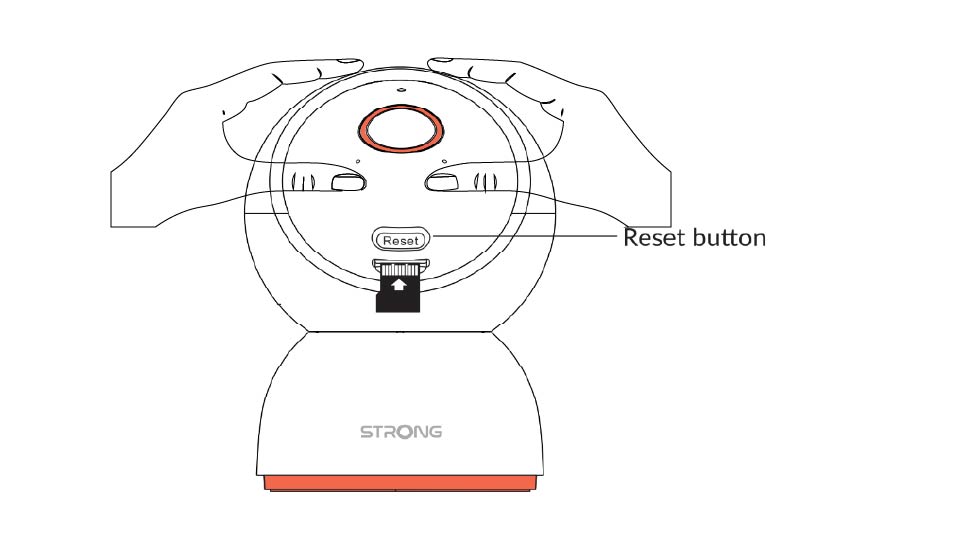
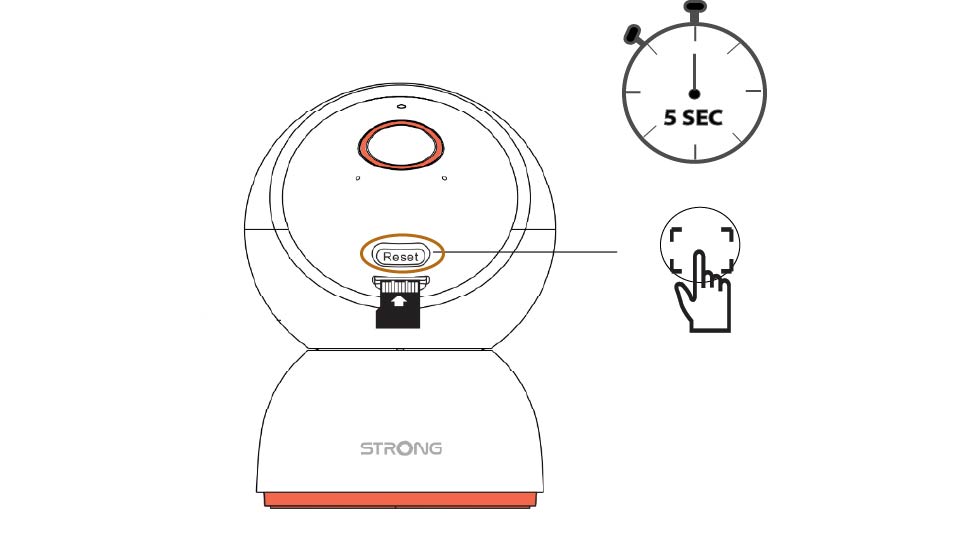
2. Натиснітькнопку «Скидання»
Натисніть і утримуйте кнопку протягом 5 секунд.
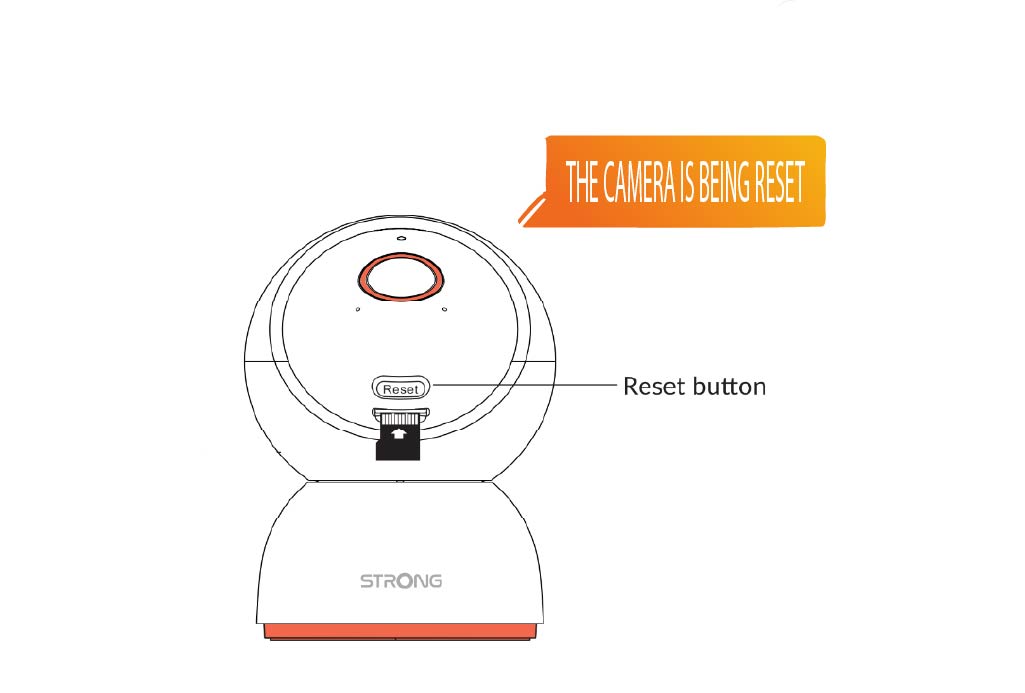
3. Дочекайтесяповідомлення про скидання
Після виконання цього кроку ви почуєте: «Камера перезавантажується». Після цього камера автоматично перезапуститься.
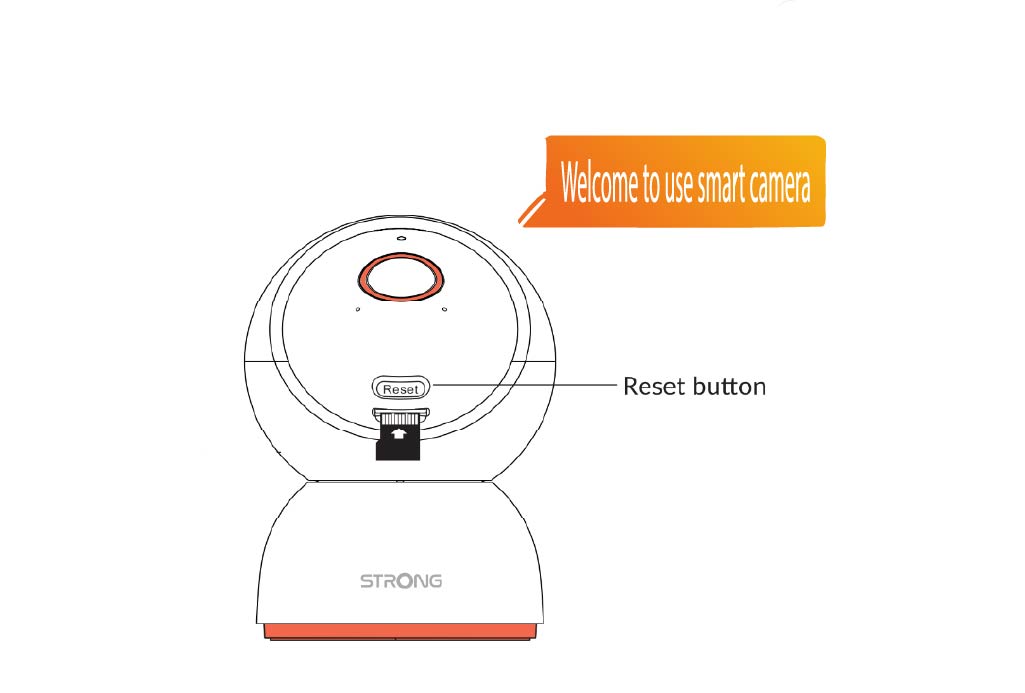
4. Вітальнеслово
Коли все буде готово, з’явиться напис: «Ласкаво просимо до використання смарт-камери».
ПОДКАЗКА: Після завершення скидання налаштувань відкрийте додаток і додайте камеру знову.