2K+ КАМЕРА SMART HOME
Усі питання
2K+ КАМЕРА SMART HOME
Як налаштувати функцію розпізнавання домашніх тварин?
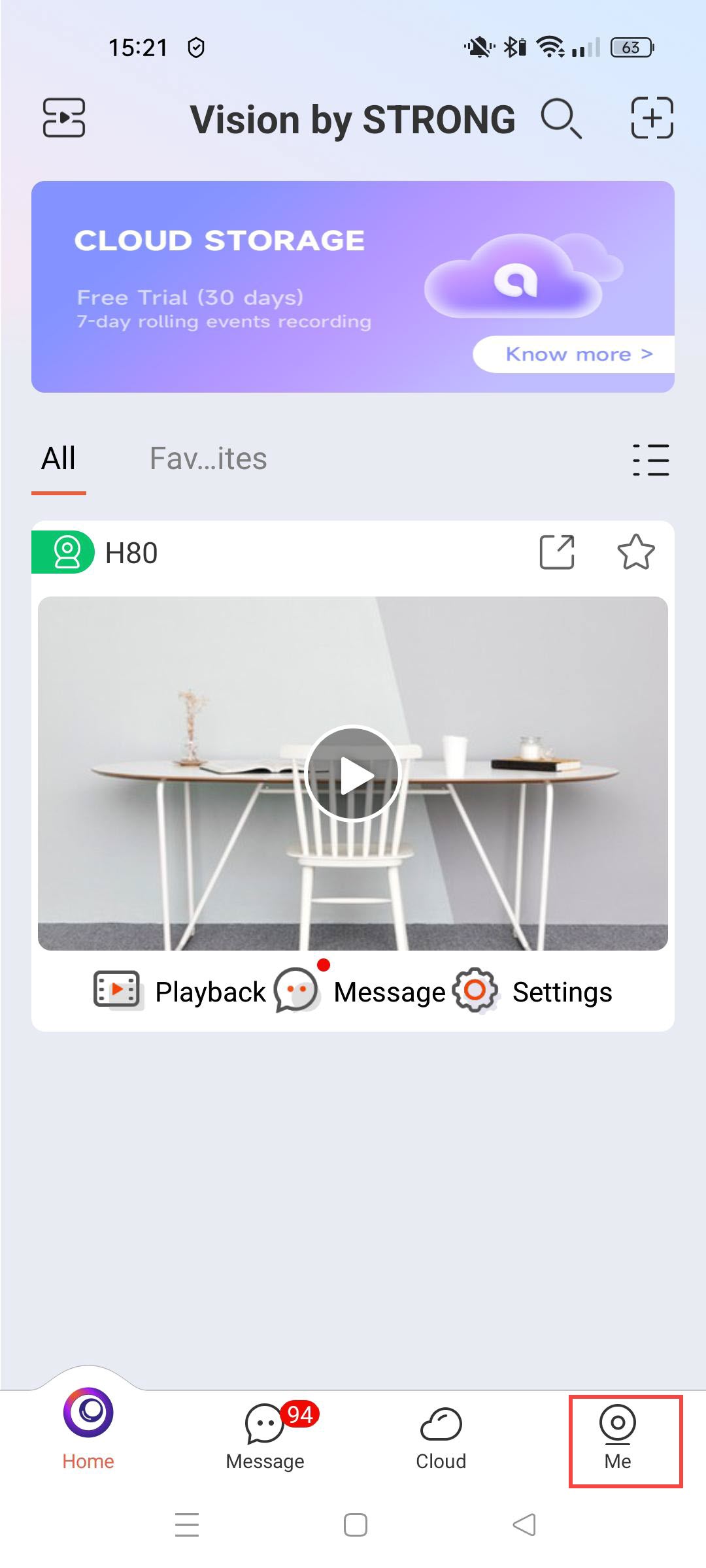
1. Відкритиналаштування камери
Натисніть «Налаштування».
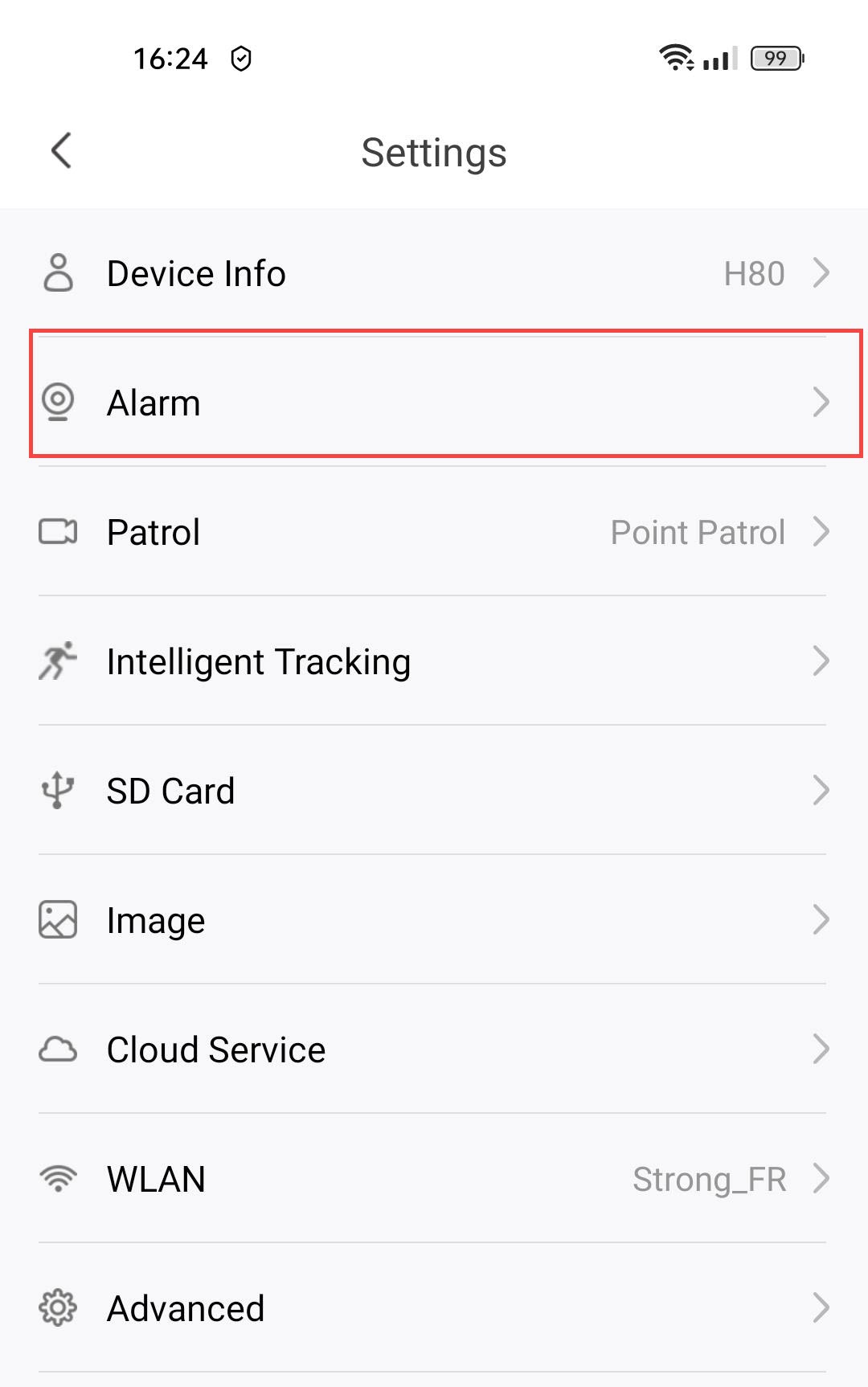
2. Відкритиналаштування сигналізації
Виберіть пункт «Сигналізація».
3Увімкнутифункцію виявлення домашніх тварин
Натисніть перемикач «Виявлення домашніх тварин ».
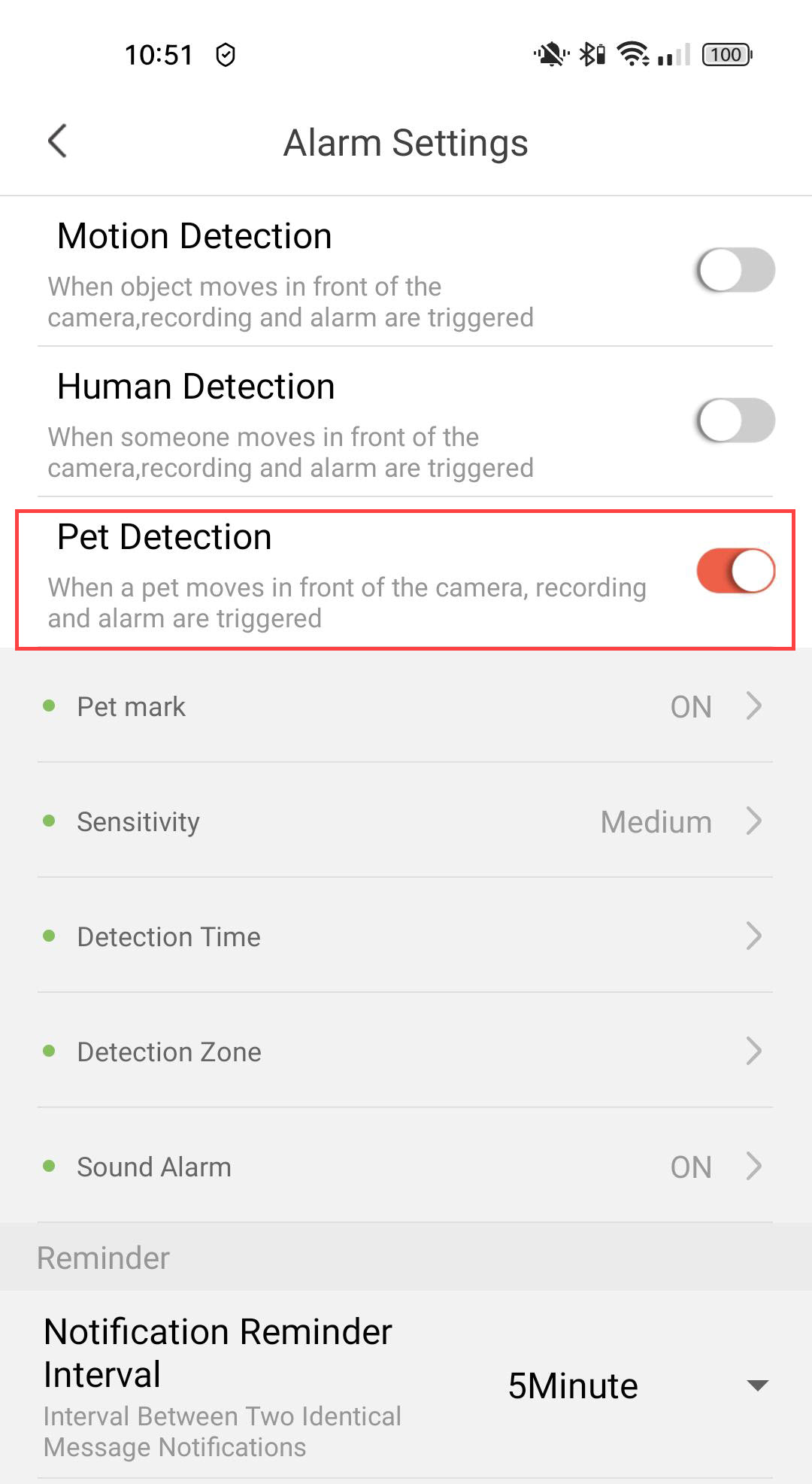
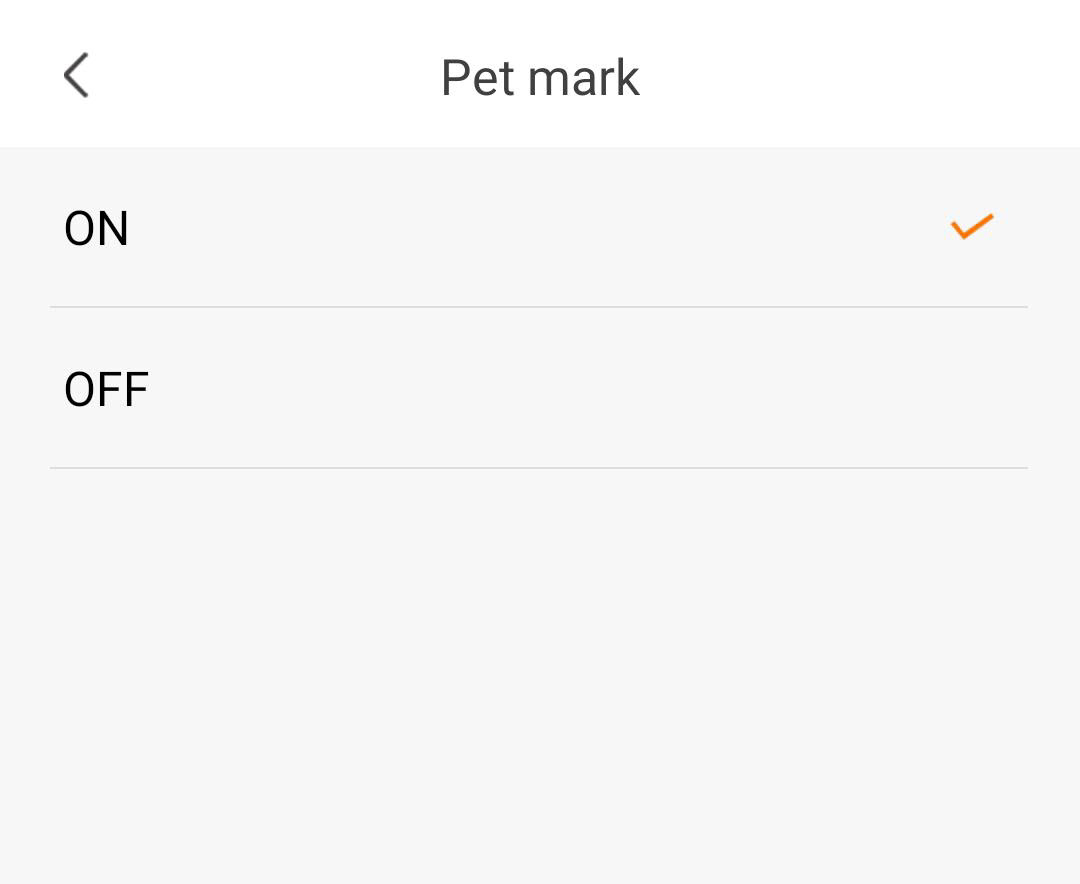
4Увімкнутимітку для домашніх тварин
Виберіть «Позначка домашнього улюбленця»: (увімкнути позначення домашнього улюбленця).
5. Налаштуваннячутливості виявлення
Виберіть рівень чутливості (виберіть один із рівнів — низький, середній або високий — для підвищення точності виявлення).

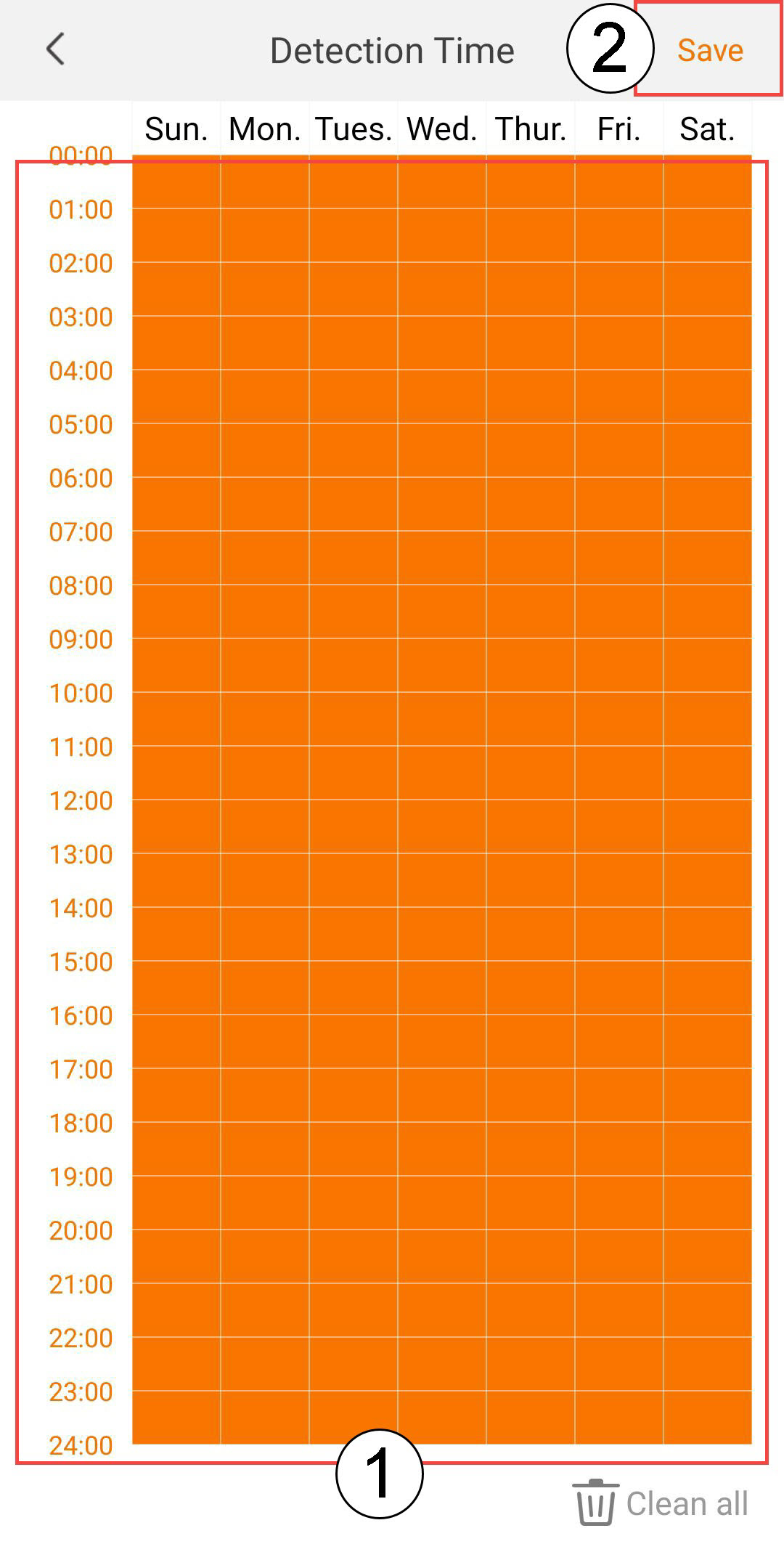
6. Налаштуваннячасу виявлення
Виберіть час спрацьовування (виберіть дні та час, коли має спрацьовувати сигнал тривоги у разі виявлення людини, а потім натисніть «Зберегти»).
7. Визначтезону виявлення
Вибрати зону виявлення: (створіть зону виявлення на сітці та натисніть «Зберегти». Сигнал тривоги спрацює, якщо в цій зоні буде виявлено людину).

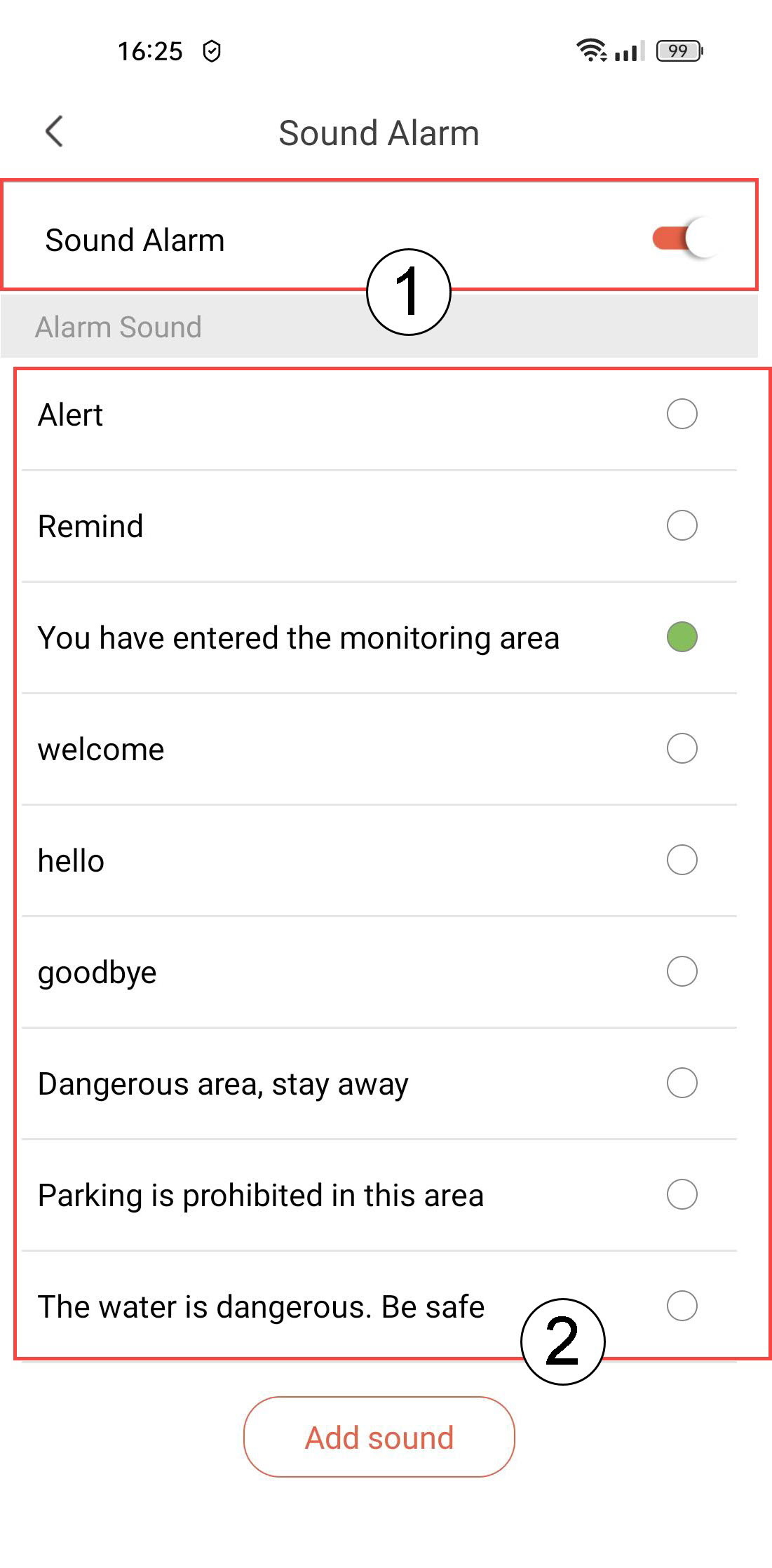
8Увімкнутизвукову сигналізацію
Виберіть «Звуковий сигнал» (натисніть перемикач, щоб увімкнути сигнал, і виберіть звук зі списку).
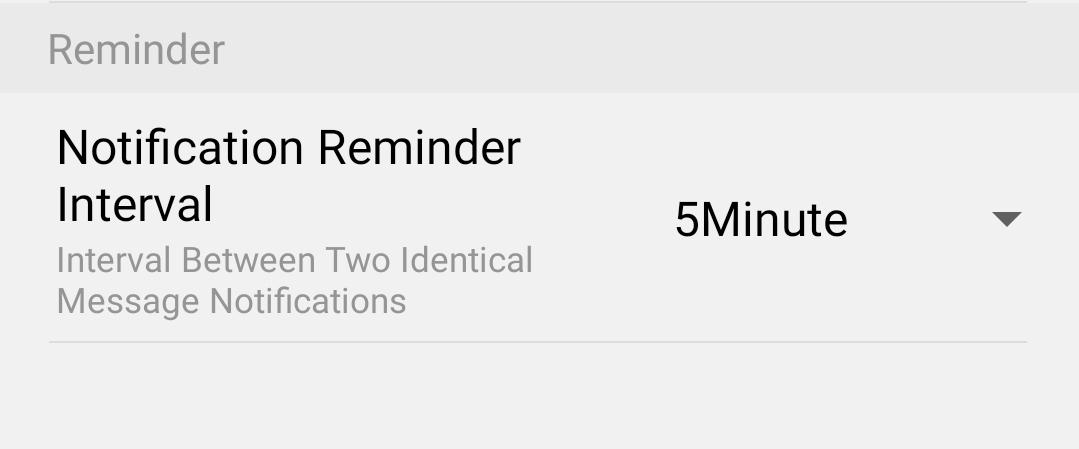
9. Встановитиінтервал нагадування
Виберіть «Нагадування» (встановіть інтервал сповіщень між двома однаковими подіями. Необхідно вибрати значення в діапазоні від 30 секунд до 30 хвилин).