5G AIRHOME 1050 | Wi-Fi 6
Не са намерени никакви елементи.
Не са намерени никакви елементи.
Всички въпроси
5G AIRHOME 1050 | Wi-Fi 6
Не са намерени никакви елементи.
Не са намерени никакви елементи.
Как да променя паролата за администратора?

Предупреждение: моля, имайте предвид, че не е възможно да промените потребителското име на администратора. Можете да промените само паролата.
1Свържете сес устройството
За да актуализирате паролата за администратор, трябва да се свържете с Wi-Fi мрежата на вашето устройство.

2. Достъпдо уеб интерфейса
След това въведете следния IP адрес: 168.0.1 в браузъра си.

3Вход
Трябва да въведете потребителското име и паролата. След това кликнете върху „Вход“.

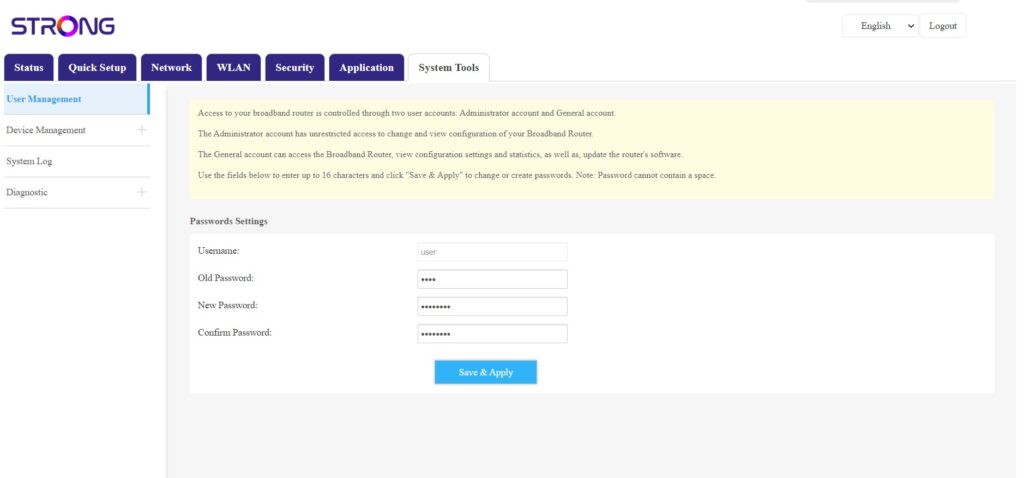
4. Управление на потребителите
След като направите това, кликнете върху „Системни инструменти“ и „Управление на потребителите“
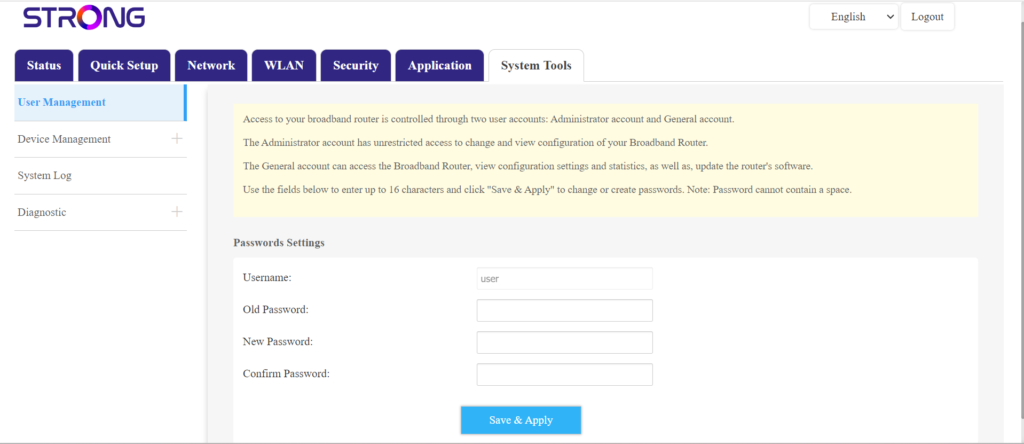
5. Промянана паролата
Въведете следната информация в полетата, преди да кликнете върху „Запази и приложи“:
- Стара парола: Въведете текущата парола, която сте използвали за влизане в уеб интерфейса.
- Нова парола: Въведете нова парола, за да се свържете с уеб интерфейса.
- Потвърждение на паролата: Въведете същата парола, както в полето „Нова парола“.