5G AIRHOME 1050 | Wi-Fi 6
Всички въпроси
5G AIRHOME 1050 | Wi-Fi 6
Как да въведа PIN кода на SIM картата си?
За да въведете PIN кода на SIM картата си, трябва да се свържете с уеб интерфейса.
1. Свържете сес Wi-Fi мрежата на рутера си
За да направите това, въведете SSID (името на Wi-Fi мрежата) и паролата за Wi-Fi на рутера във вашето устройство:

2. Прегледна IP адреса на уеб интерфейса
След това въведете следния IP адрес в браузъра си: 192.168.0.1

3Страница за вход
Трябва да въведете потребителското име и паролата ( информацията е посочена на етикета на продукта, намиращ се отдолу; моля, запишете новата администраторска парола, която сте задали след първото си влизане). След това кликнете върху „Вход“.

4Въведетеданните си за вход
Когато се свържете с уеб интерфейса за първи път, ще видите предупредително съобщение, което ви приканва да въведете ПИН кода, като кликнете върху бутона за свързване.
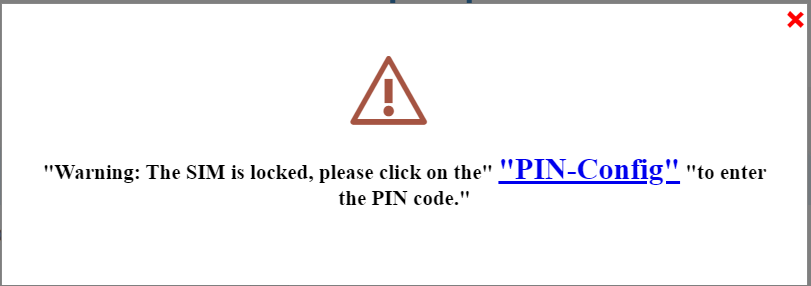
5ВъведетеПИН-кода си
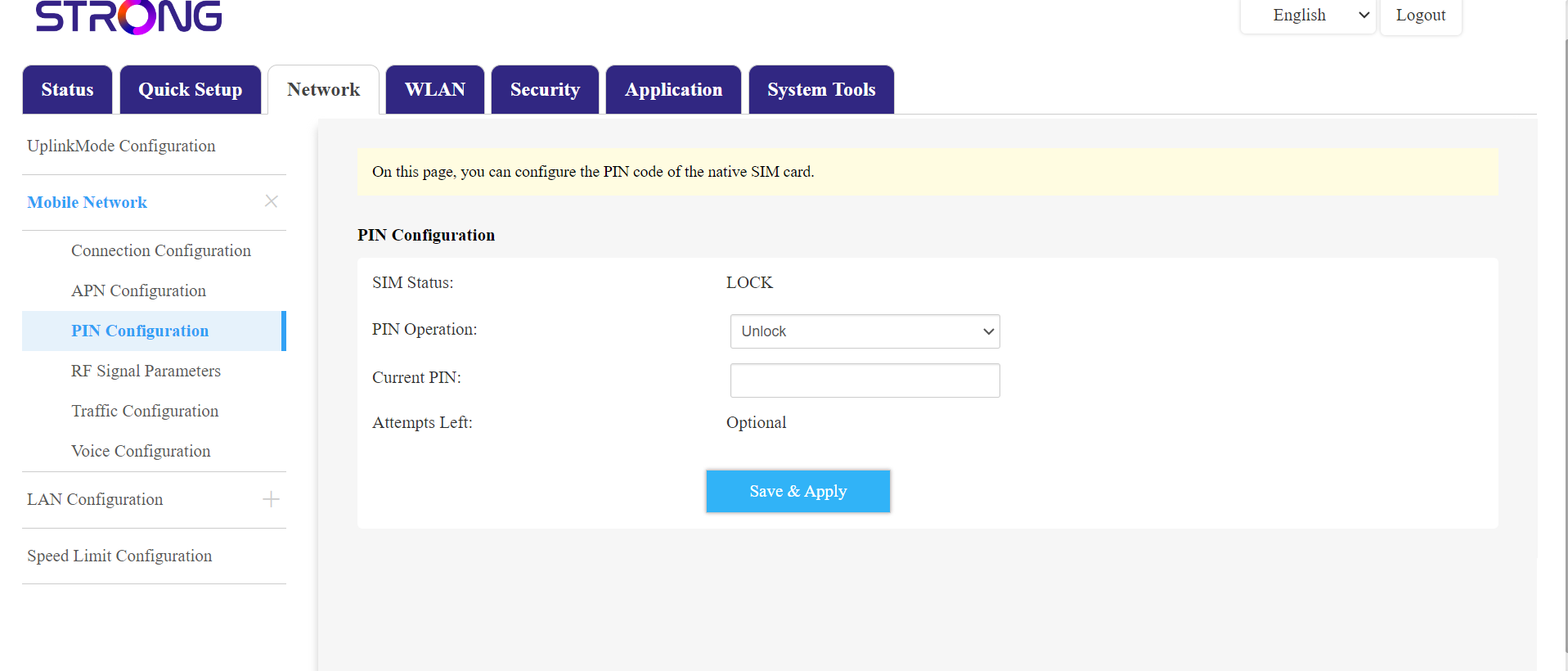
След това отидете в менюто „Мрежа“ в горната лента, след това в раздела „Мобилна мрежа“ и натиснете „Конфигурация на ПИН-кода“.
Въведете ПИН-кода си в полето и натиснете „Изпрати“.
6SIM-картата е отключена
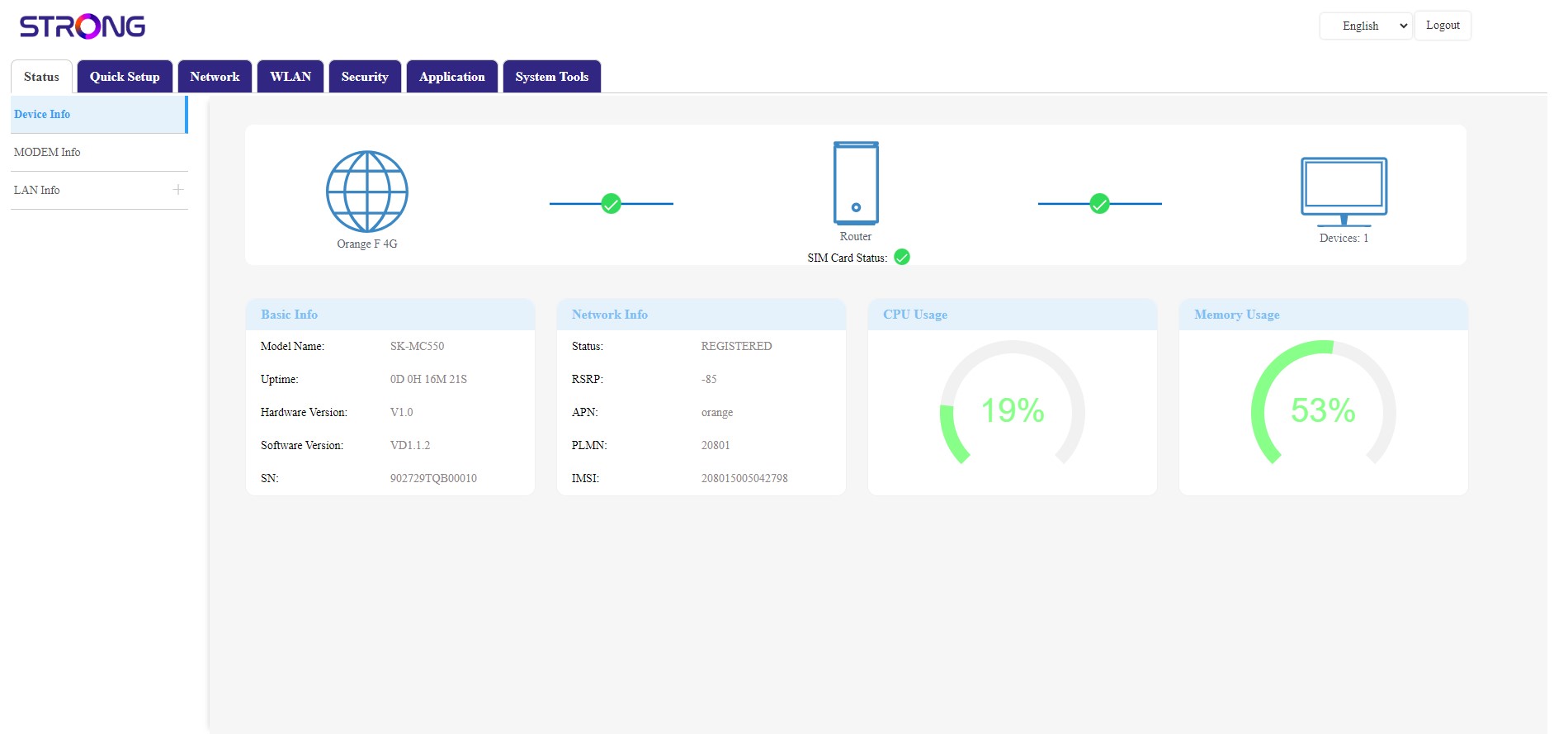
SIM-картата е отключена и иконата ѝ вече свети в зелено, а до нея се показва името на мрежата.