
4G+ AIRSPOT 510 WLAN-Hotspot
Keine Artikel gefunden.
Keine Artikel gefunden.
Alle Fragen
4G+ AIRSPOT 510 WLAN-Hotspot
Keine Artikel gefunden.
Keine Artikel gefunden.
Wie schalte ich das Gerät ein und aus?
Um das Gerät ein- oder auszuschalten, drücken Sie den Ein-/Aus-Schalter 5 Sekunden lang. Der Ein-/Aus-Schalter befindet sich auf der rechten Seite des Geräts.
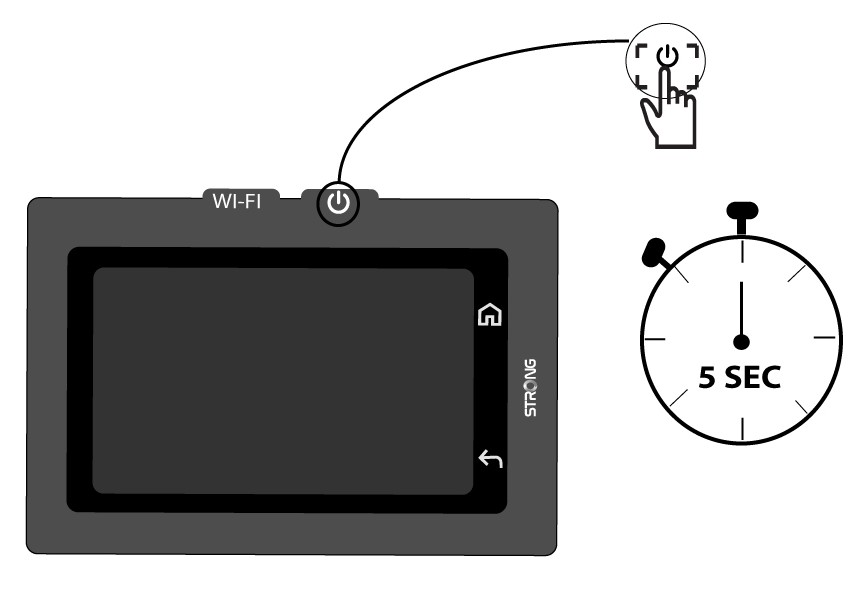

Warnung: Bitte stellen Sie sicher, dass der Akku des Geräts aufgeladen ist, bevor Sie das Gerät einschalten. Alternativ können Sie das USB-C-Kabel an ein Netzteil anschließen, um Ihr Gerät aufzuladen.