5G AIRHOME 1050 | Wi-Fi 6
Nem találtunk tárgyakat.
Nem találtunk tárgyakat.
Minden kérdés
5G AIRHOME 1050 | Wi-Fi 6
Nem találtunk tárgyakat.
Nem találtunk tárgyakat.
Hogyan csatlakoztathatom az eszközeimet a WPS segítségével?

A WPS funkció segítségével beállíthatja a Wi-Fi-kapcsolatot például az útválasztója és a számítógépei, okostelefonjai és/vagy a nyomtatója között.
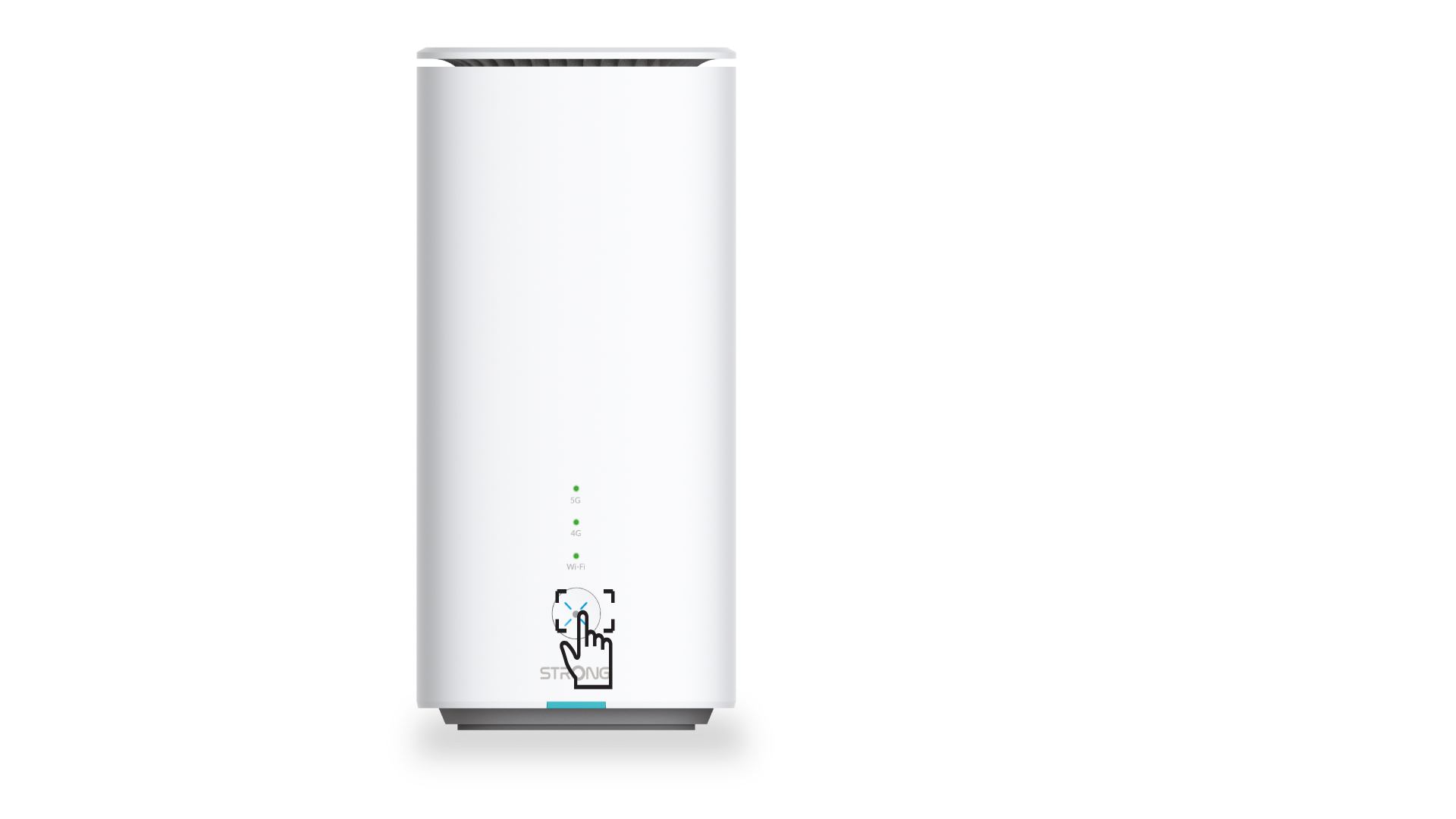
1. Nyomja mega WPS gombot
Nyomja meg az útválasztó elülső oldalán található WPS gombot, hogy az otthonában található bármely kompatibilis eszköz automatikusan csatlakozhasson az útválasztó Wi-Fi-hálózatához.
2. Válassza kiaz útválasztó Wi-Fi-hálózatát
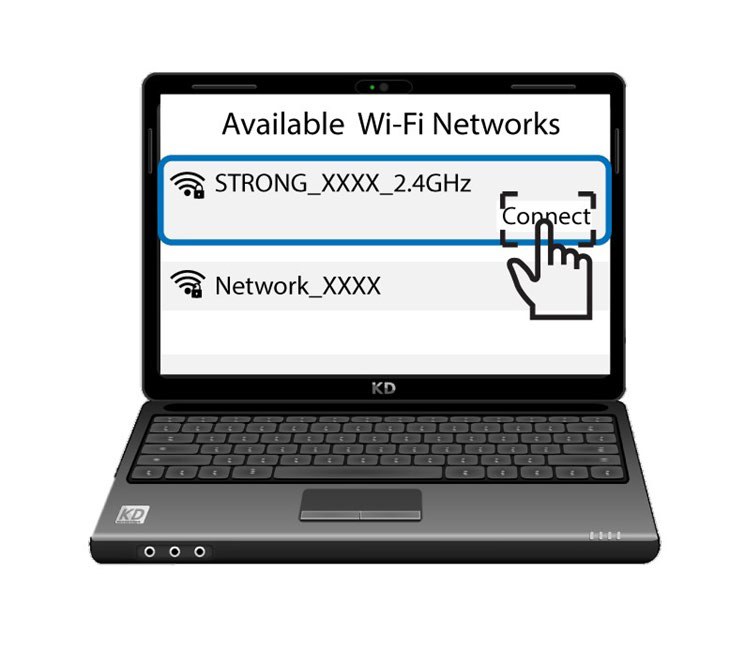
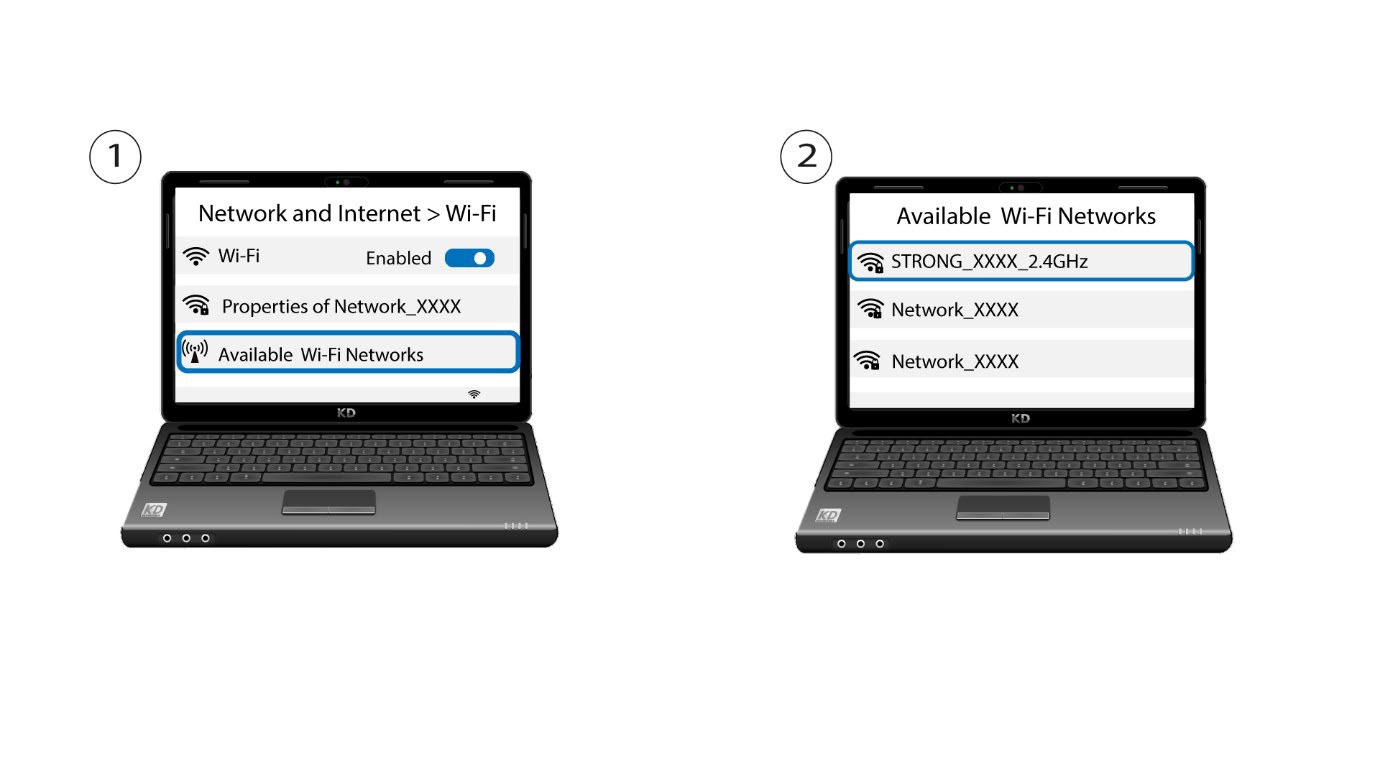
Nyissa meg a számítógép vagy a telefon Wi-Fi-beállításait, majd kattintson az útválasztó nevére a kiválasztásához.
3. Csatlakozza Wi-Fi-hez
Ezután kattintson a „Csatlakozás” gombra