ATRIA Wi-Fi 6 Mesh System 3000 (2-pakning)
Ingen gjenstander funnet.
Ingen gjenstander funnet.
Alle spørsmål
ATRIA Wi-Fi 6 Mesh System 3000 (2-pakning)
Ingen gjenstander funnet.
Ingen gjenstander funnet.
Hvordan bruker jeg WPS-funksjonen?

Advarsel : Du kan bruke WPS-funksjonen til å konfigurere Wi-Fi-forbindelsen mellom ruteren og datamaskinene, smarttelefonene og/eller skriveren, for eksempel.
Det er veldig enkelt å aktivere WPS på ruteren din.
1 Mesh
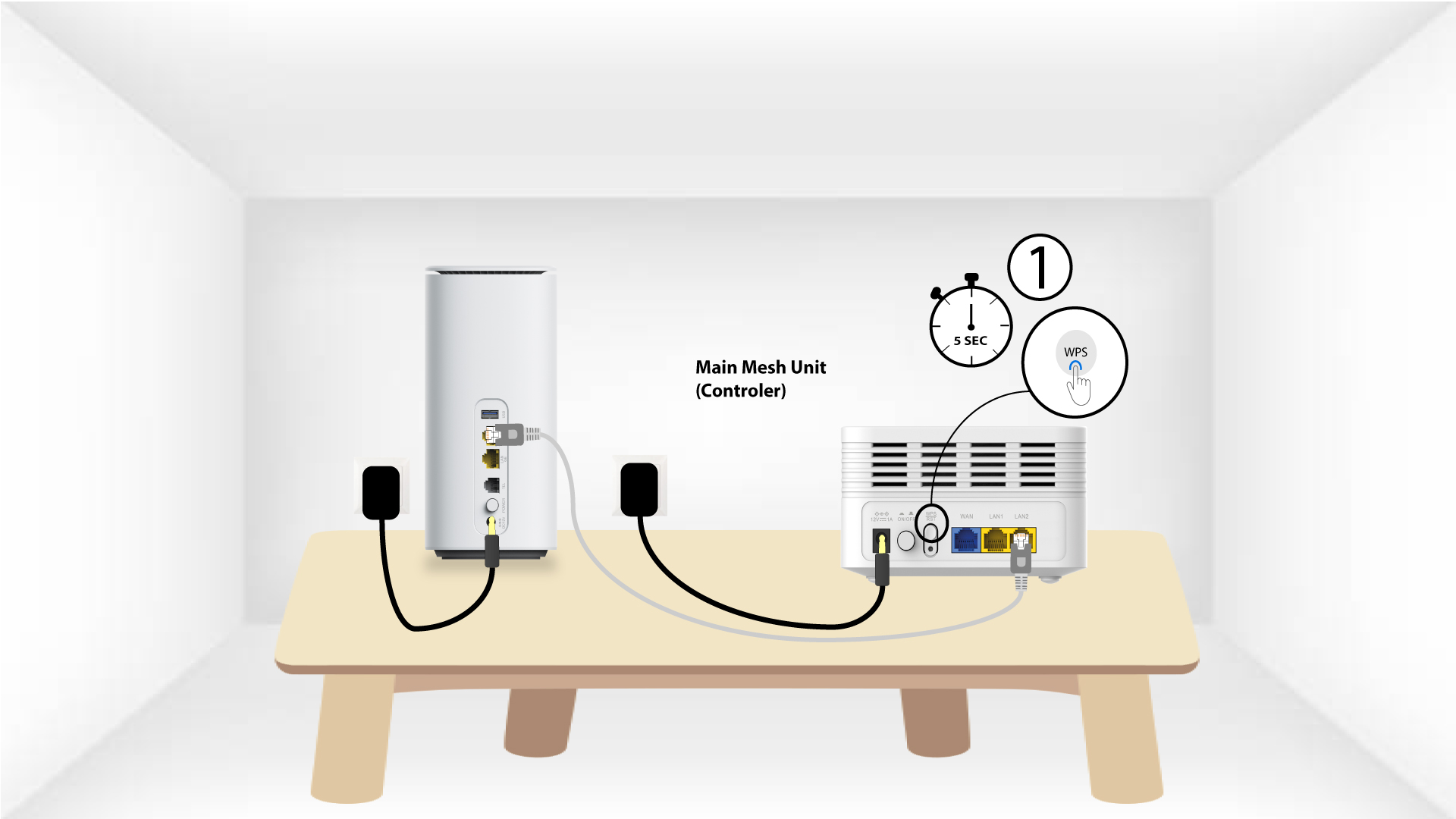
For å gjøre dette, trykk på WPS-knappen i 5 sekunder på Mesh enhet som er koblet til din Mesh Nettverk.
2 Nettverksvalg
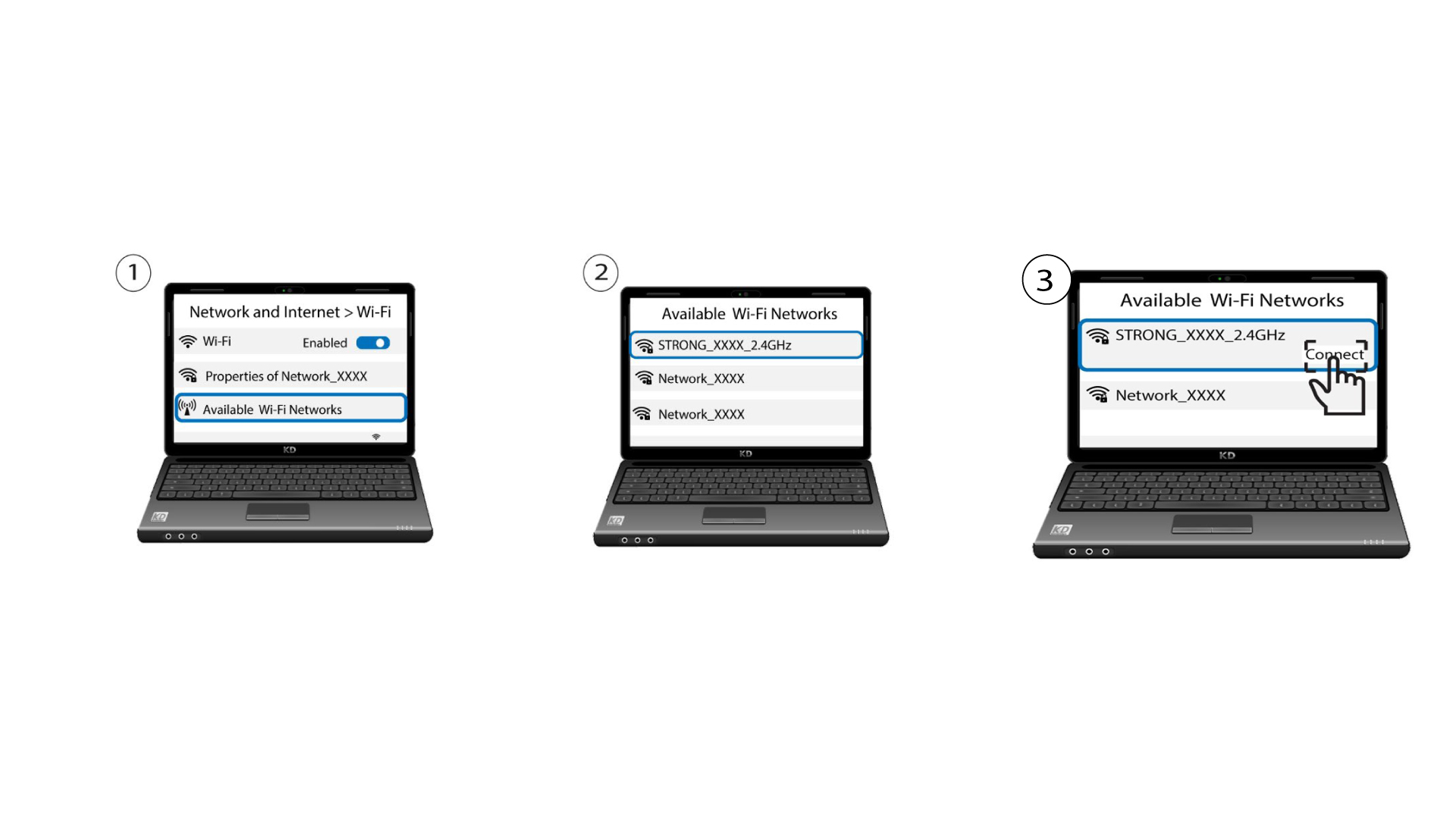
Gå nå til nettverksvalget for enheten din (telefon, datamaskin, skriver osv.), og den nye enheten som er lagt til nettverket, skal vises, og du kan nå koble til nettverket.