ATRIA Wi-Fi 6 Mesh System 3000 (2-pakning)
Alle spørsmål
ATRIA Wi-Fi 6 Mesh System 3000 (2-pakning)
Hva kan jeg gjøre i nettgrensesnittet?
1 Koble til enhetens Wi-Fi
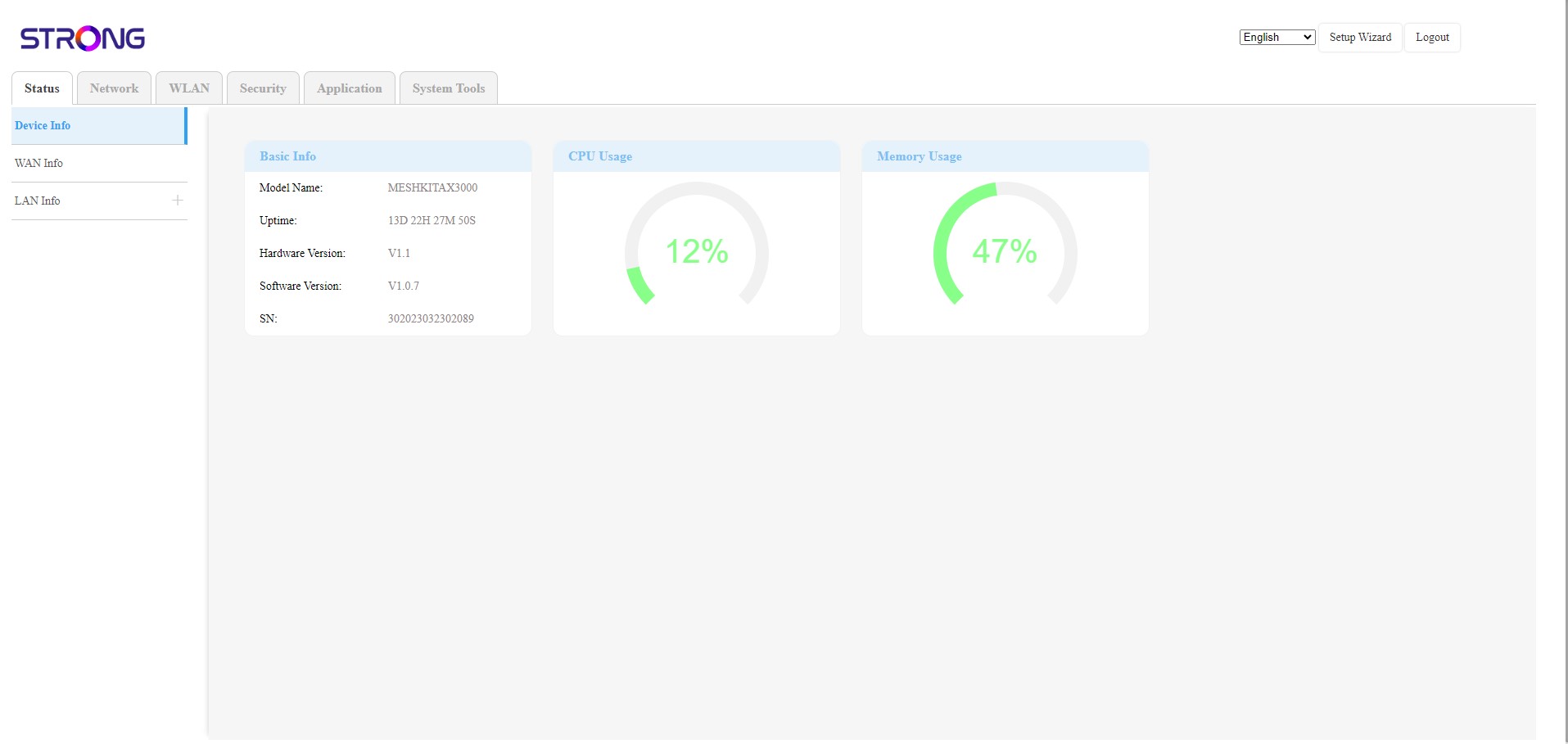
Nettgrensesnittet er delt inn i 6 seksjoner:
• Status : Der du finner all informasjon om Mesh enhet og nettverk.
• Nettverk : der du kan konfigurere WAN, LAN-innstillingene (IPv4/IPv6) og sette en hastighetsgrense.
• WLAN : der du velger mellom 2,4G og 5G-nettverk, konfigurerer flere SSID-er og WPS, administrerer internettilgangen til de forskjellige MAC-adressene, endrer SSID-en og Wi-Fi-passordene og konfigurerer et Mesh .
• Sikkerhet : der du kan sette opp en brannmur, DoS-innstillinger, URL/MAC-filtre, IP-filtre, foreldrekontroll/tjenestekontroll og planlegge Mesh Nettverksaktivering.
• Applikasjon : der du kan konfigurere NAT-innstillingene (ALG, DMZ, portvideresending), VPN, SNTP (tidssone), VPN, dynamisk DNS, UPnP og få tilgang til IPTV-konfigurasjonen.
• Systemverktøy : der du kan endre påloggingsinformasjonen, starte enheten på nytt, oppdatere fastvaren, lagre og gjenopprette en sikkerhetskopi, tilbakestille til fabrikkinnstillinger, administrere LED-lampene, få tilgang til loggene og starte diagnostikk.