
Mobilne Wi-Fi 4G+ AIRSPOT 510
Nie znaleziono żadnych elementów.
Nie znaleziono żadnych elementów.
Wszystkie pytania
Mobilne Wi-Fi 4G+ AIRSPOT 510
Nie znaleziono żadnych elementów.
Nie znaleziono żadnych elementów.
Jak uzyskać dostęp do interfejsu użytkownika w sieci WWW?
Aby uzyskać dostęp do interfejsu użytkownika, należy połączyć się z siecią Wi-Fi urządzenia 4G PORTABLE HOTSPOT 900 WITH A DISPLAY po umieszczeniu karty SIM w gnieździe.
1. Połącz sięz siecią Wi-Fi routera
W tym celu wprowadź w swoim urządzeniu identyfikator SSID (nazwę sieci Wi-Fi) oraz hasło do sieci Wi-Fi routera.

2. Uzyskaj dostępdo interfejsu internetowego
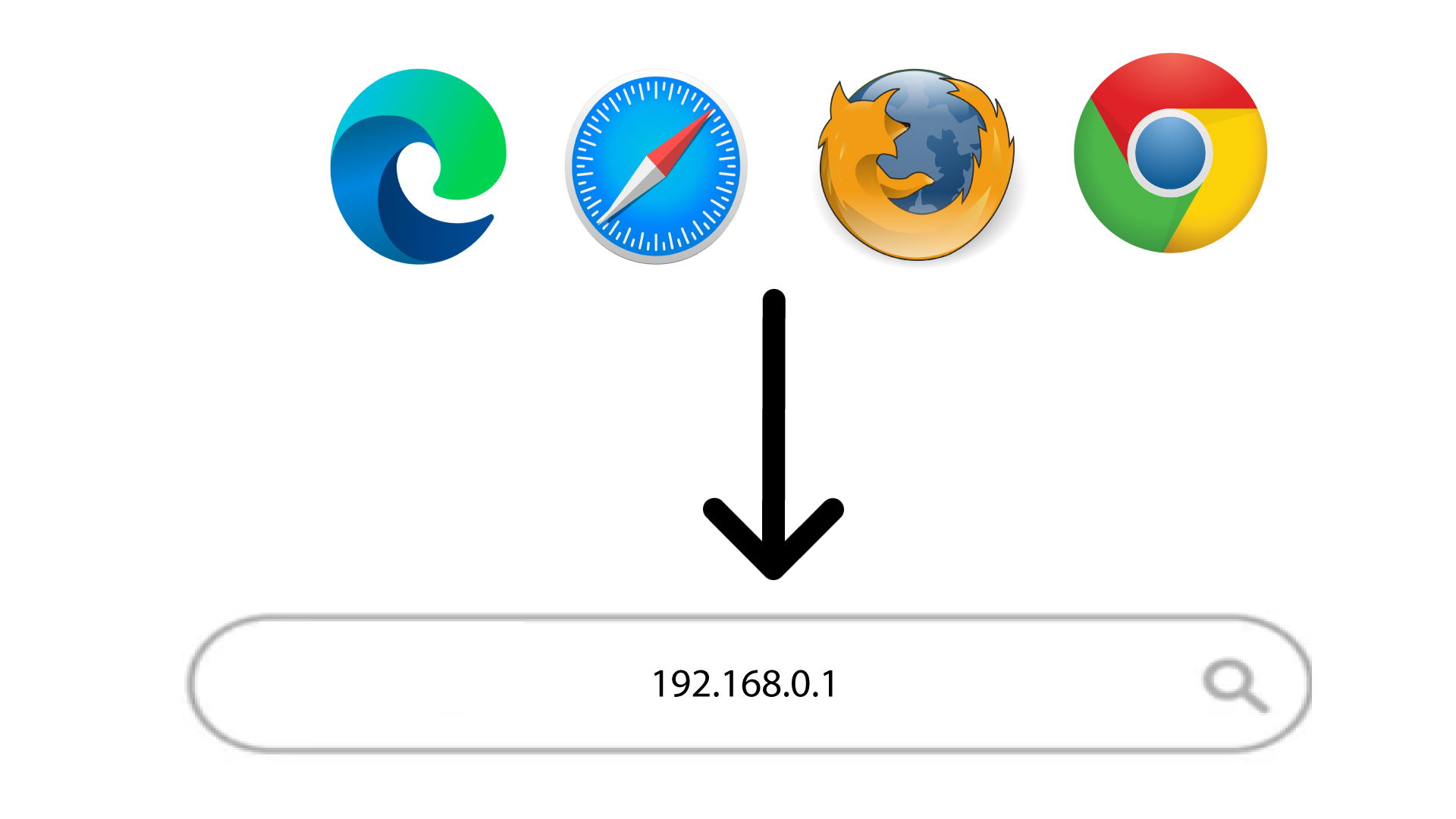
Następnie wpisz w przeglądarce następujący adres IP: 168.0.1
3. Zalogujsię do interfejsu użytkownika (Web UI)
Po przejściu na stronę o podanym adresie IP należy wprowadzić hasło, a następnie kliknąć przycisk „Zaloguj się”.
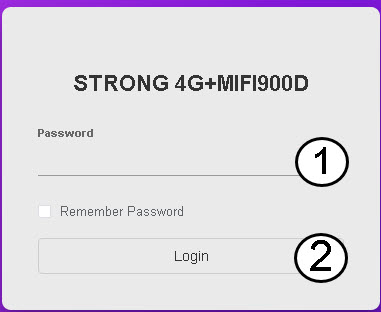
WSKAZÓWKA: Aby wyświetlić hasło, kliknij ikonę oka.