Mobilne Wi-Fi 4G+ AIRSPOT 510
Nie znaleziono żadnych elementów.
Nie znaleziono żadnych elementów.
Wszystkie pytania
Mobilne Wi-Fi 4G+ AIRSPOT 510
Nie znaleziono żadnych elementów.
Nie znaleziono żadnych elementów.
Jak zaktualizować oprogramowanie sprzętowe urządzenia?
W interfejsie użytkownika można przeprowadzić aktualizację automatyczną lub ręczną.
Przypadek 1: Automatyczna aktualizacja
1. Wejdźdo interfejsu internetowego
Aby uzyskać dostęp do interfejsu użytkownika, postępuj zgodnie z poniższą procedurą: Jak uzyskać dostęp do interfejsu użytkownika?
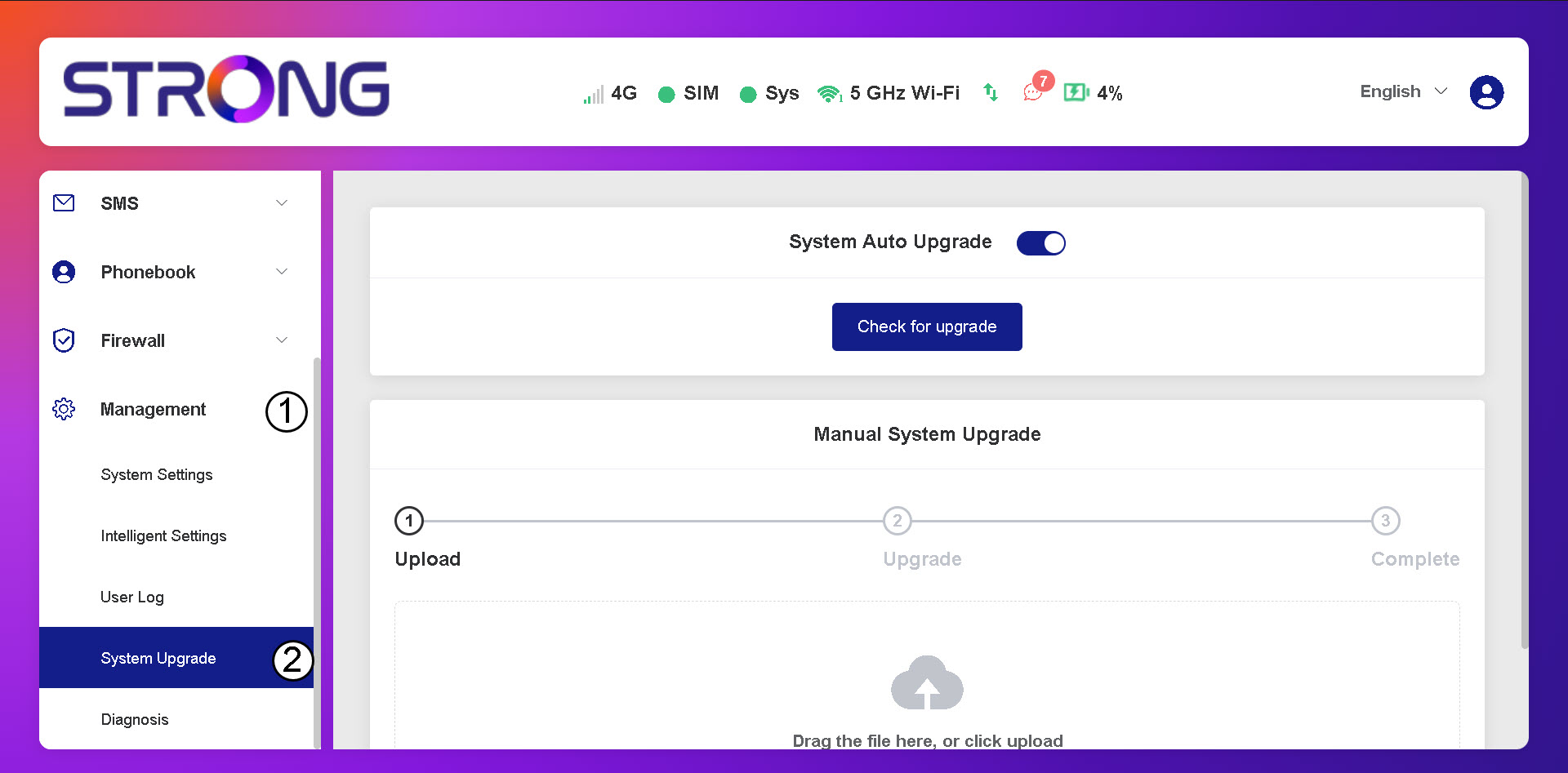
2. Otwórzustawienia aktualizacji systemu
Kliknij opcję „Zarządzanie i aktualizacja systemu”.
3. Sprawdźdostępność automatycznych aktualizacji
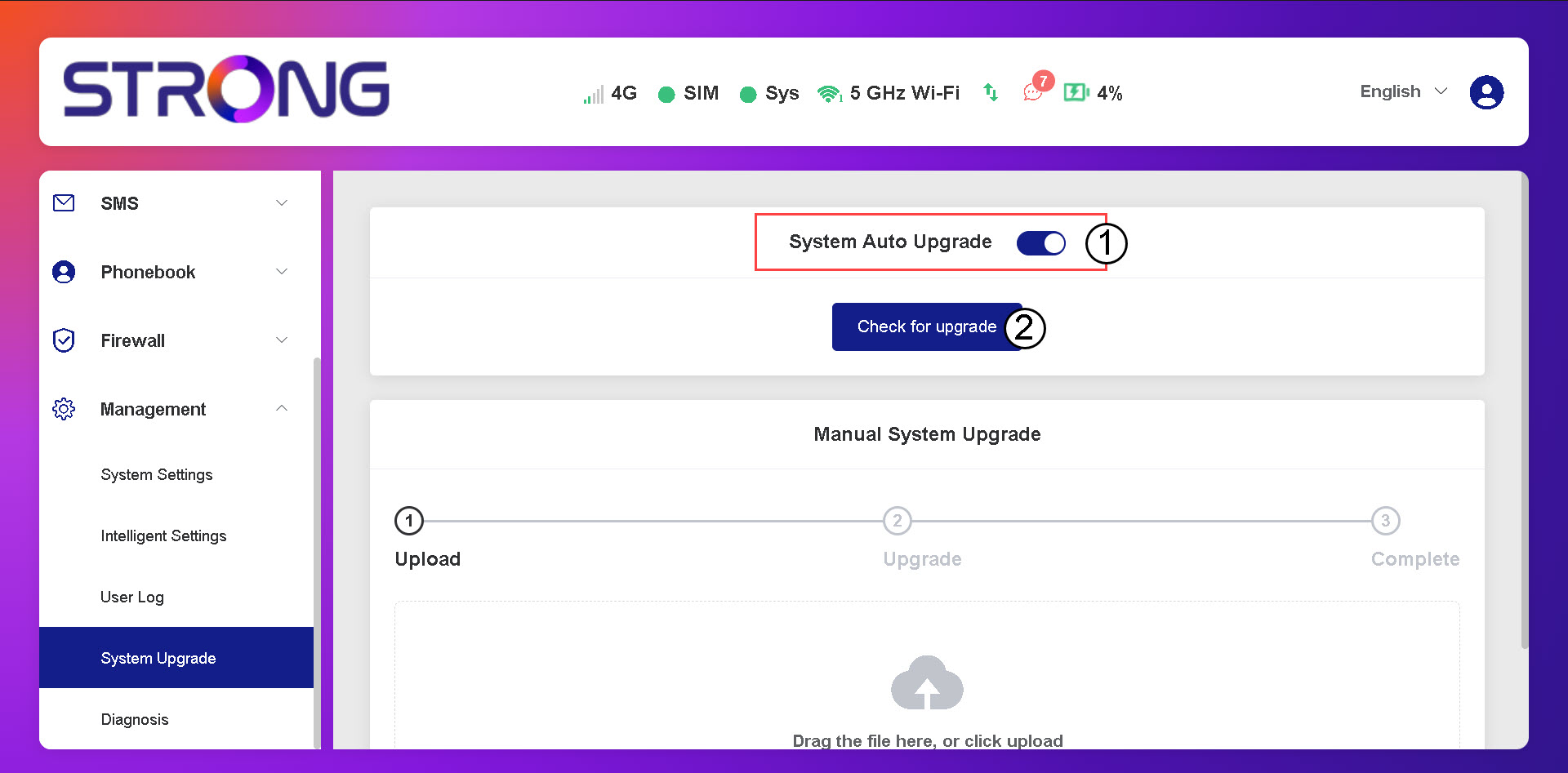
Sprawdź, czy przełącznik „Automatyczna aktualizacja systemu” jest włączony, a następnie kliknij przycisk „Sprawdź dostępność aktualizacji”.
4. Poczekajna sprawdzenie dostępności aktualizacji
Poczekaj, aż system sprawdzi dostępność aktualizacji – jeśli taka istnieje, system poprosi Cię o jej pobranie.

5. Sprawdźstan systemu
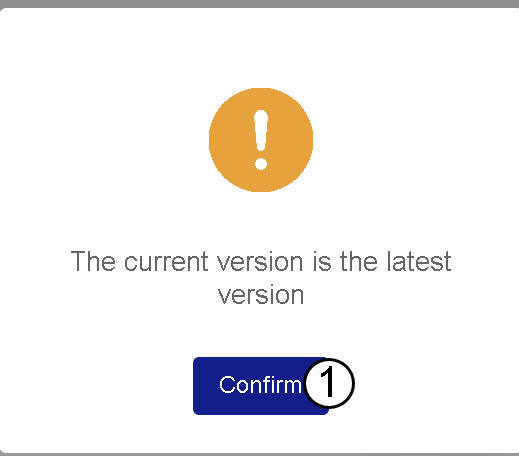
Jeśli Twoje urządzenie ma zainstalowaną najnowszą wersję oprogramowania, wyświetli się następujący komunikat.