Dvoupásmový Repeater 1200
Nebyly nalezeny žádné položky.
Nebyly nalezeny žádné položky.
Všechny otázky
Dvoupásmový Repeater 1200
Nebyly nalezeny žádné položky.
Nebyly nalezeny žádné položky.
Jak nastavím nové heslo pro správu?
1. Připojte sek Repeater
Musíte se připojit k zařízení „ repeater “ pomocí kabelu RJ45 nebo k jedné z Wi-Fi sítí vytvořených po konfiguraci.

2. Otevřetewebové uživatelské rozhraní
Do prohlížeče zadejte adresu URL webového uživatelského rozhraní.

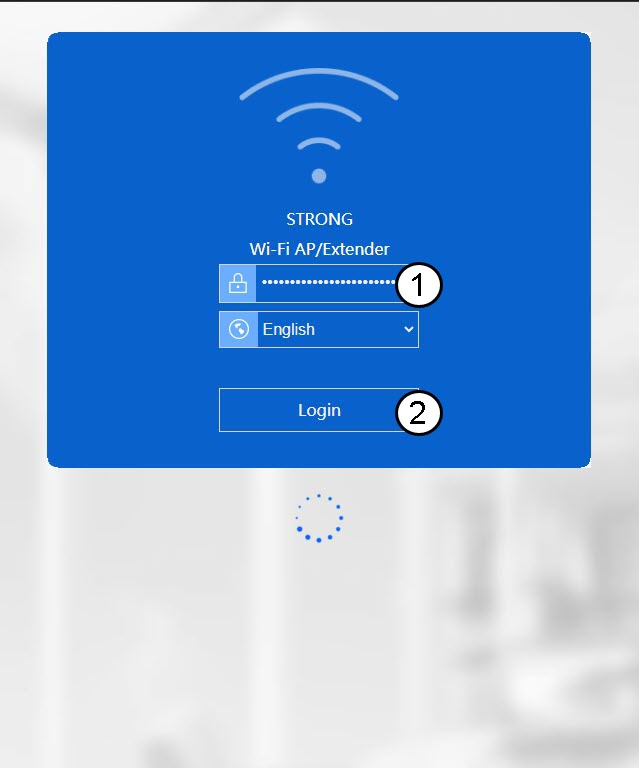
3. Přihlastese do webového rozhraní
Zadejte své přihlašovací údaje pro správu.
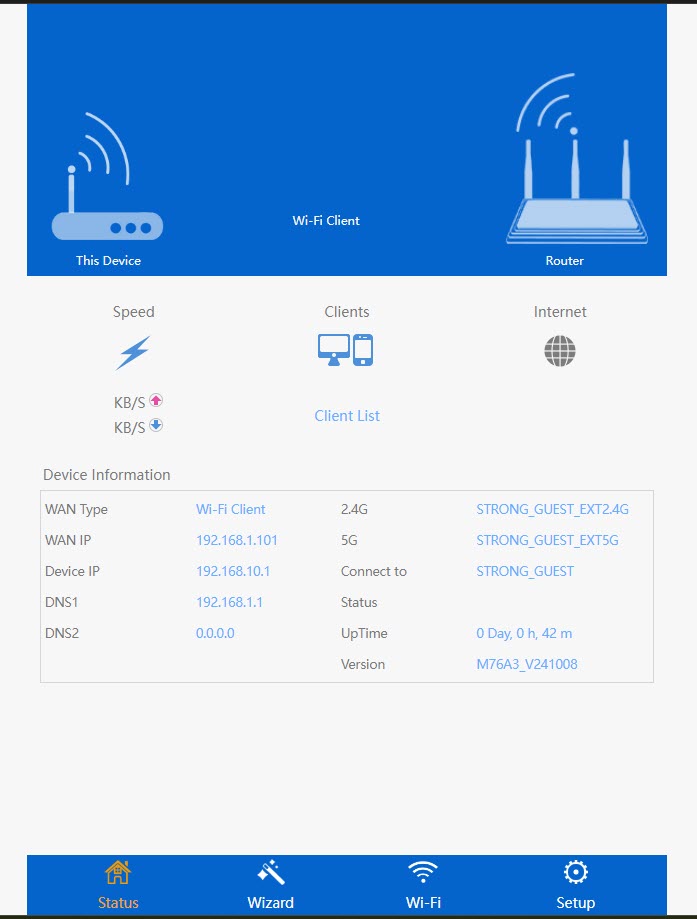
4. Otevřetenabídku nastavení
Klikněte na „Nastavení“.
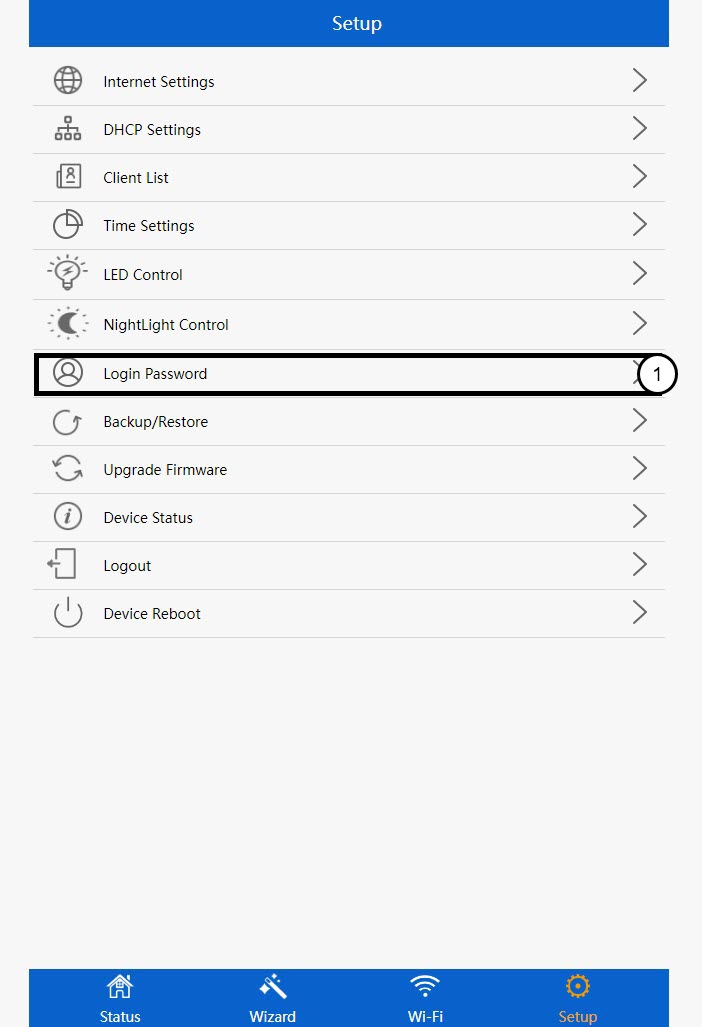
5. Otevřetenastavení přihlašovacího hesla
Klikněte na „Přihlašovací heslo“.
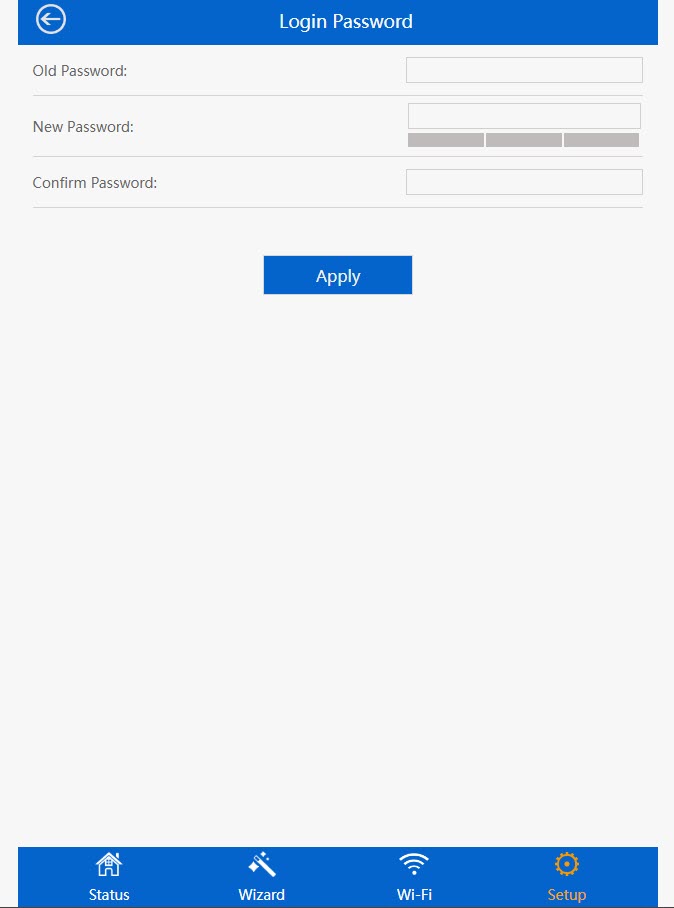
6. Změnahesla správce
Před kliknutím na tlačítko „Uložit a použít“ zadejte následující údaje :
- Staré heslo: Zadejte výchozí heslo správce (admin).
- Nové heslo: Zadejte nové heslo.
- Potvrďte heslo: Zadejte stejné heslo jako v předchozím poli.