5G AIRHOME 1050 | Wi-Fi 6
Ingen varer fundet.
Ingen varer fundet.
Alle spørgsmål
5G AIRHOME 1050 | Wi-Fi 6
Ingen varer fundet.
Ingen varer fundet.
Hvordan forbinder jeg mine enheder via WPS?

Du kan bruge WPS-funktionen til at oprette en Wi-Fi-forbindelse mellem din router og f.eks. dine computere, smartphones og/eller din printer.
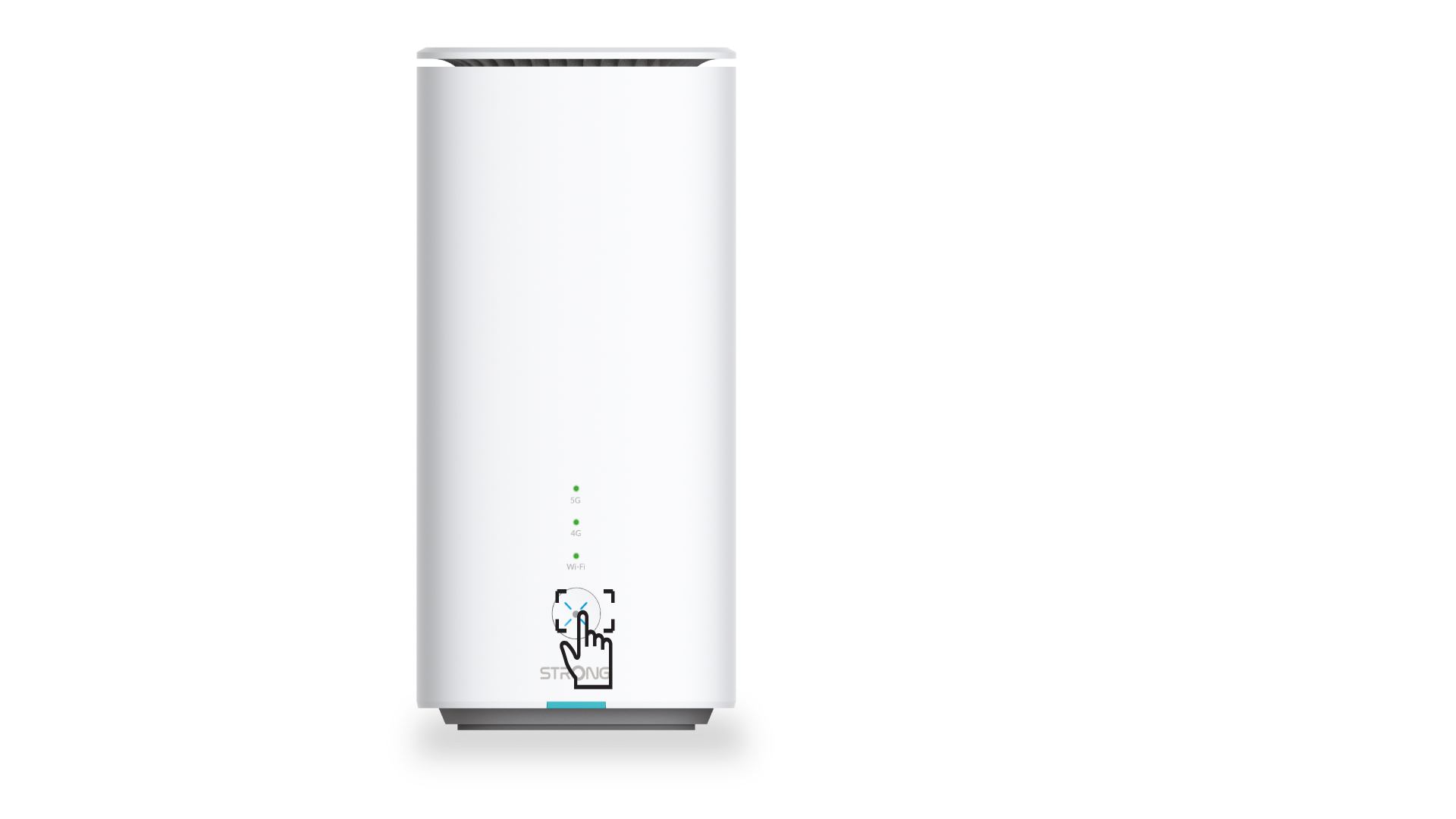
1. Tryk påWPS-knappen
Tryk på WPS-knappen på routerens forside, så alle kompatible enheder i dit hjem automatisk kan oprette forbindelse til routerens Wi-Fi-netværk.
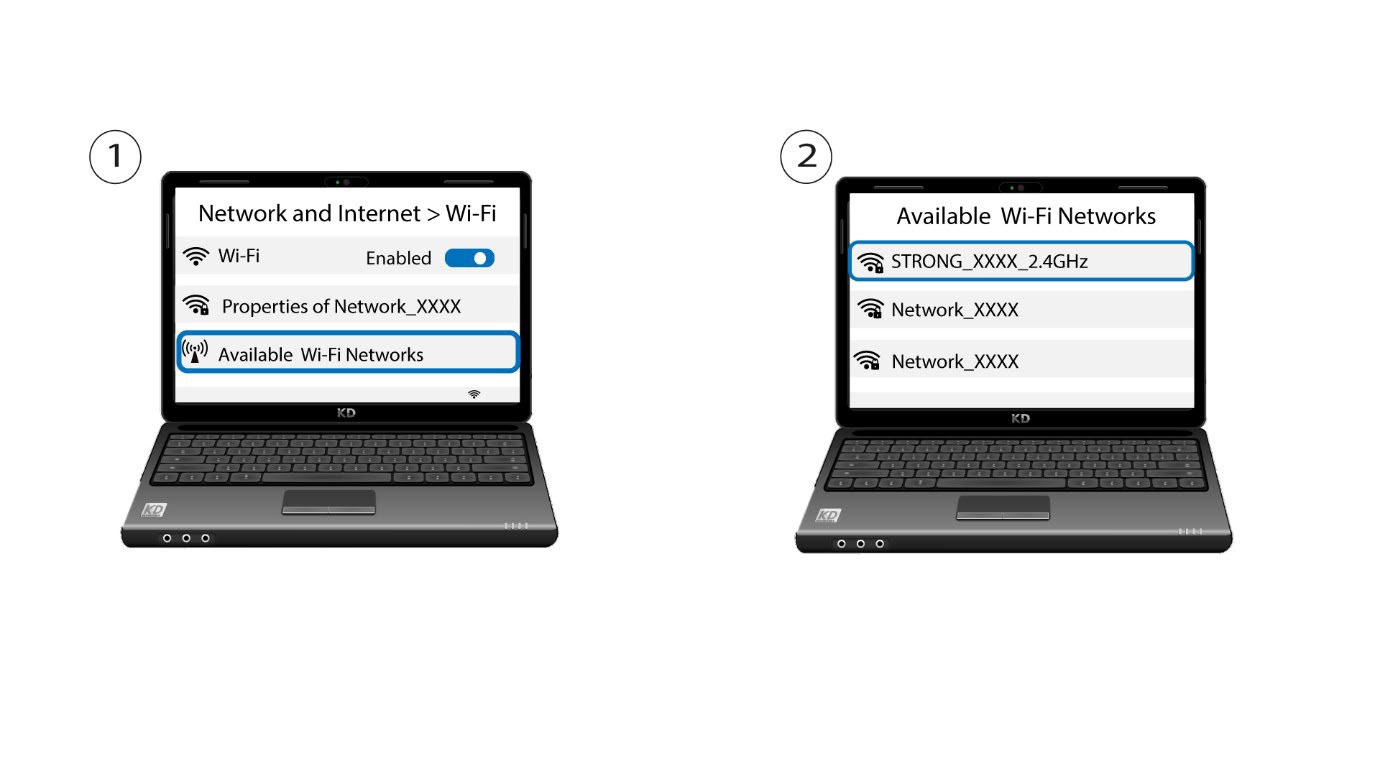
2Vælgrouterens Wi-Fi-netværk
Gå til Wi-Fi-indstillingerne på din computer eller telefon, og klik på routerens navn for at vælge den.
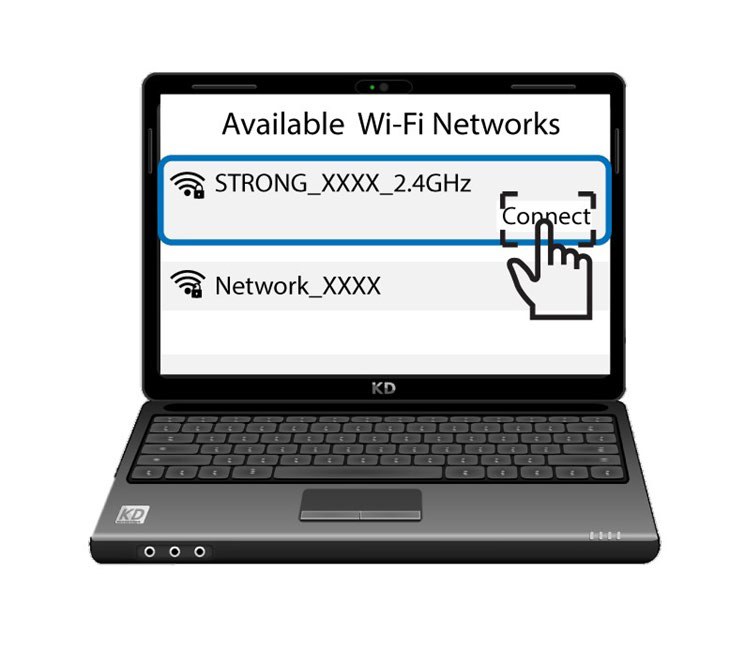
3 Opret forbindelsetil Wi-Fi’et
Klik derefter på knappen »Opret forbindelse«