5G AIRHOME 1050 | Wi-Fi 6
No items found.
No items found.
All questions
No items found.
No items found.
Settings and features
How do I activate the WPS?
It is very easy to activate the WPS on your router.
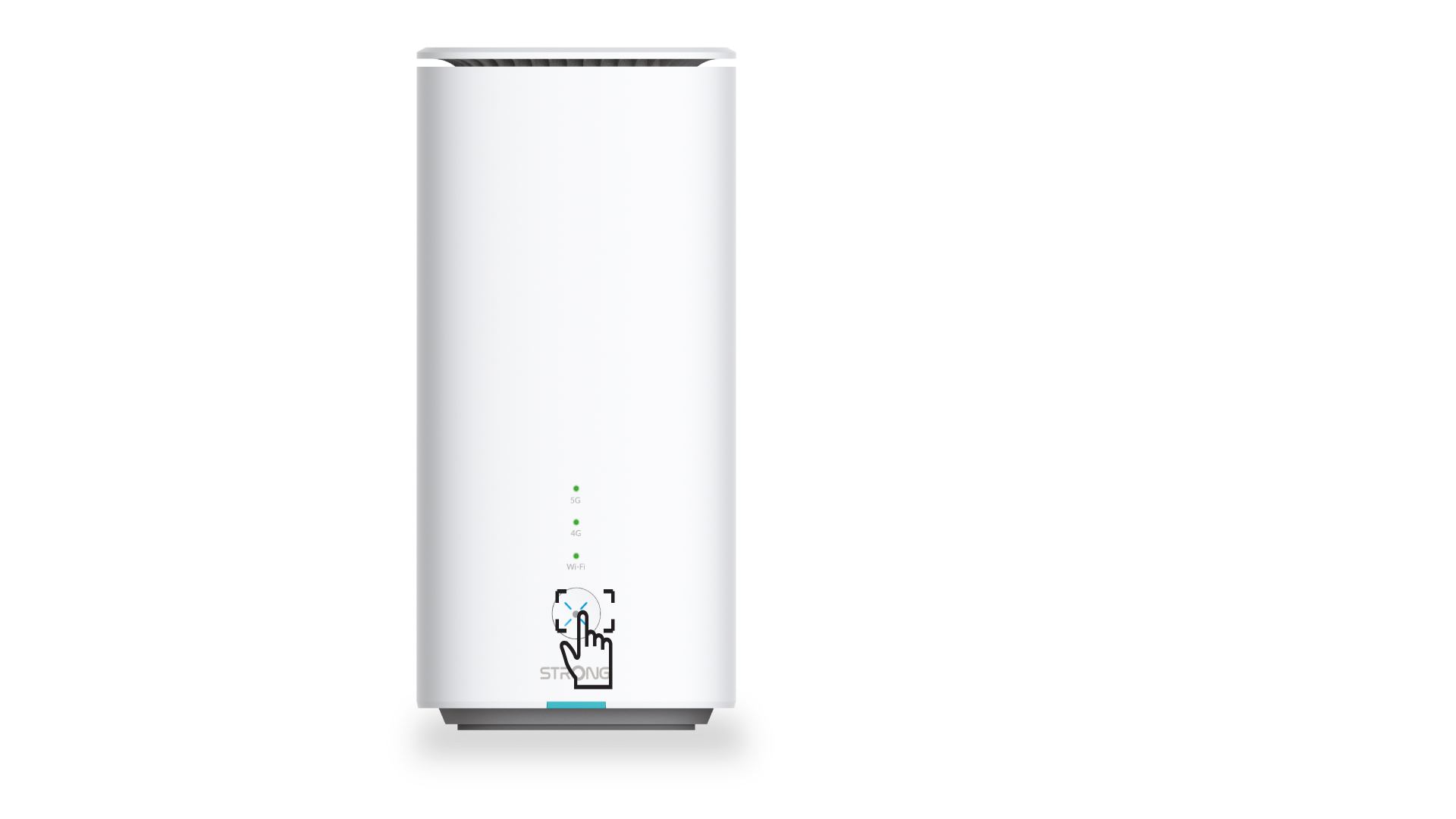
1Press the WPS Button
To do so, simply press the WPS button located on the front side of the device.
Once the WPS is activated, the Wi-Fi LED will start blinking.
How do I connect my devices with the WPS?

You can use the WPS function to set up the Wi-Fi connection between your router and your computers, smartphones and/or your printer, for instance.
1Press the WPS Button
Press the WPS button located on the front side of the router to allow any compatible device in your home to automatically to connect to the Wi-Fi network of the router.
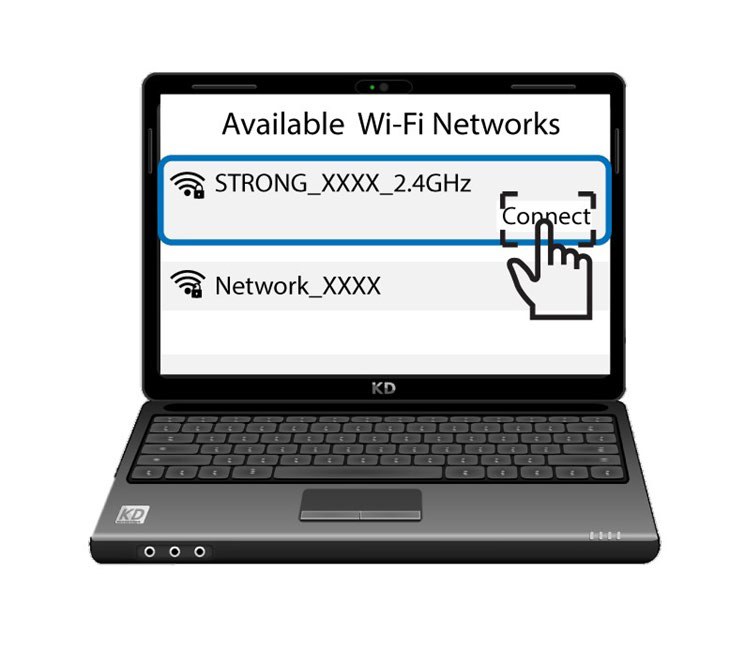
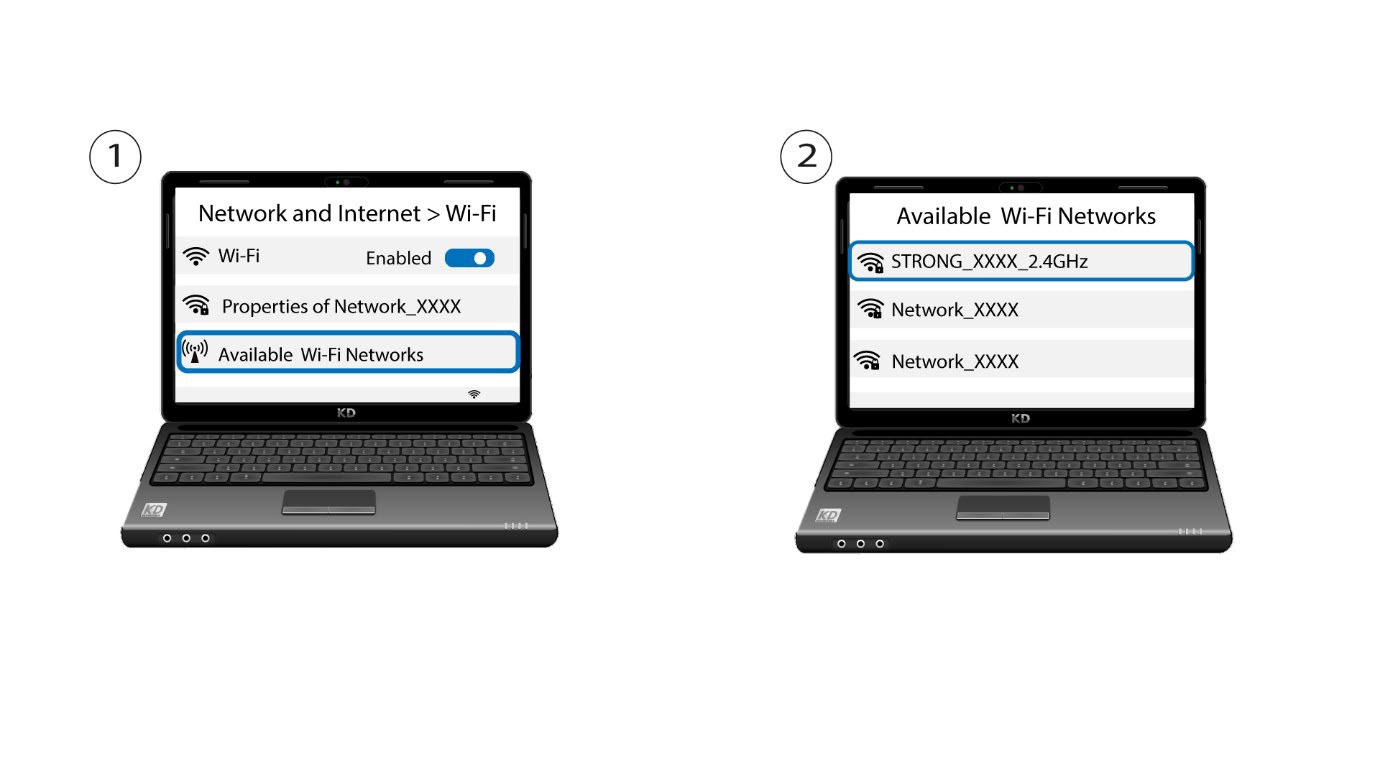
2Select the Wi-Fi of the router
Go the Wi-Fi settings of your computer or phone and click on the name of the router to select it.
3Connect to the Wi-Fi
Then, click the connect button