5G AIRHOME 1050 | Wi-Fi 6
No items found.
No items found.
All questions
No items found.
No items found.
General information, support and warranty
How do I turn on the device?
To turn on the device, simply follow the 2 following steps:
1Plug the cable
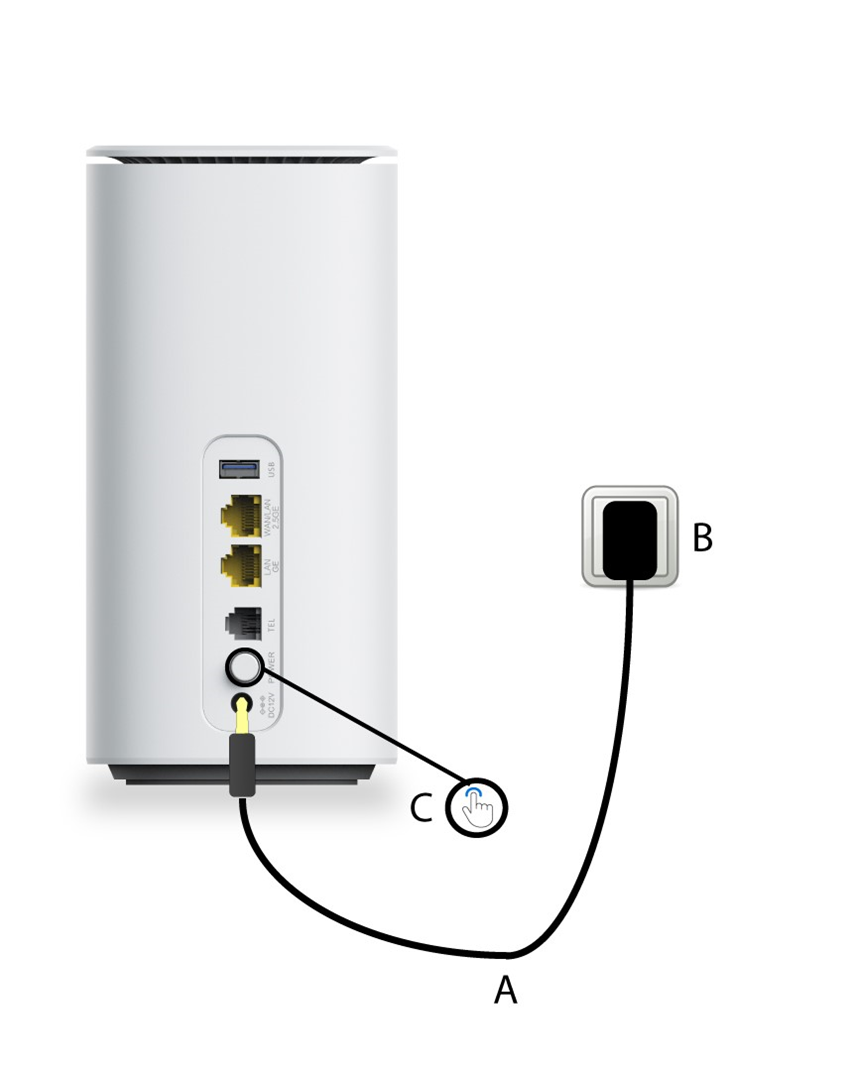
Step 1: Plug the power cable provided with the product to a power socket and the DC12V port of the device.
2Power button
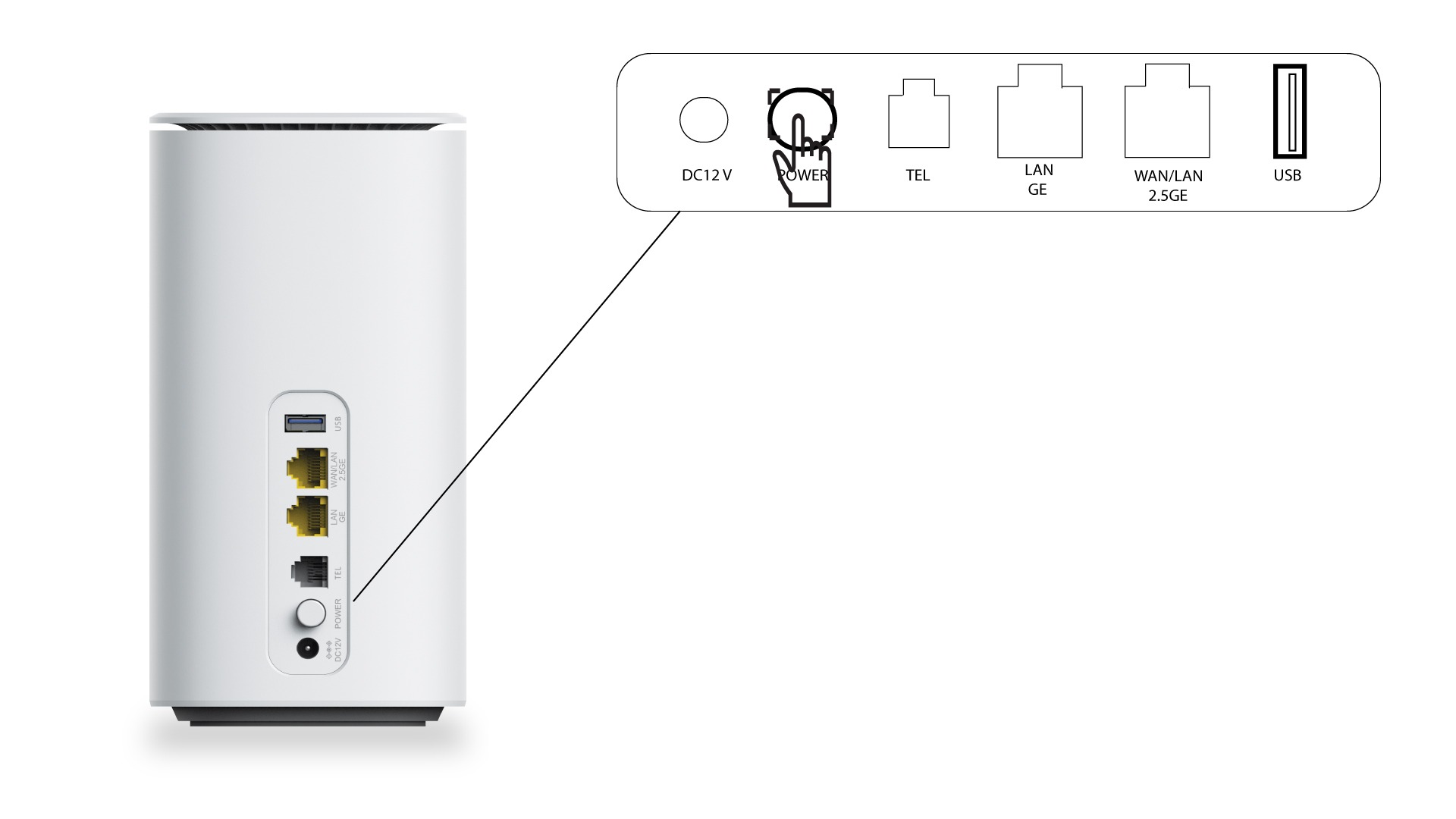
Step 2: Press the power button at the rear side of the device.
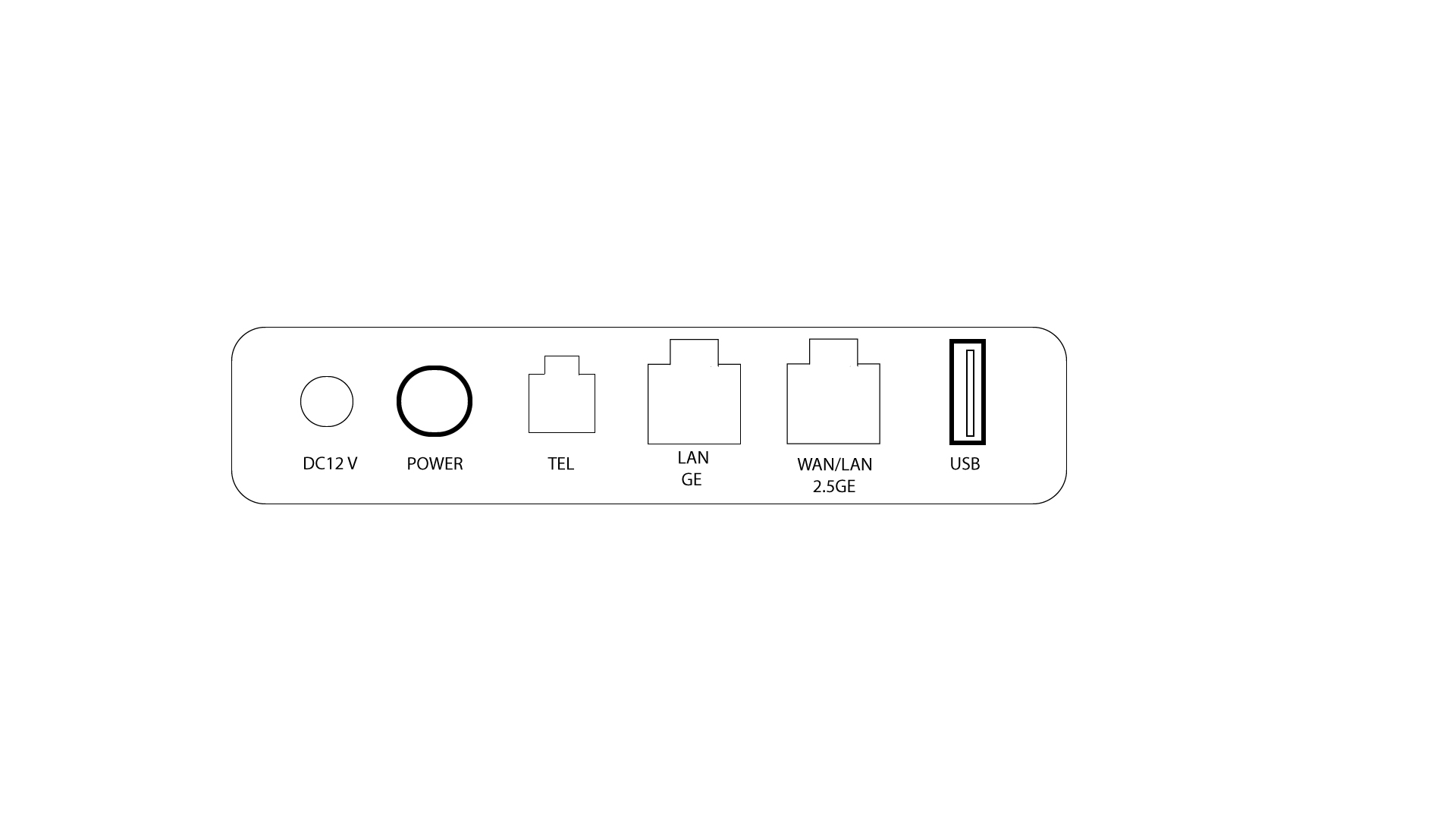
Why is there a USB Port on the rear side of the router?
The USB port allows you to connect a printer to set up a network printer and its server, a USB key to share data by setting up an FTP and SAMBA server but also media by setting up a DNLA server. You can also store files.