4G AIRSPOT 220 mobiili Wi-Fi näytöllä
Ei löytynyt kohteita.
Ei löytynyt kohteita.
Kaikki kysymykset
4G AIRSPOT 220 mobiili Wi-Fi näytöllä
Ei löytynyt kohteita.
Ei löytynyt kohteita.
Miten syötän SIM-kortin PIN-koodin?
1. Yhdistäreitittimen Wi-Fi-verkkoon
SIM-PIN-koodin syöttämiseksi sinun on muodostettava yhteys verkkokäyttöliittymään. Tee tämä syöttämällä laitteeseesi reitittimen SSID (Wi-Fi-verkon nimi) ja Wi-Fi-salasana.

2Siirryverkkokäyttöliittymän IP-osoitteeseen
Syötä sitten selaimeesi seuraava IP-osoite: 192.168.188.1
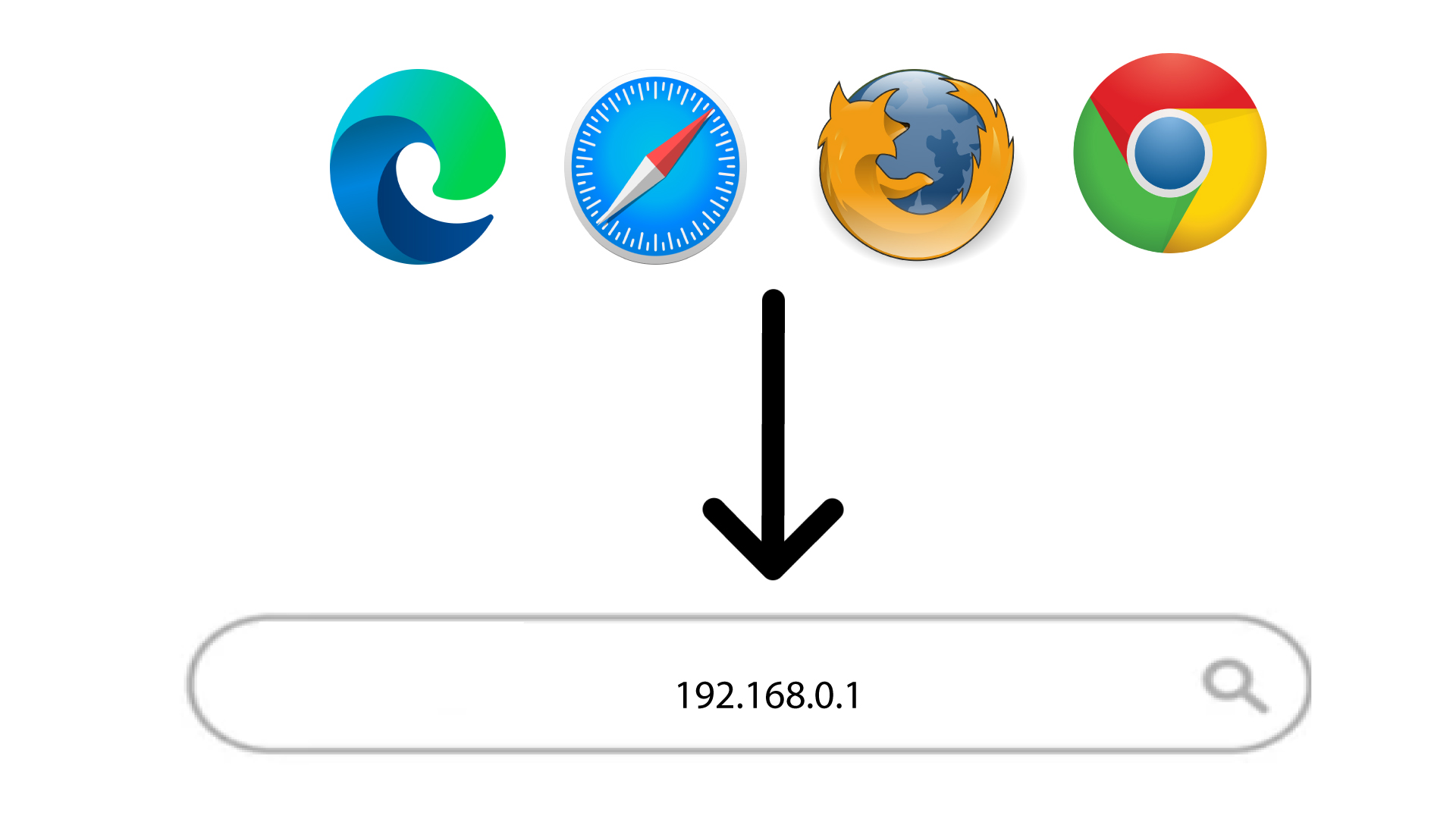
3Kirjaudu sisään
Kun olet siirtynyt kyseiseen IP-osoitteeseen, sinun on syötettävä salasana ja napsautettava Kirjaudu-painiketta.

4SyötäPIN-koodi
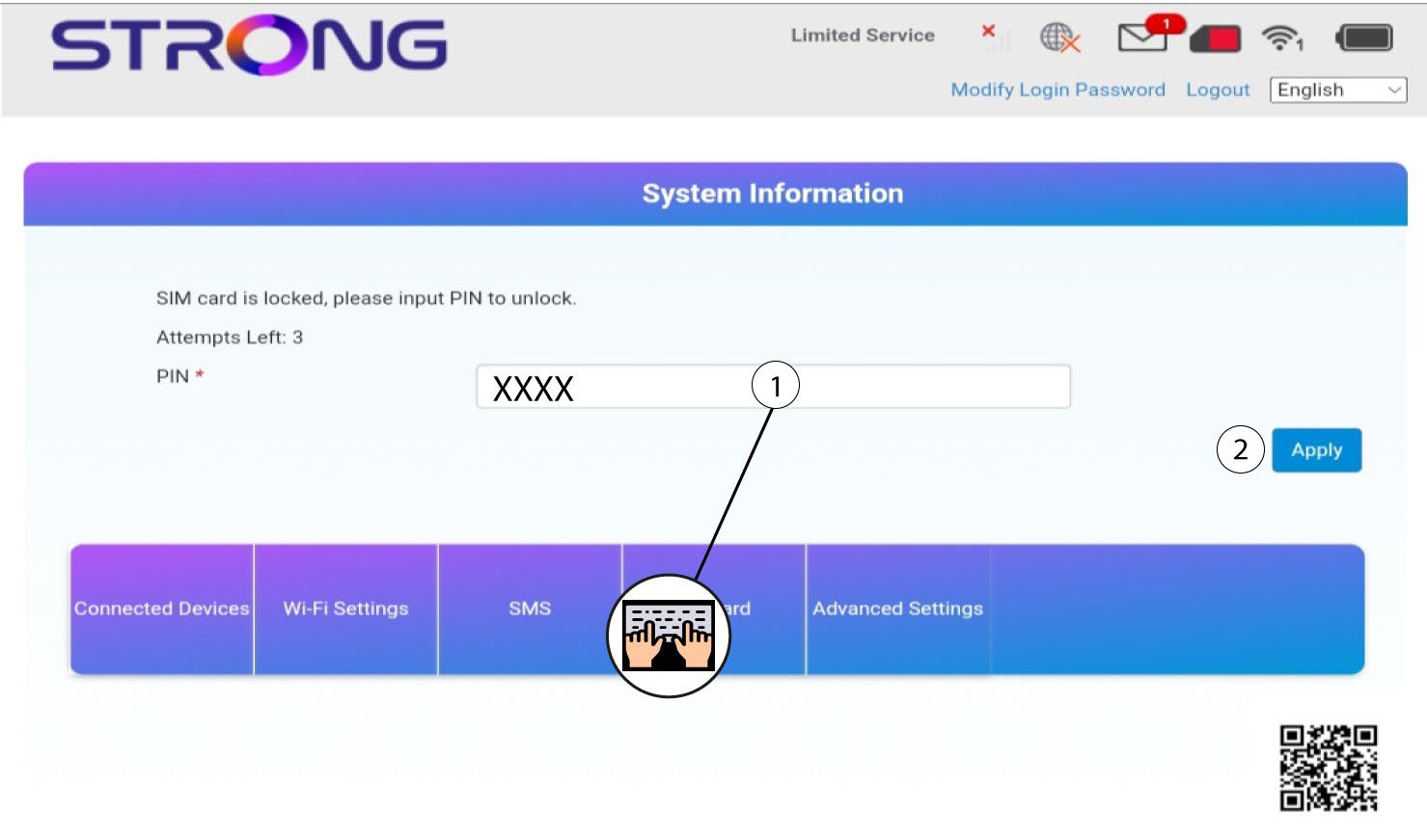
Syötä SIM-kortin PIN-koodi ja napsauta ”Käytä”.