4G AIRSPOT 220 mobiili Wi-Fi näytöllä
Ei löytynyt kohteita.
Ei löytynyt kohteita.
Kaikki kysymykset
4G AIRSPOT 220 mobiili Wi-Fi näytöllä
Ei löytynyt kohteita.
Ei löytynyt kohteita.
Miten SD-kortti asetetaan Hotspot 150 -laitteeseen?
Miten SD-kortti asetetaan Hotspot 150 -laitteeseen?
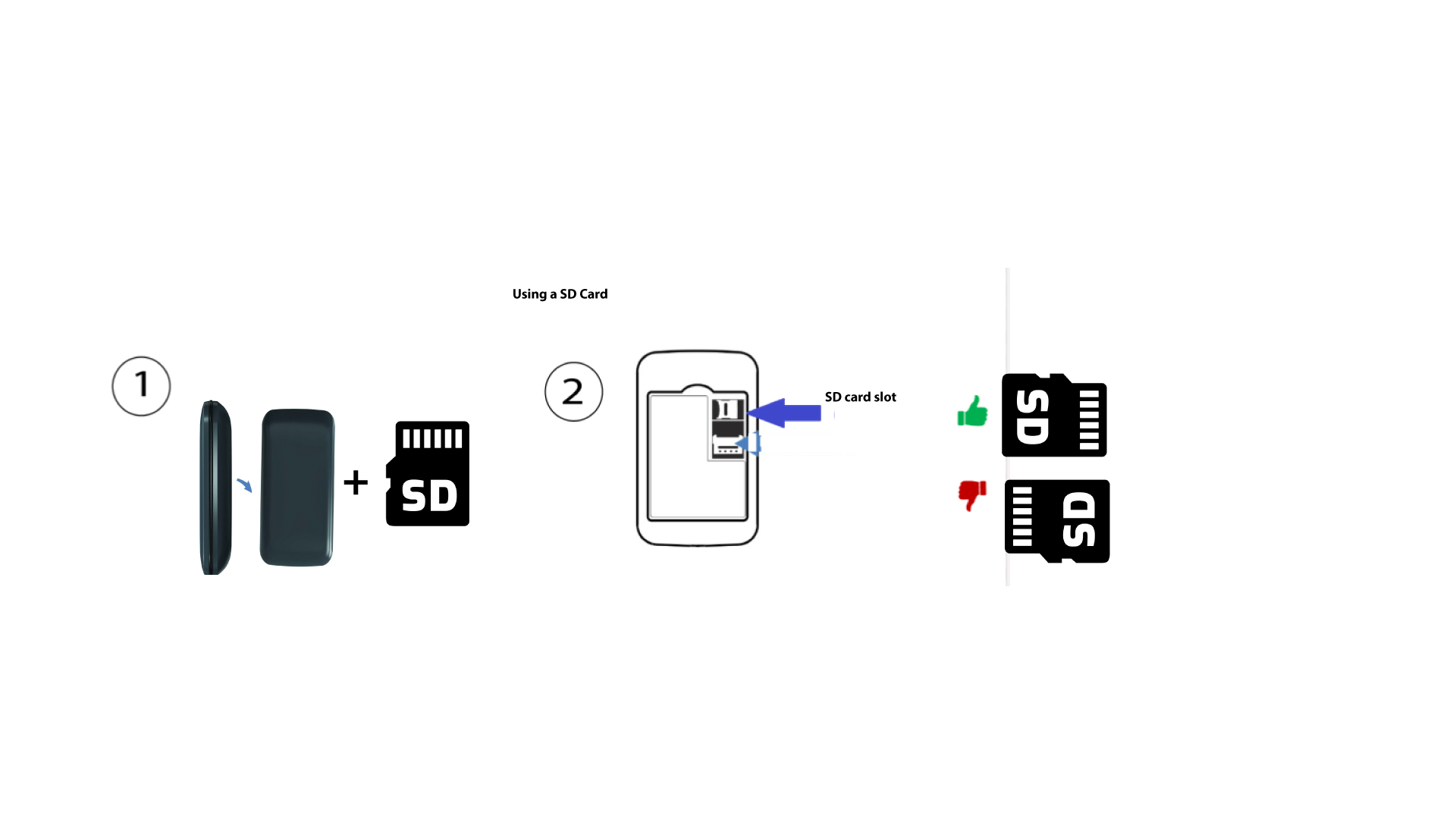
Jotta voit asettaa SD-kortin reitittimeen, sinun on ensin sammutettava laite painamalla virtapainiketta viiden sekunnin ajan.
1
Aseta SD-kortti paikalleen
Poista sitten kansi ja aseta SD-kortti laitteen takapuolella oikeassa yläkulmassa olevaan korttipaikkaan.