5G AIRHOME 1050 | Wi-Fi 6
Kaikki kysymykset
5G AIRHOME 1050 | Wi-Fi 6
Miten syötän SIM-kortin PIN-koodin?
SIM-PIN-koodin syöttämiseksi sinun on muodostettava yhteys verkkokäyttöliittymään.
1. Yhdistäreitittimesi Wi-Fi-verkkoon
Tätä varten syötä laitteeseesi reitittimen SSID (Wi-Fi-verkon nimi) ja Wi-Fi-salasana:

2. EtsiWeb-käyttöliittymän IP-osoite
Syötä sitten selaimeesi seuraava IP-osoite: 192.168.0.1

3Kirjautumissivu
Syötä käyttäjätunnus ja salasana ( tiedot löytyvät tuotteen alla olevasta tuotetarrasta; kirjoita muistiin uusi järjestelmänvalvojan salasana, jonka määrität ensimmäisen kirjautumisen jälkeen). Napsauta sitten Kirjaudu sisään.

4Syötätunnuksesi
Kun muodostat yhteyden verkkokäyttöliittymään ensimmäistä kertaa, näyttöön tulee varoitusviesti, jossa sinua pyydetään syöttämään PIN-koodi napsauttamalla yhteyspainiketta.
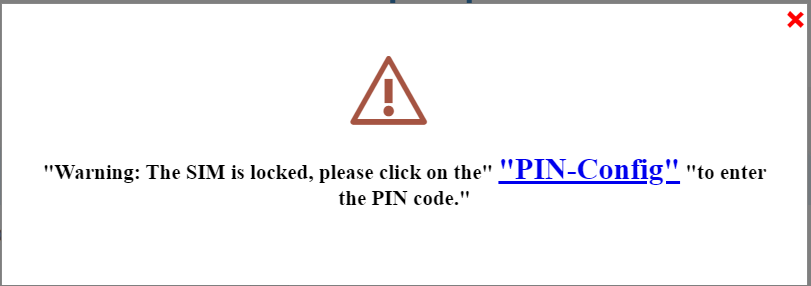
5SyötäPIN-koodisi
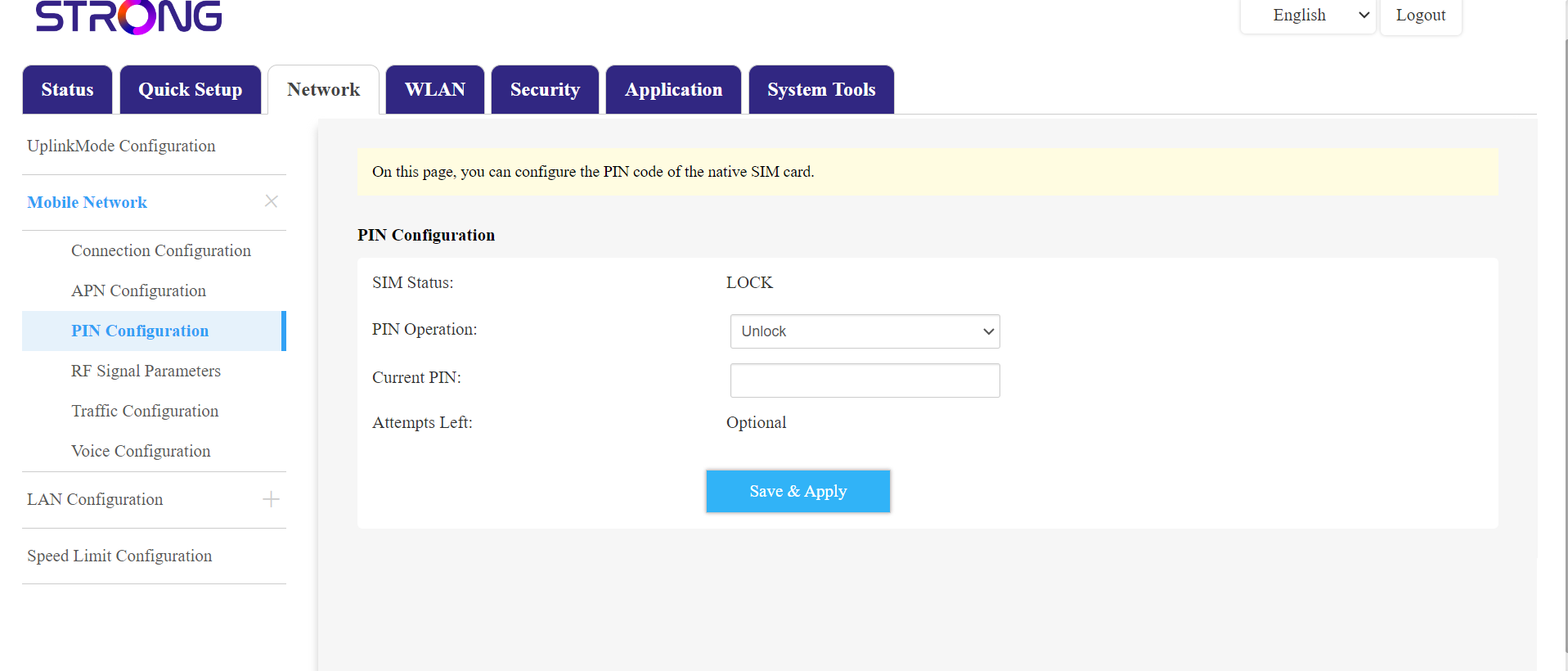
Siirry sitten yläpalkin Verkko-kohtaan ja sen jälkeen Mobiiliverkko-osioon ja napsauta PIN-koodin asetuksia.
Kirjoita PIN-koodisi kenttään ja napsauta Lähetä.
6SIM-korttion lukitsematon
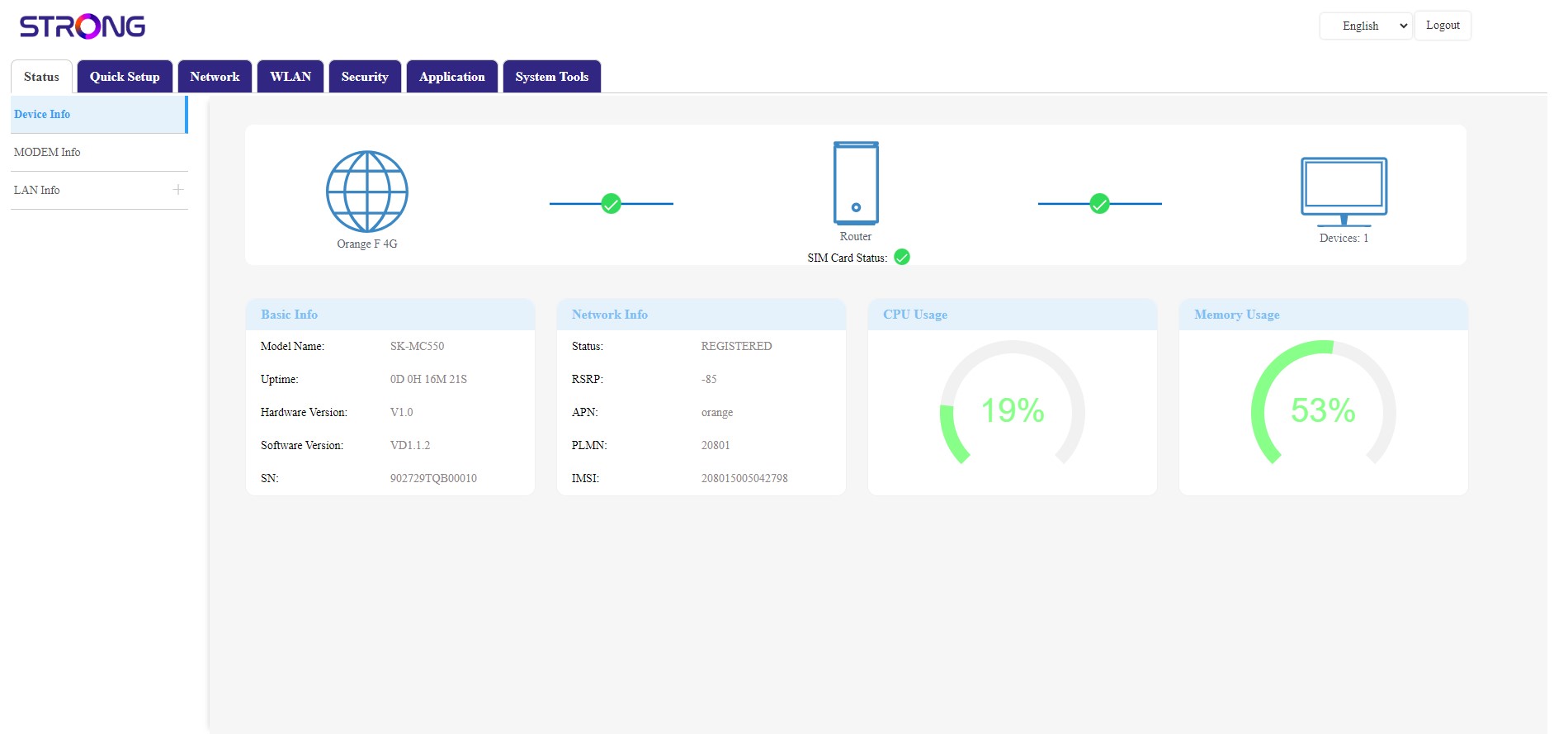
SIM-kortti on lukitsematon, ja sen kuvake muuttuu nyt vihreäksi, ja sen vieressä näkyy verkon nimi.