5G AIRHOME 1050 | Wi-Fi 6
Sva pitanja
5G AIRHOME 1050 | Wi-Fi 6
Kako da unesem PIN kod svoje SIM kartice?
Za unos PIN koda SIM kartice morate se povezati s web sučeljem.
1. Spojite se na Wi-Fi mrežu svog usmjerivača
Da biste to učinili, unesite SSID (naziv Wi-Fi mreže) i lozinku za Wi-Fi usmjerivač u svoj uređaj:

2 Pregledajte IP adresu web sučelja
Zatim u preglednik unesite sljedeću IP adresu: 192.168.0.1

3 Stranica za prijavu
Morate unijeti korisničko ime i lozinku (informacije su napisane na naljepnici proizvoda koja se nalazi ispod proizvoda, zapišite novu administratorsku lozinku koju ste postavili nakon prvog povezivanja). Zatim kliknite Prijava.

4 Unesite svoje vjerodajnice
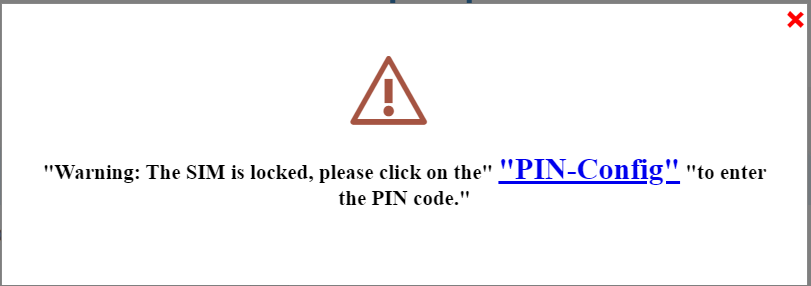
Kada se prvi put spojite na web sučelje, vidjet ćete poruku upozorenja koja vas poziva da unesete PIN kod klikom na gumb za povezivanje.
5 Unesite svoj PIN kod
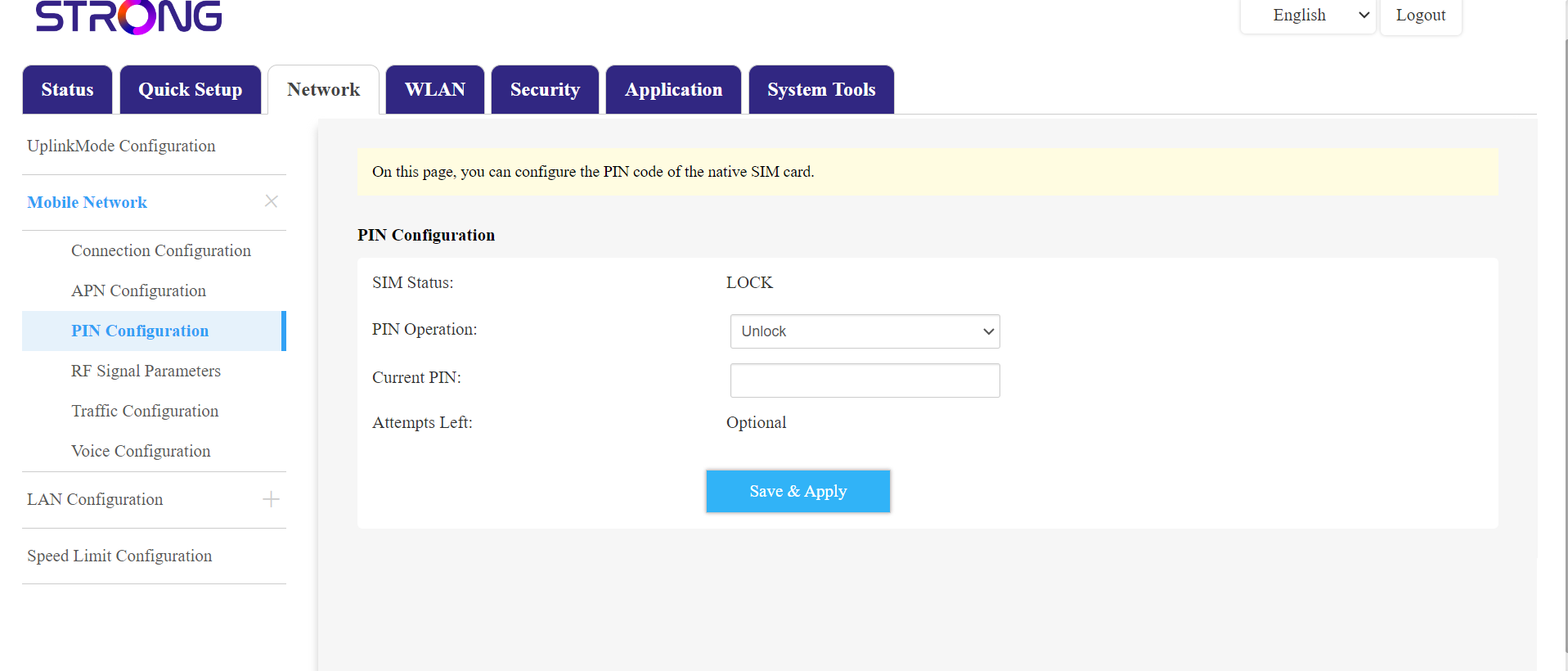
Zatim idite na Mreža u gornjoj traci, a zatim u odjeljku Mobilna mreža kliknite na Konfiguracija PIN-a.
Unesite svoj PIN kod u polje i kliknite pošalji .
6 SIM kartica je otključana
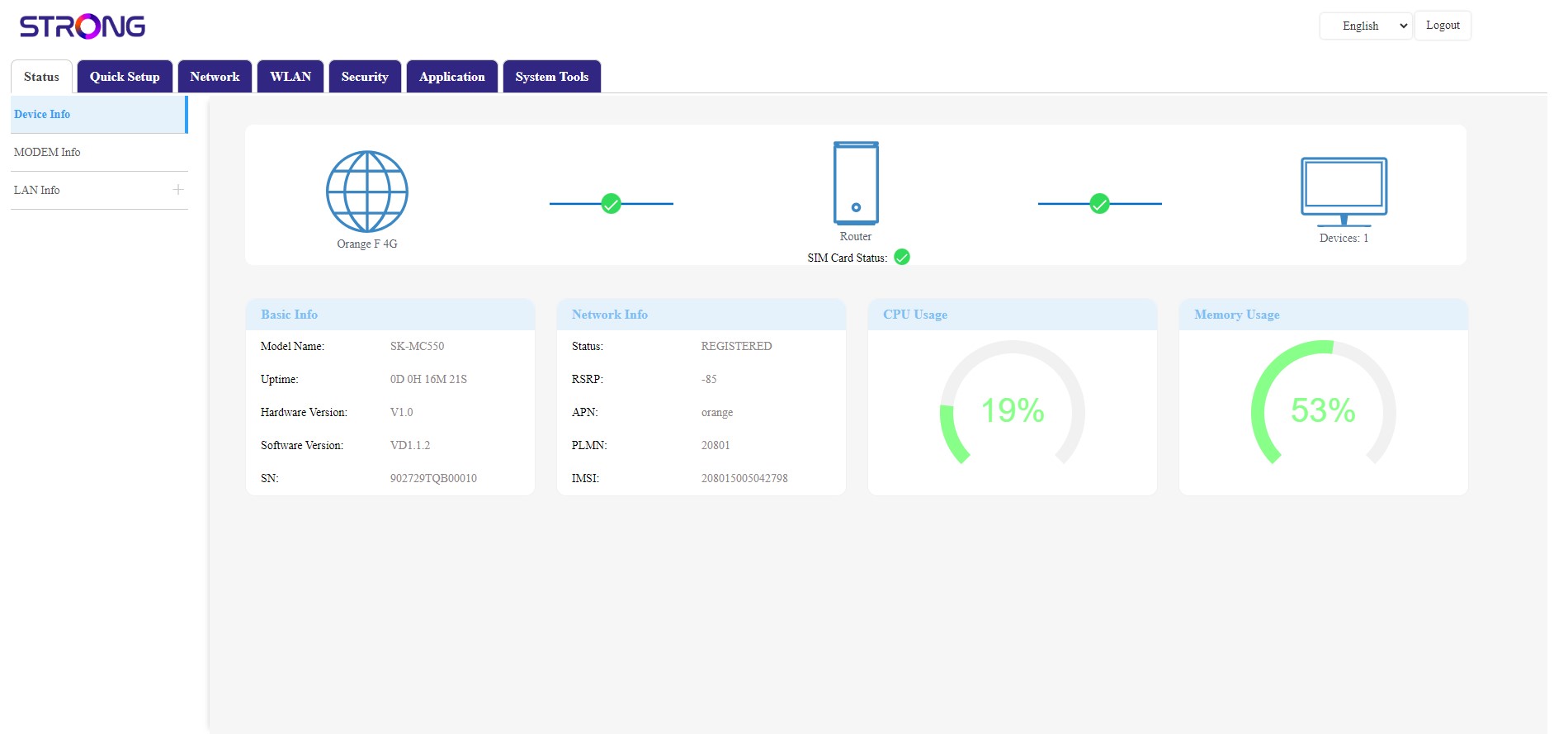
SIM kartica je otključana, a njezina ikona sada postaje zelena, a pokraj nje se nalazi naziv mreže.