Mesh Wi-Fi 6 ATRIA 3000 (confezione da 2)
Nessun articolo trovato.
Nessun articolo trovato.
Tutte le domande
Mesh Wi-Fi 6 ATRIA 3000 (confezione da 2)
Nessun articolo trovato.
Nessun articolo trovato.
Come si utilizza la funzione WPS?

Avviso: è possibile utilizzare la funzione WPS per configurare la connessione Wi-Fi tra il router e, ad esempio, i computer, gli smartphone e/o la stampante.
Attivare il WPS sul router è semplicissimo.
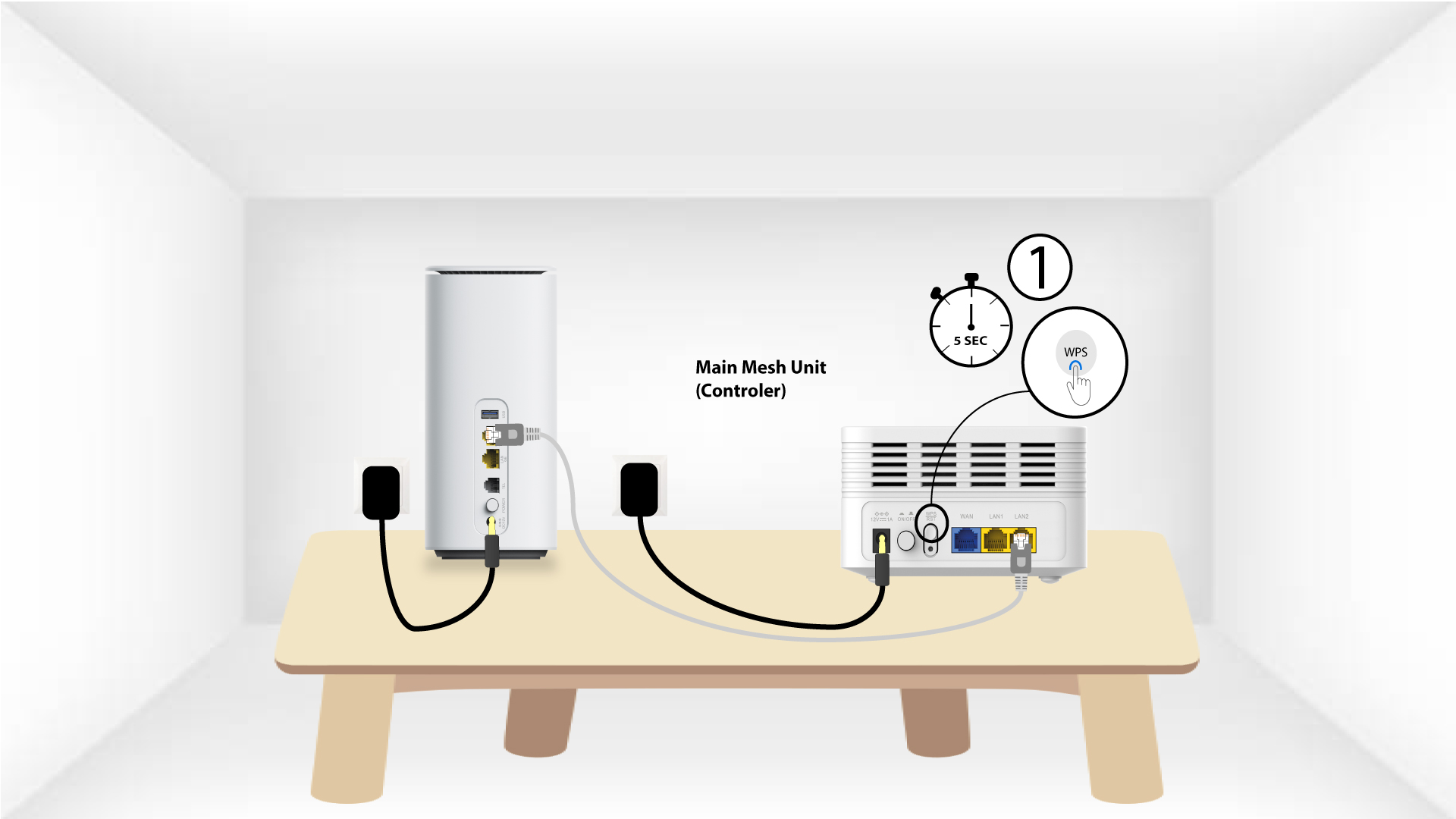
1Mesh
Per farlo, premi il pulsante WPS per 5 secondi sull'unità Mesh collegata alla tua rete Mesh .
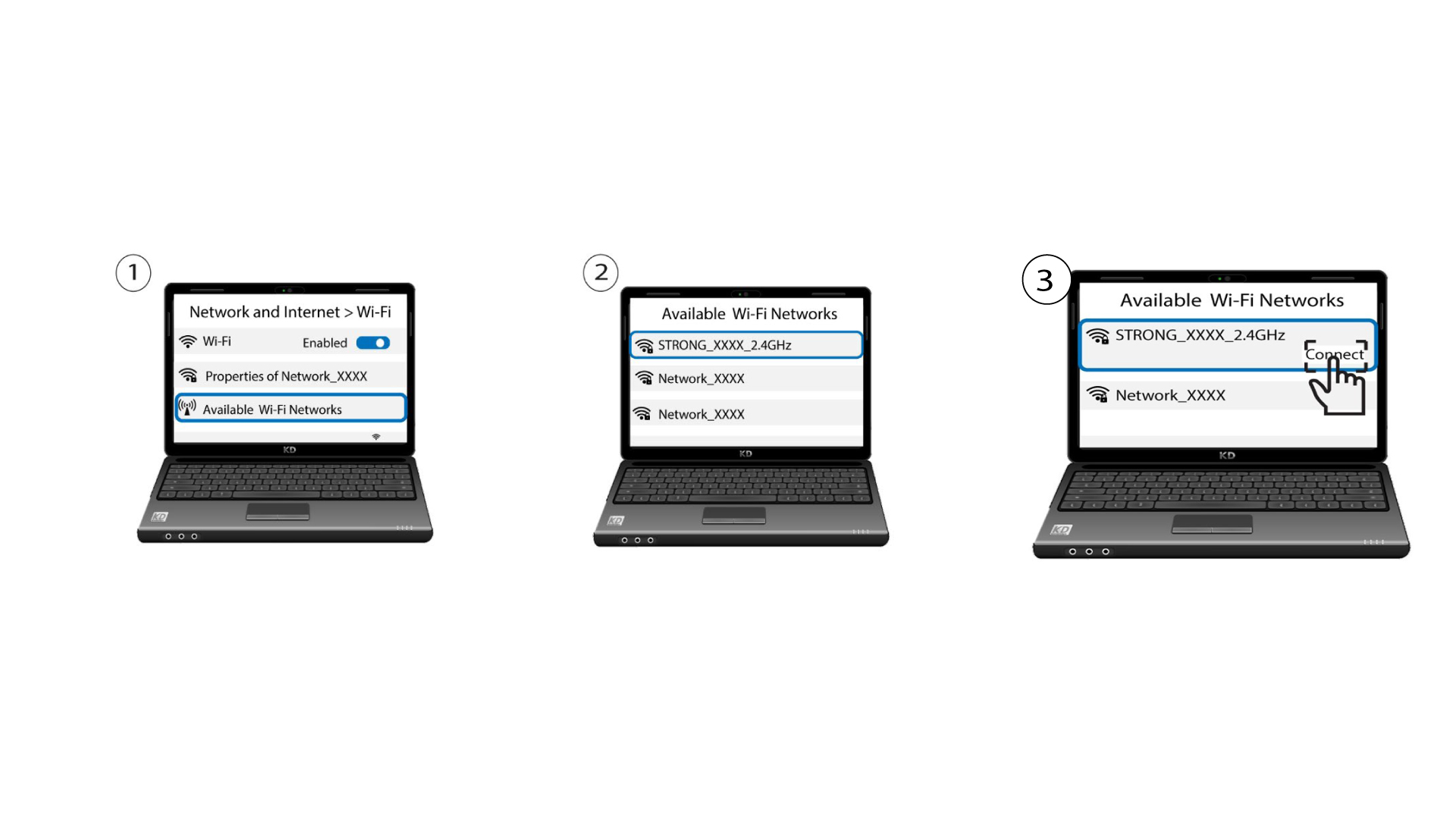
2. Selezione della rete
Ora vai alla sezione "Rete" del tuo dispositivo (telefono, computer, stampante, ecc.): il nuovo dispositivo aggiunto alla rete dovrebbe essere visualizzato e ora potrai collegarti alla sua rete.