5G AIRHOME 1050 | Wi-Fi 6
Alle vragen
5G AIRHOME 1050 | Wi-Fi 6
Hoe voer ik mijn SIM-PIN-code in?
Om uw SIM-pincode in te voeren, moet u verbinding maken met de webinterface.
1. Maak verbindingmet het wifi-netwerk van je router
Voer hiervoor de SSID (naam van het wifi-netwerk) en het wifi-wachtwoord van de router in op je apparaat:

2. Ganaar het IP-adres van de web-UI
Voer vervolgens het volgende IP-adres in je browser in: 192.168.0.1

3. Inlogpagina
U moet de gebruikersnaam en het wachtwoord invoeren ( deze gegevens staan vermeld op het productlabel aan de onderkant van het product; noteer het nieuwe beheerderswachtwoord dat u na uw eerste aanmelding instelt). Klik vervolgens op ‘Inloggen’.

4Voeruw inloggegevens in
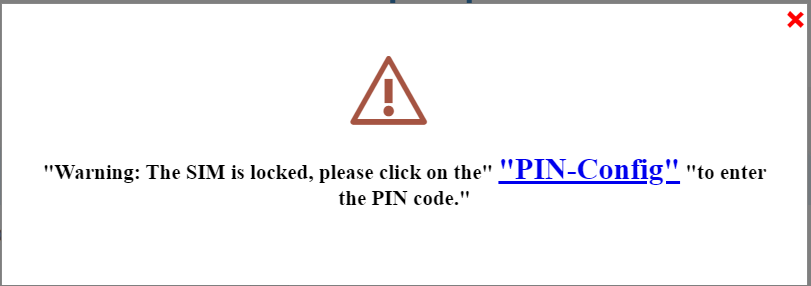
Wanneer u voor het eerst verbinding maakt met de webinterface, verschijnt er een waarschuwingsbericht waarin u wordt gevraagd de pincode in te voeren door op de verbindingsknop te klikken .
5Voeruw pincode in
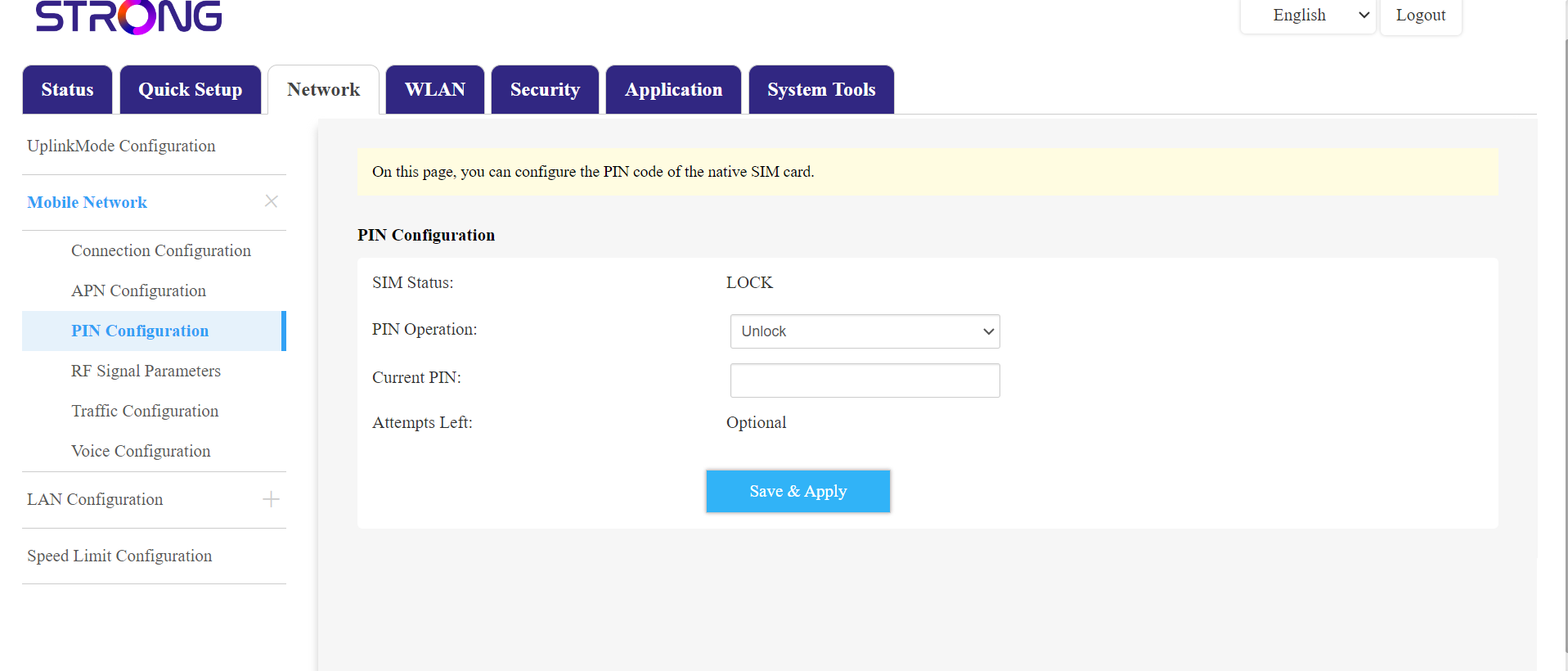
Ga vervolgens naar ‘Netwerk’ in de bovenste balk, ga naar het gedeelte ‘Mobiel netwerk’ en klik op ‘PIN-configuratie’.
Voer je pincode in het veld in en klik op ‘Verzenden’.
6De simkaart is ontgrendeld
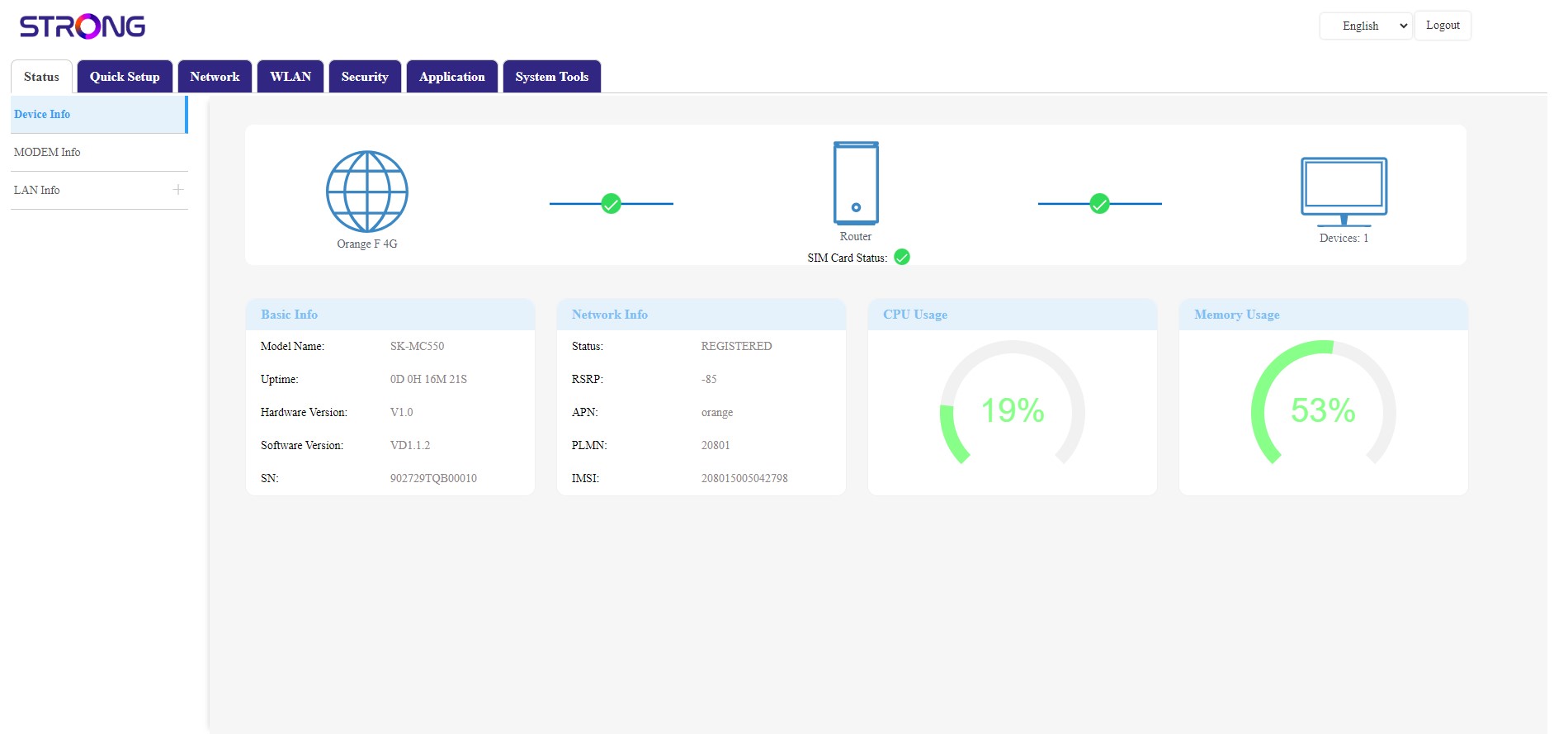
De simkaart is ontgrendeld en het pictogram wordt nu groen, met de netwerknaam ernaast.