5G AIRHOME 1050 | Wi-Fi 6
Nenašli sa žiadne položky.
Nenašli sa žiadne položky.
Všetky otázky
5G AIRHOME 1050 | Wi-Fi 6
Nenašli sa žiadne položky.
Nenašli sa žiadne položky.
Ako môžem pripojiť svoje zariadenia pomocou WPS?

Pomocou funkcie WPS môžete nastaviť pripojenie Wi-Fi medzi vaším routerom a napríklad počítačmi, smartfónmi a/alebo tlačiarňou.
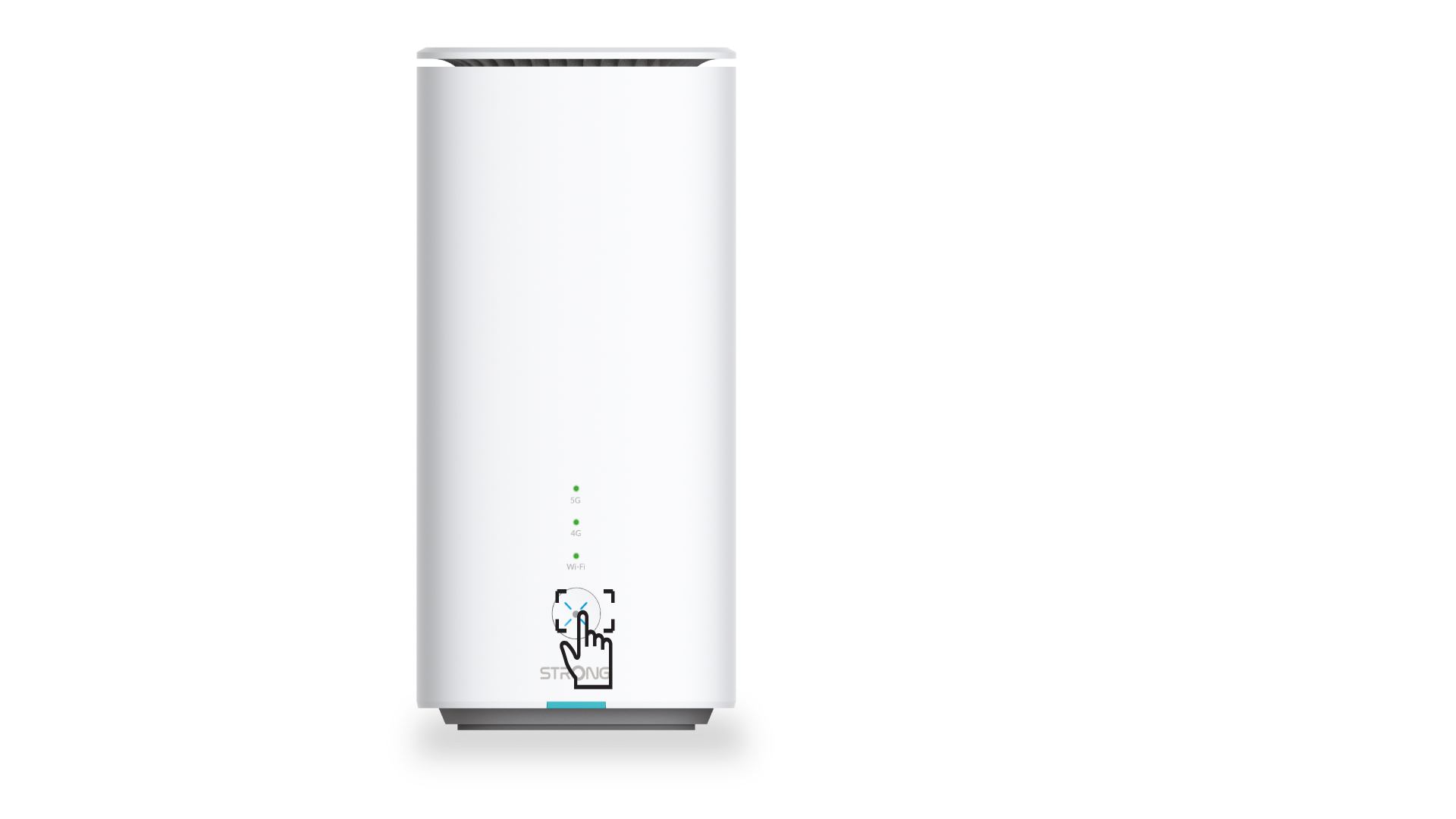
1. Stlačtetlačidlo WPS
Stlačte tlačidlo WPS umiestnené na prednej strane routera, aby sa akékoľvek kompatibilné zariadenie vo vašej domácnosti mohlo automaticky pripojiť k Wi-Fi sieti routera.
2. Vybertesieť Wi-Fi routera
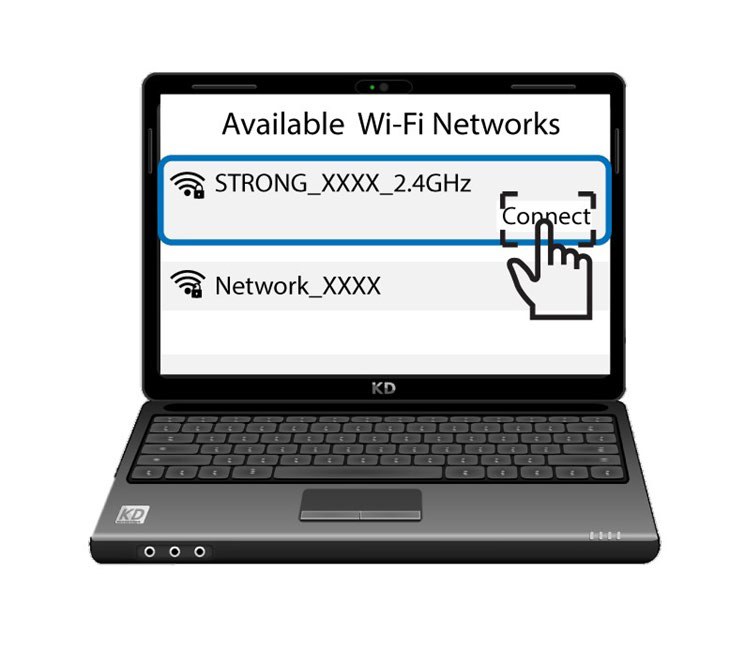
Prejdite do nastavení Wi-Fi na počítači alebo telefóne a kliknutím na názov routera ho vyberte.
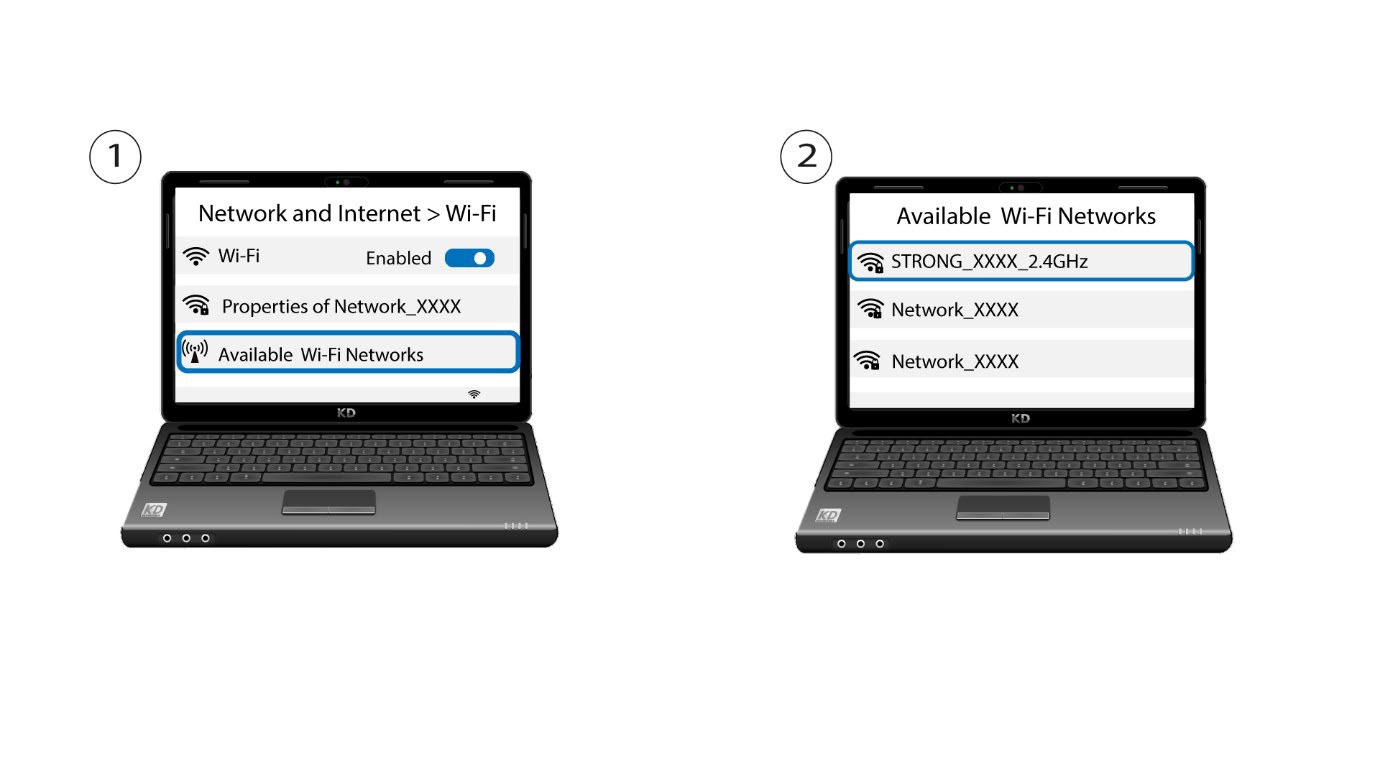
3. Pripojtesa k sieti Wi-Fi
Potom kliknite na tlačidlo „Pripojiť “