5G AIRHOME 1050 | Wi-Fi 6
Všetky otázky
5G AIRHOME 1050 | Wi-Fi 6
Ako zadám PIN kód svojej SIM karty?
Ak chcete zadať PIN kód SIM karty, musíte sa pripojiť k webovému používateľskému rozhraniu.
1. Pripojte sak sieti Wi-Fi vášho routera
Na to zadajte do svojho zariadenia SSID (názov siete Wi-Fi) a heslo k Wi-Fi routera:

2. Prejditena IP adresu webového používateľského rozhrania
Potom zadajte do prehliadača nasledujúcu IP adresu: 192.168.0.1

3Stránka prihlásenia
Musíte zadať používateľské meno a heslo ( tieto údaje sú uvedené na štítku umiestnenom na spodnej strane zariadenia; nové heslo správcu, ktoré si nastavíte po prvom prihlásení, si prosím zapíšte). Potom kliknite na „Prihlásiť sa“.

4Zadajtesvoje prihlasovacie údaje
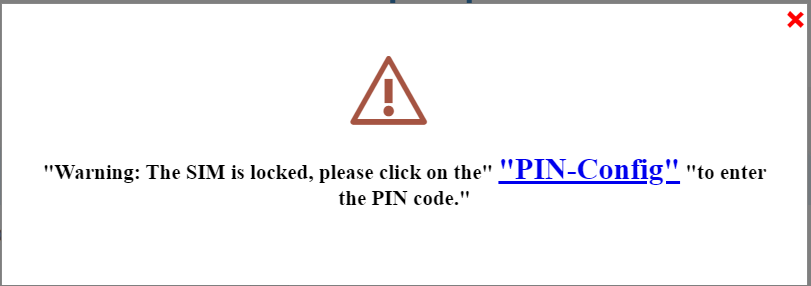
Keď sa po prvýkrát prihlásite do webového používateľského rozhrania, zobrazí sa vám varovná správa, ktorá vás vyzve na zadanie PIN kódu kliknutím na tlačidlo pre pripojenie.
5Zadajtesvoj PIN kód
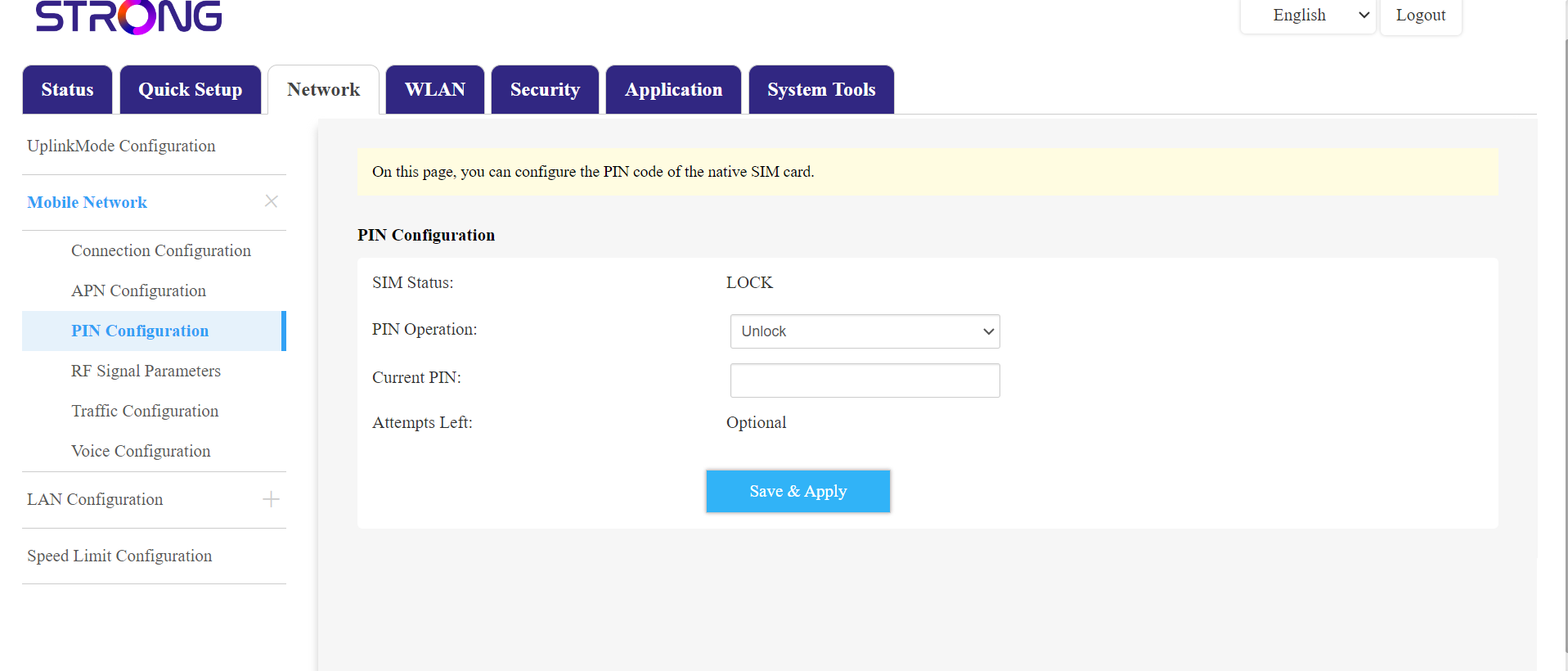
Potom prejdite v hornom paneli na položku „Sieť“, následne do sekcie „Mobilná sieť“ a kliknite na „Konfigurácia PIN kódu“.
Do príslušného poľa zadajte svoj PIN kód a kliknite na „Odoslať“.
SIMkarta 6je odblokovaná
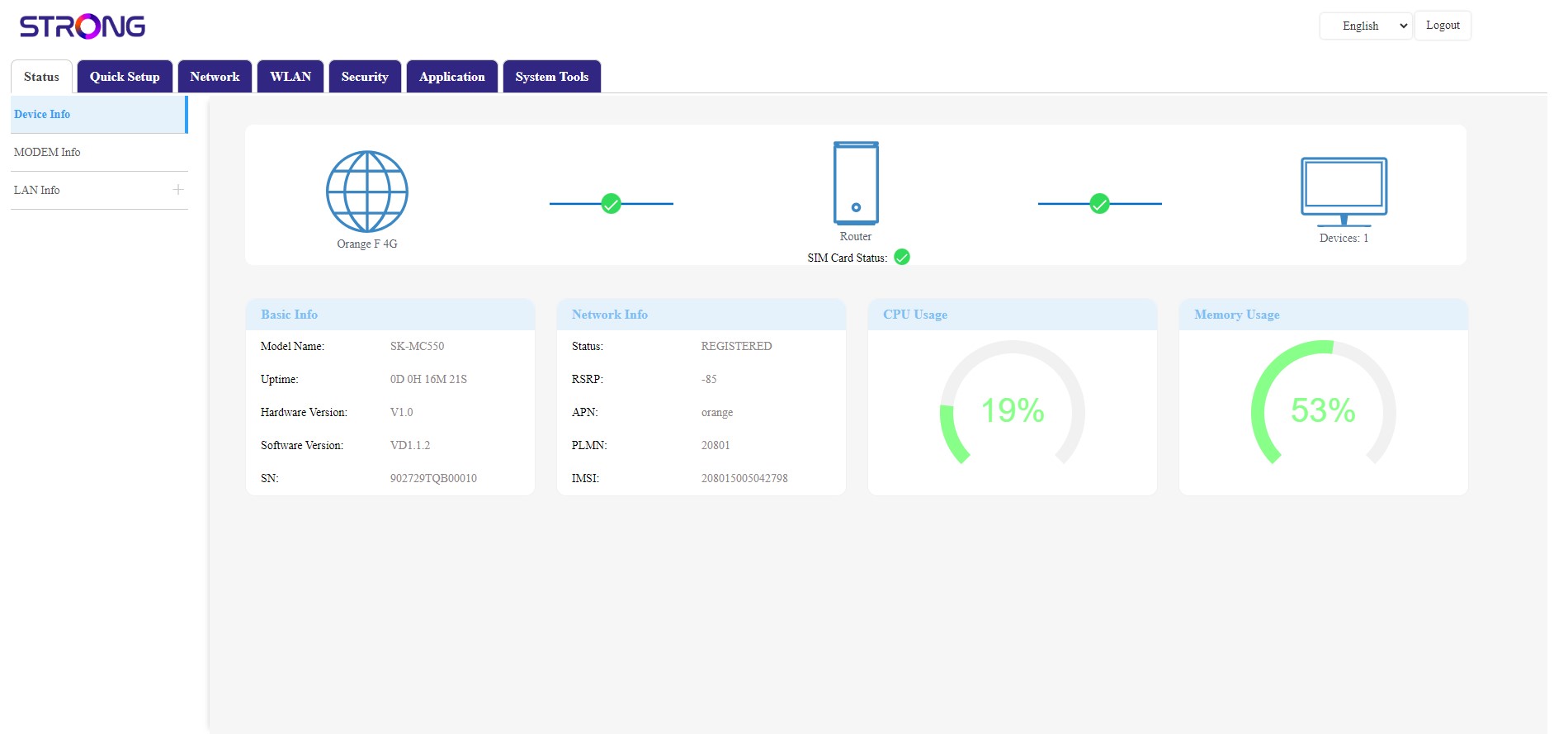
SIM karta je odblokovaná a jej ikona sa teraz zafarbí na zeleno, pričom vedľa nej sa zobrazí názov siete.