Wi-Fi 4G+ AIRSPOT 510
Nenašli sa žiadne položky.
Nenašli sa žiadne položky.
Všetky otázky
Wi-Fi 4G+ AIRSPOT 510
Nenašli sa žiadne položky.
Nenašli sa žiadne položky.
Ako môžem aktualizovať firmvér zariadenia?
V webovom používateľskom rozhraní môžete vykonať automatickú alebo ručnú aktualizáciu.
Prípad 1: Automatická aktualizácia
1. Otvortewebové rozhranie
Postupujte podľa nižšie uvedených pokynov, aby ste získali prístup k webovému používateľskému rozhraniu: Ako získam prístup k webovému používateľskému rozhraniu?
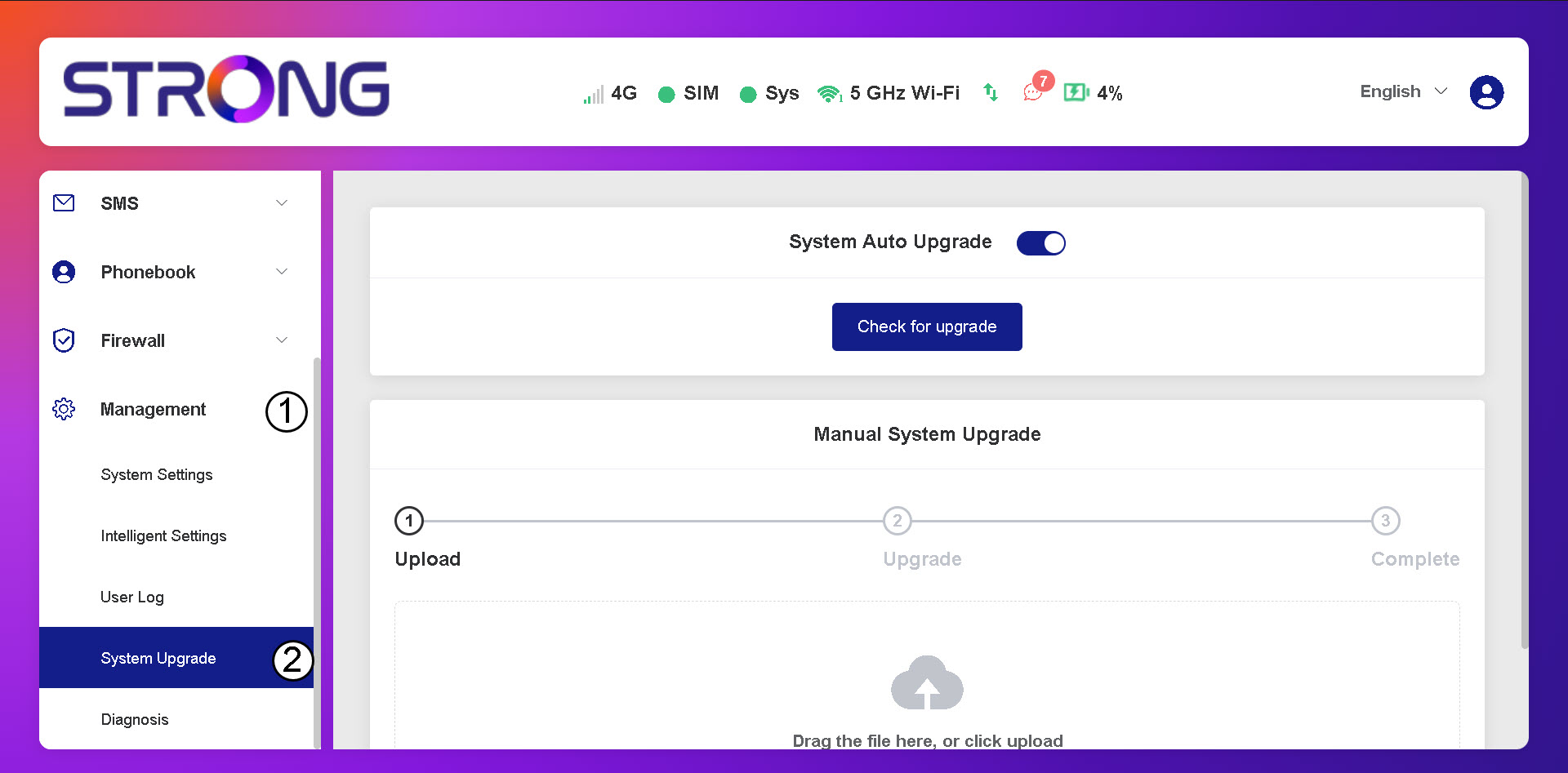
2. Otvoriťnastavenia aktualizácie systému
Kliknite na položku „Správa a aktualizácia systému“.
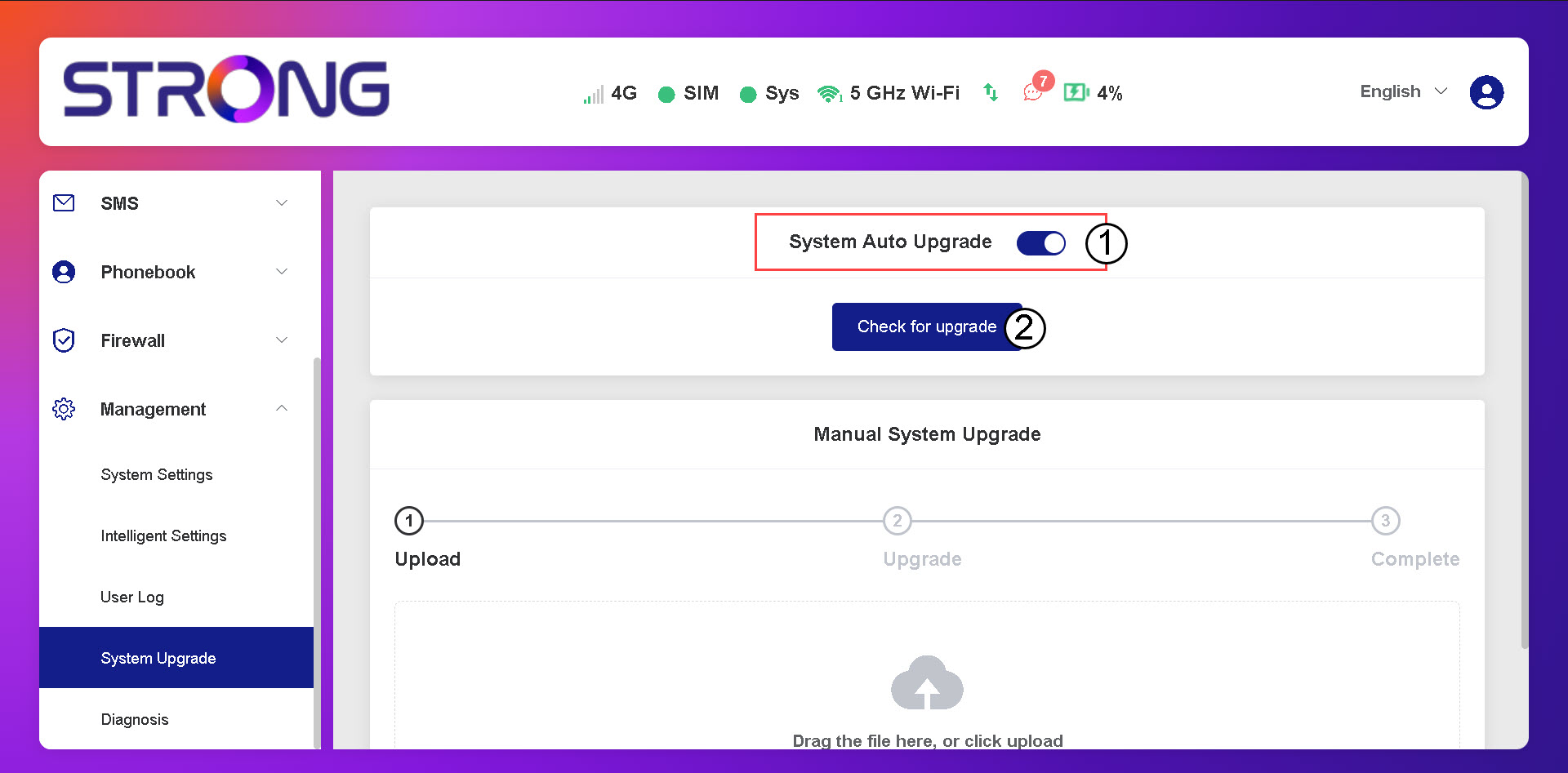
3Skontrolujte, či sú k dispozícii automatické aktualizácie
Skontrolujte, či je prepínač „Automatická aktualizácia systému“ zapnutý, a kliknite na tlačidlo „Skontrolovať dostupnosť aktualizácie“.
4. Počkajtena kontrolu aktualizácií
Počkajte, kým systém vyhľadá aktualizáciu; ak nejaká existuje, systém vás vyzve na jej stiahnutie.
5. Overtestav systému
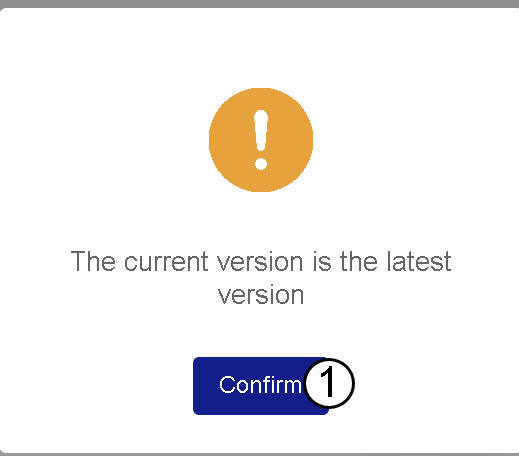
Ak je vaše zariadenie aktualizované, zobrazí sa nasledujúca správa.