
Mobilní Wi-Fi 4G AIRSPOT 220 s displejem
Nebyly nalezeny žádné položky.
Nebyly nalezeny žádné položky.
Všechny otázky
Mobilní Wi-Fi 4G AIRSPOT 220 s displejem
Nebyly nalezeny žádné položky.
Nebyly nalezeny žádné položky.
Jak se dostanu do webového uživatelského rozhraní?
Chcete-li získat přístup k webovému uživatelskému rozhraní, musíte se připojit k síti Wi-Fi zařízení 4G PORTABLE HOTSPOT 150 WITH A DISPLAY/4G PORTABLE HOTSPOT 150 poté, co do slotu vložíte SIM kartu.
1. Připojte sek Wi-Fi síti routeru
K tomu zadejte do svého zařízení SSID a heslo routeru.
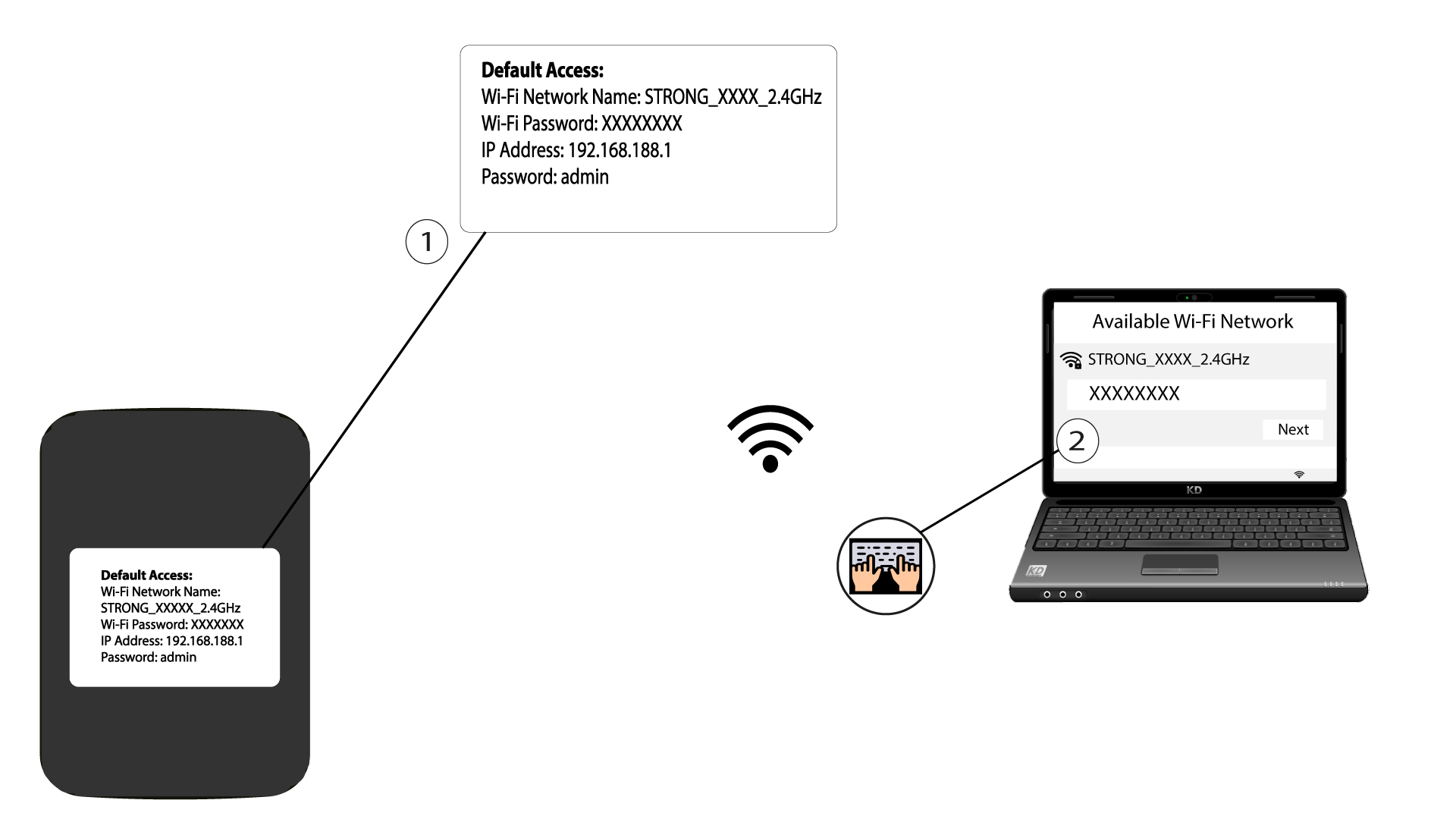
2. Přejdětena IP adresu webového uživatelského rozhraní
Poté zadejte do prohlížeče následující IP adresu: 192.168.188.1

3. Přejděte napřihlašovací stránku
Jakmile se dostanete na stránku s touto IP adresou, musíte zadat heslo a kliknout na „Přihlásit se“.

4Varovnázpráva
Jakmile se připojíte, zobrazí se vám varovná zpráva týkající se hesla správce.


Upozornění: Po prvním připojení vám důrazně doporučujeme změnit heslo správce, abyste zajistili bezpečnost přístupu k routeru a zabránili neoprávněnému vniknutí.