Mobilní Wi-Fi 4G AIRSPOT 220 s displejem
Nebyly nalezeny žádné položky.
Nebyly nalezeny žádné položky.
Všechny otázky
Mobilní Wi-Fi 4G AIRSPOT 220 s displejem
Nebyly nalezeny žádné položky.
Nebyly nalezeny žádné položky.
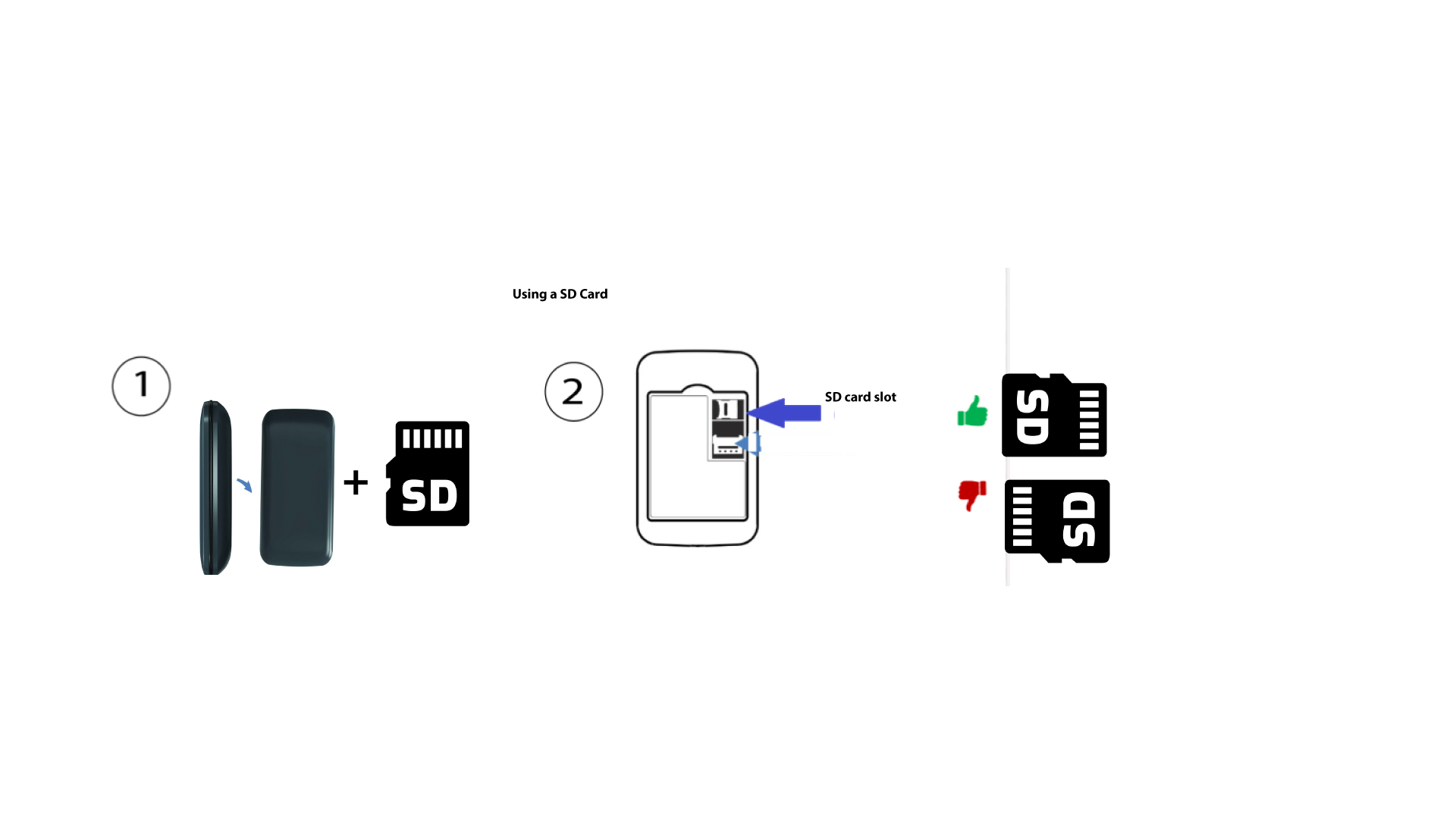
Jak vložit SD kartu do zařízení Hotspot 150?
Jak vložit SD kartu do zařízení Hotspot 150?
Chcete-li do routeru vložit SD kartu, musíte nejprve zařízení vypnout tak, že podržíte tlačítko napájení stisknuté po dobu pěti sekund.
1
Vložte SD kartu
Poté sejměte kryt a vložte SD kartu do slotu v pravém horním rohu na zadní straně zařízení.