5G AIRHOME 1050 | Wi-Fi 6
Todas las preguntas
5G AIRHOME 1050 | Wi-Fi 6
¿Cómo puedo cambiar el SSID (nombre de la red Wi-Fi) y la contraseña de Wi-Fi?
¿Cómo puedo cambiar el SSID y la contraseña?
El router 5G AX 3000 es un router de doble banda; puedes modificar la configuración de tu red Wi-Fi de 2,4 GHz y 5 GHz Mesh .
1. Conéctateal dispositivo
Para cambiar el SSID (nombre de la red Wi-Fi) y la contraseña de Wi-Fi, debes estar conectado a la red Wi-Fi de tu dispositivo.

2. Acceder ala interfaz de usuario web
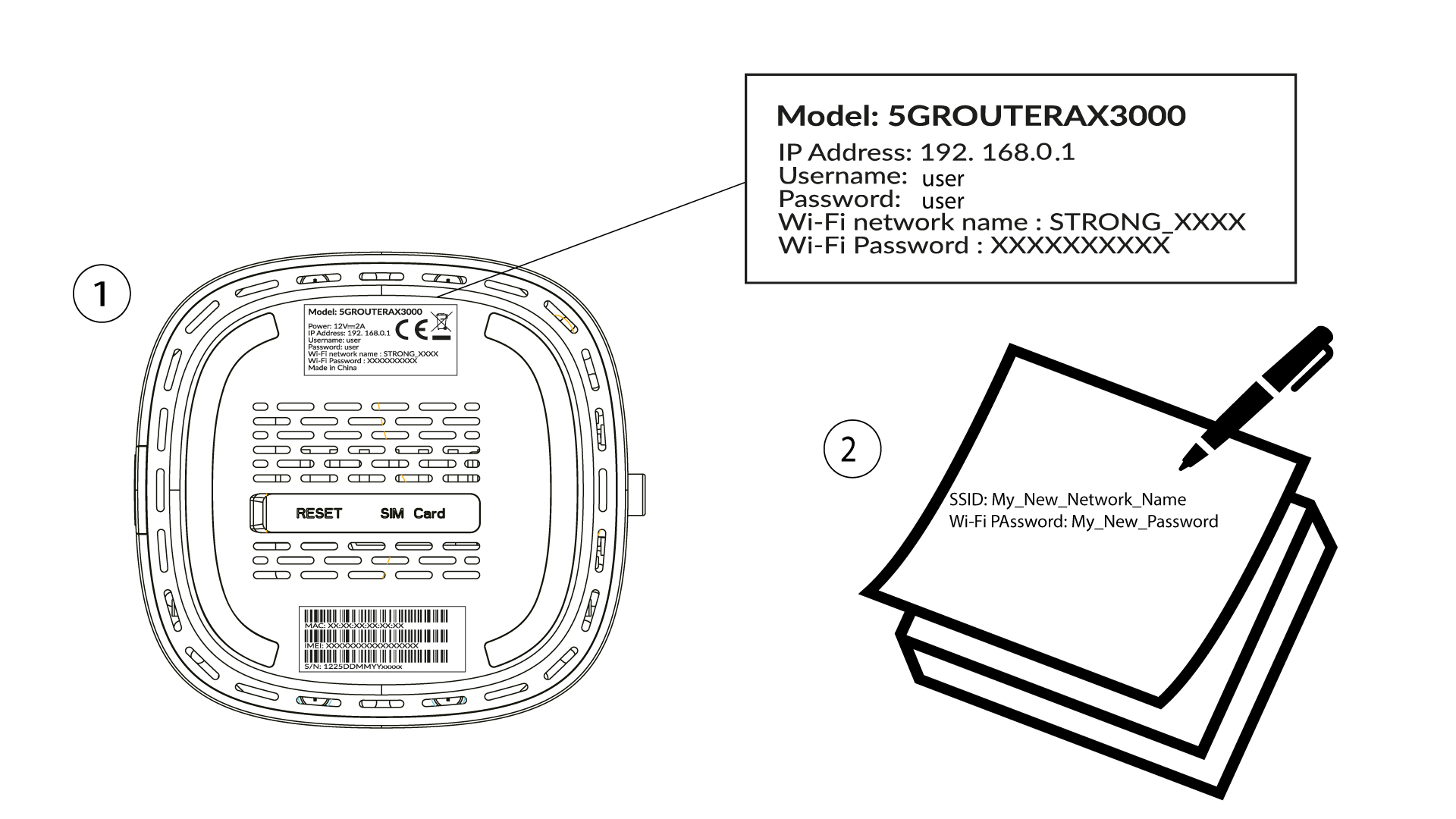
A continuación, introduce la siguiente dirección IP: 192.168.0.1 en tu navegador.

3Iniciarsesión
Debes introducir el nombre de usuario y la contraseña ( ten en cuenta que, tras la primera conexión, crearás tu propia contraseña de administrador, lo que significa que la contraseña que figura en la etiqueta del producto ya no funcionará). A continuación, haz clic en «Iniciar sesión».

4. Configuración de Wi-Fi
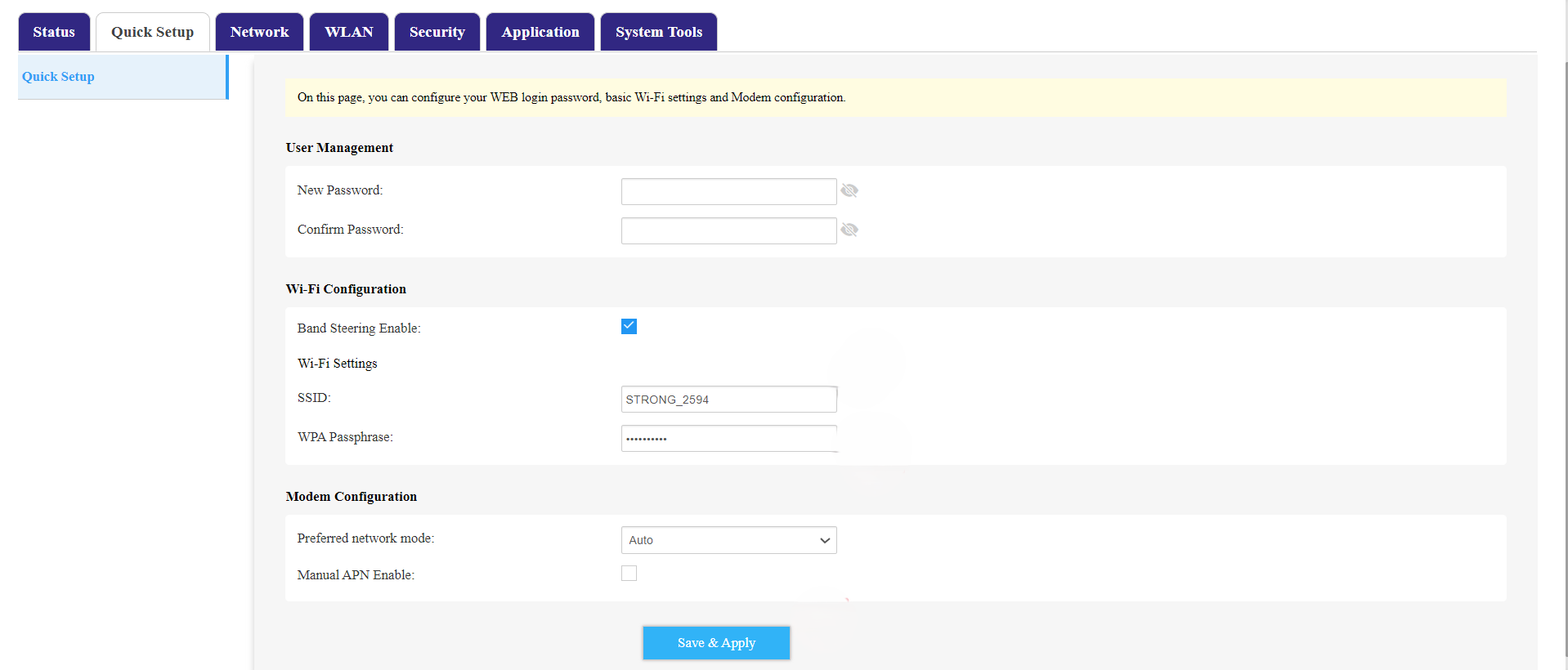
Haz clic en «Configuración rápida » en la barra superior y ve a «Configuración de Wi-Fi».
5. Cambiarel SSID y la contraseña
Cambia el nombre introducido en el campo «SSID ». A continuación, haz clic en el icono del ojo para mostrar la contraseña y cambia la contraseña introducida en el campo «Contraseña WPA ». Después, haz clic en «Guardar y aplicar» para guardar los cambios.
6. Anotael nuevo nombre de red y la contraseña
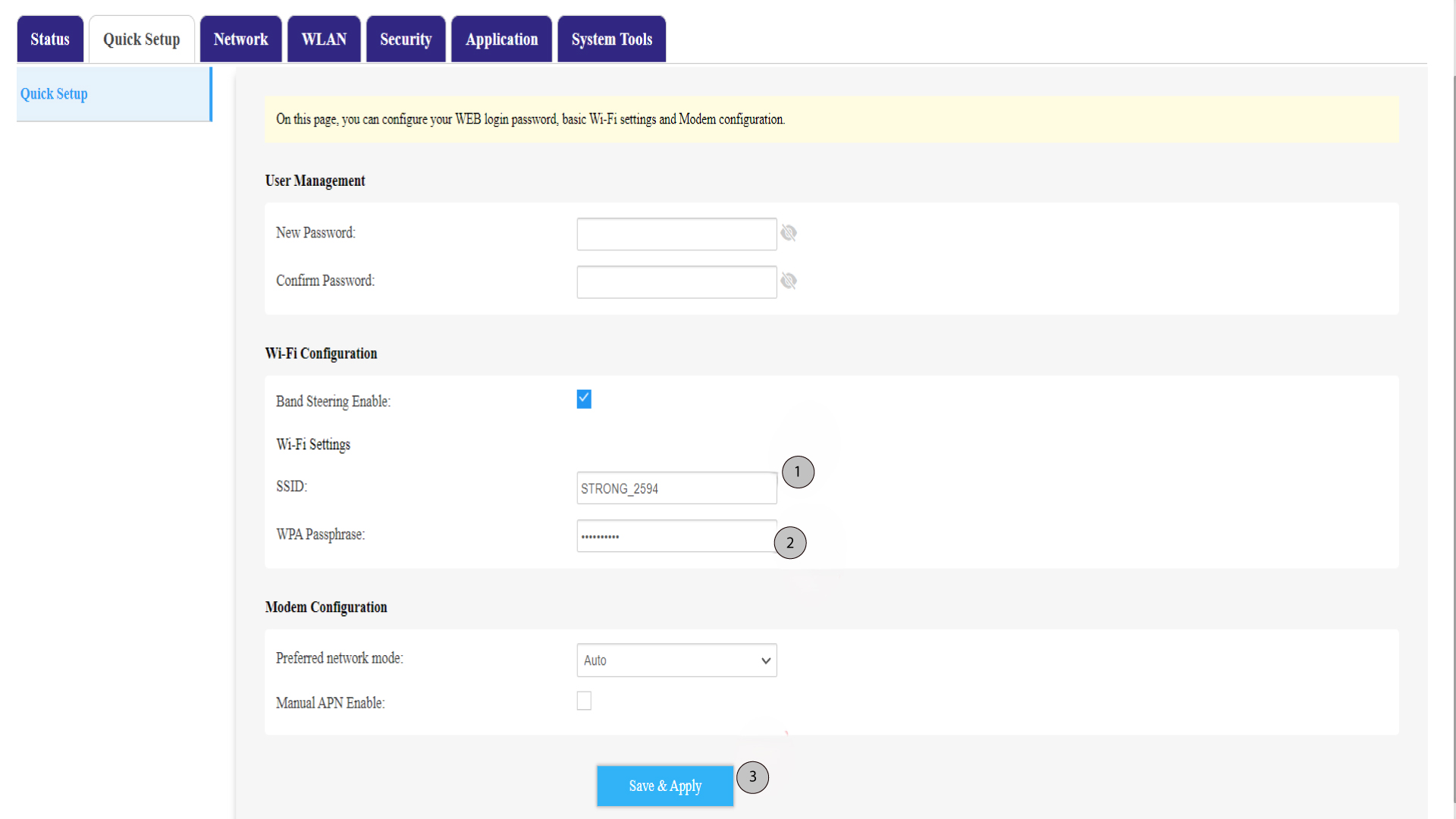
Anota tu nuevo SSID (nombre de la red Wi-Fi) y la contraseña de Wi-Fi en un trozo de papel y pégalo con cinta adhesiva en el router.