5G AIRHOME 1050 | Wi-Fi 6
Todas las preguntas
5G AIRHOME 1050 | Wi-Fi 6
¿Cómo introduzco el código PIN de mi tarjeta SIM?
Para introducir el código PIN de tu tarjeta SIM, debes conectarte a la interfaz de usuario web.
1. Conéctatea la red Wi-Fi de tu router
Para ello, introduce el SSID (nombre de la red Wi-Fi) y la contraseña Wi-Fi del router en tu dispositivo:

2. Accedea la interfaz de usuario web mediante la dirección IP
A continuación, introduce la siguiente dirección IP en tu navegador: 192.168.0.1

3. Página de inicio de sesión
Debes introducir el nombre de usuario y la contraseña ( esta información figura en la etiqueta situada debajo del producto; por favor, anota la nueva contraseña de administrador que hayas establecido tras tu primera conexión). A continuación, haz clic en «Iniciar sesión».

4. Introducetus datos de acceso
Cuando te conectes a la interfaz de usuario web por primera vez, aparecerá un mensaje de advertencia en el que se te pedirá que introduzcas el código PIN haciendo clic en el botón de conexión.
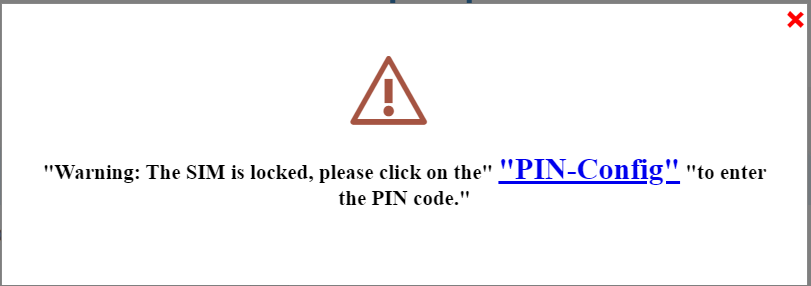
5. Introducetu código PIN
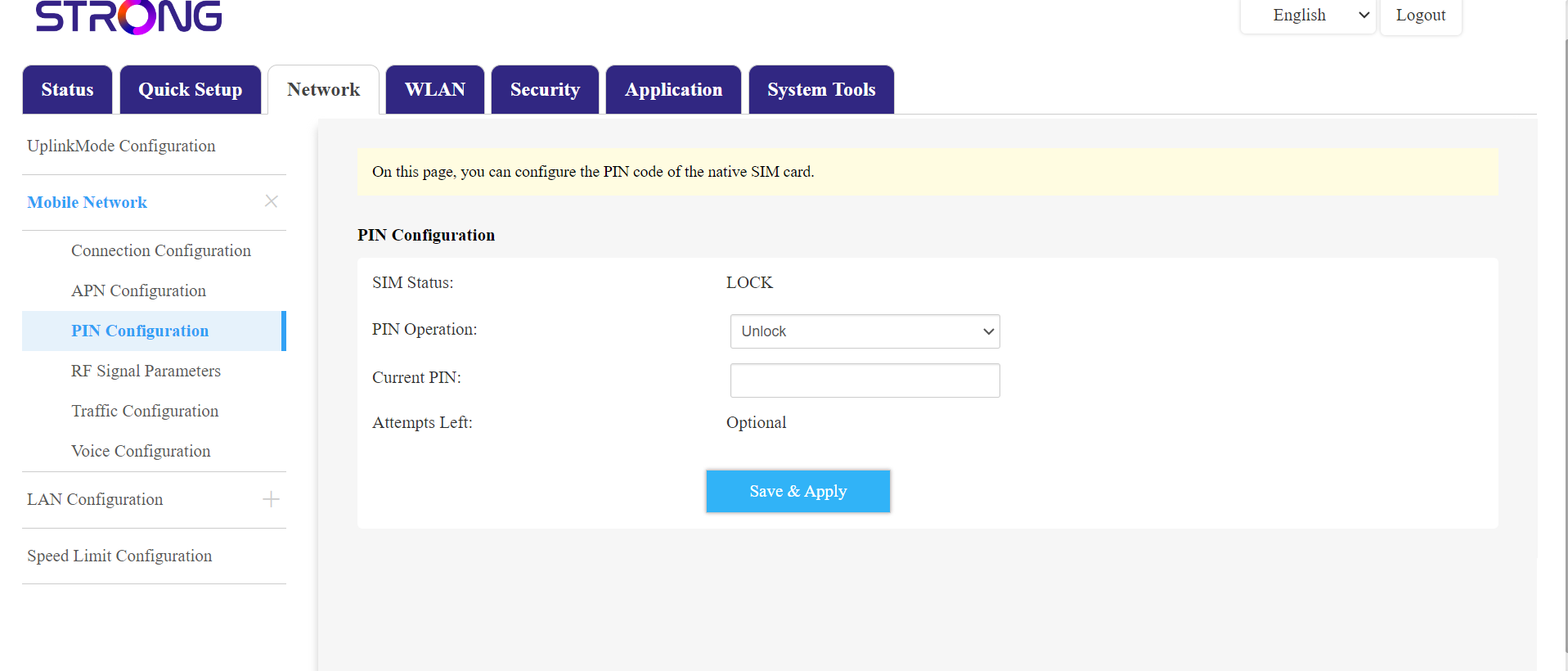
A continuación, ve a «Red» en la barra superior y, a continuación, en la sección «Red móvil», haz clic en «Configuración del PIN».
Introduce tu código PIN en el campo correspondiente y haz clic en «Enviar».
La tarjeta SIM 6está desbloqueada
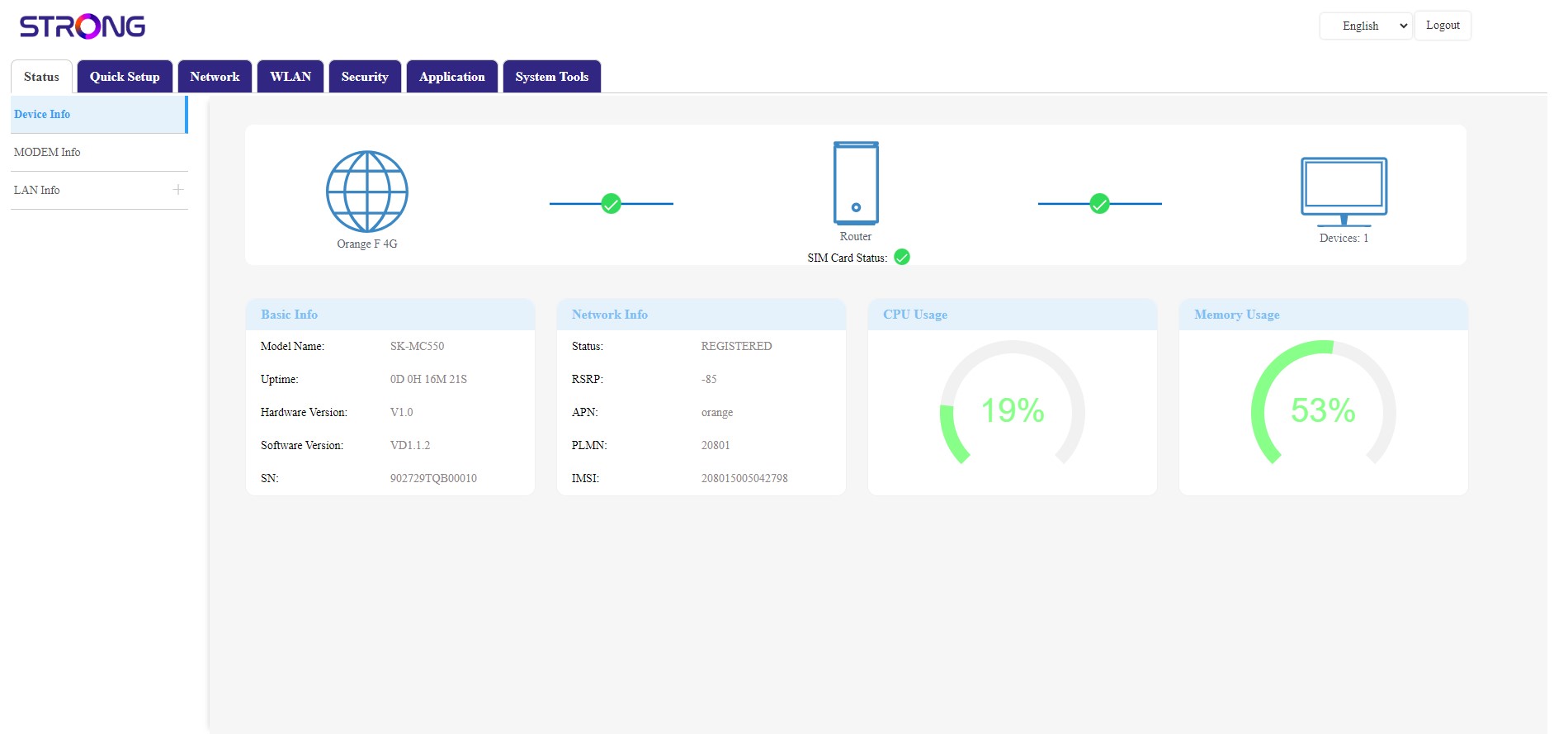
La tarjeta SIM está desbloqueada y su icono ahora se muestra en verde, con el nombre de la red junto a él.