Punto de acceso Wi-Fi 4G AIRSPOT 220 con pantalla
No se han encontrado artículos.
No se han encontrado artículos.
Todas las preguntas
Punto de acceso Wi-Fi 4G AIRSPOT 220 con pantalla
No se han encontrado artículos.
No se han encontrado artículos.
¿Cómo introduzco el código PIN de mi tarjeta SIM?
1. Conéctatea la red Wi-Fi del router
Para introducir el código PIN de tu tarjeta SIM, debes conectarte a la interfaz de usuario web. Para ello, introduce el SSID (nombre de la red Wi-Fi) y la contraseña Wi-Fi del router en tu dispositivo.

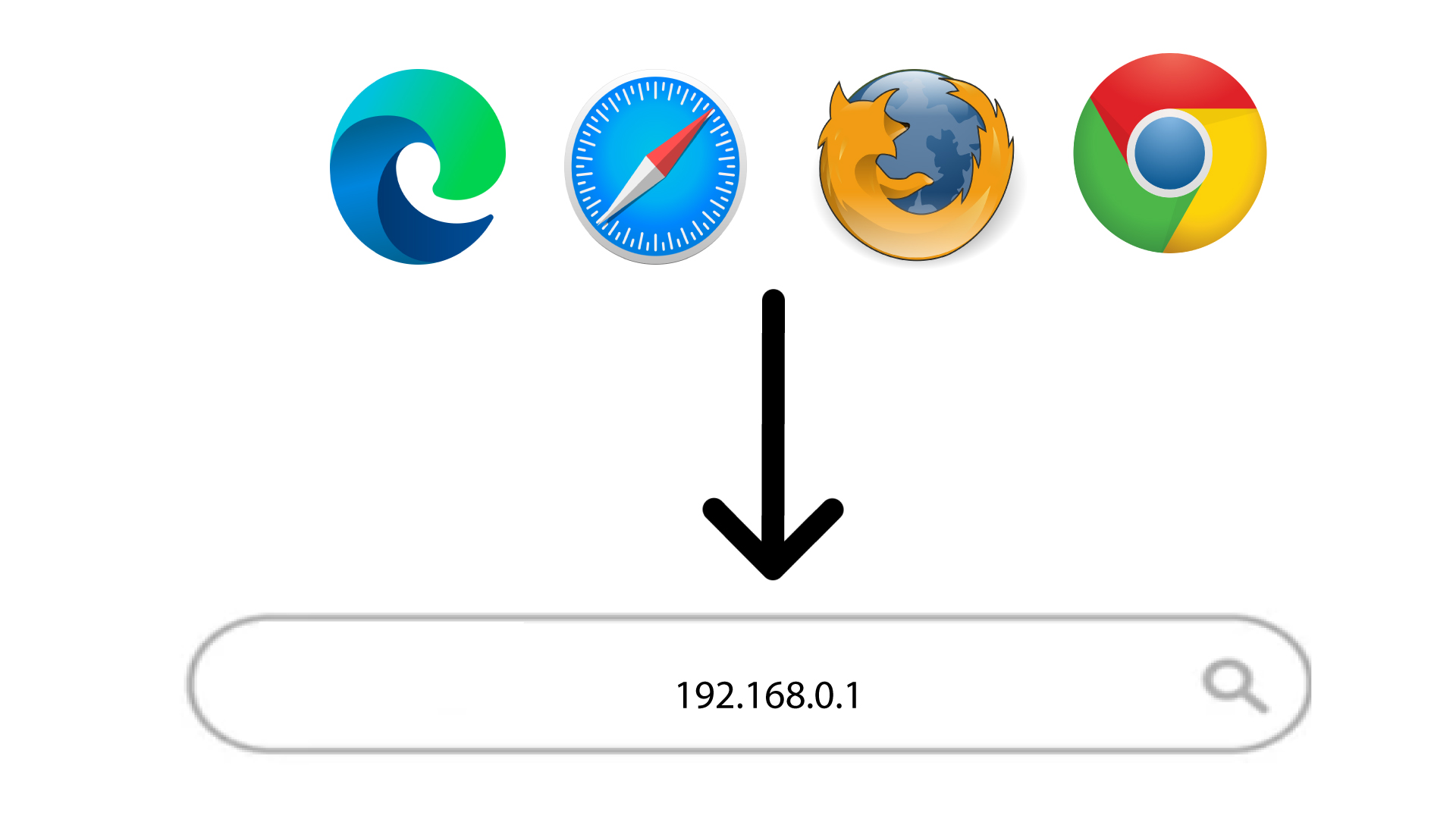
2. Accedea la dirección IP de la interfaz de usuario web
A continuación, introduce la siguiente dirección IP en tu navegador: 192.168.188.1
3Iniciarsesión
Una vez que hayas accedido a la dirección IP, debes introducir la contraseña y hacer clic en «Iniciar sesión».

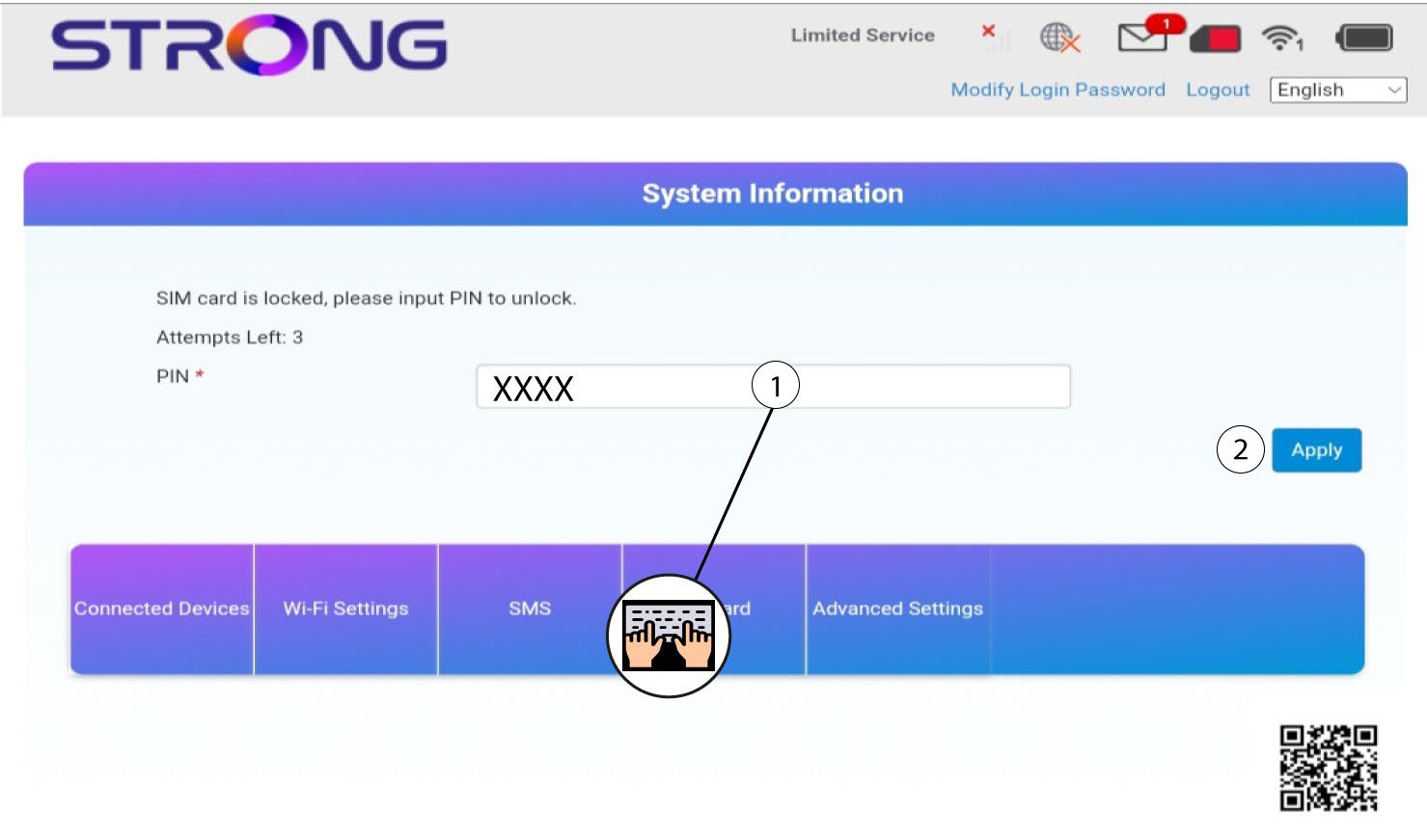
4. Introduceel código PIN
Introduce el código PIN de tu tarjeta SIM y haz clic en «Aplicar».