5G AIRHOME 1050 | Wi-Fi 6
Toutes les questions
5G AIRHOME 1050 | Wi-Fi 6
Comment saisir le code PIN de ma carte SIM ?
Pour saisir le code PIN de votre carte SIM, vous devez vous connecter à l'interface utilisateur Web.
1. Connectez-vousau réseau Wi-Fi de votre routeur
Pour ce faire, saisissez le SSID (nom du réseau Wi-Fi) et le mot de passe Wi-Fi du routeur sur votre appareil :

2. Accéderà l'interface utilisateur Web via l'adresse IP
Ensuite, saisissez l'adresse IP suivante dans votre navigateur : 192.168.0.1

3Page de connexion
Vous devez saisir le nom d'utilisateur et le mot de passe ( ces informations figurent sur l'étiquette située sous l'appareil ; veuillez noter le nouveau mot de passe administrateur que vous aurez défini après votre première connexion). Cliquez ensuite sur « Connexion ».

4. Saisissezvos identifiants
Lorsque vous vous connectez à l'interface utilisateur Web pour la première fois, un message d'avertissement s'affiche, vous invitant à saisir le code PIN en cliquant sur le bouton de connexion.
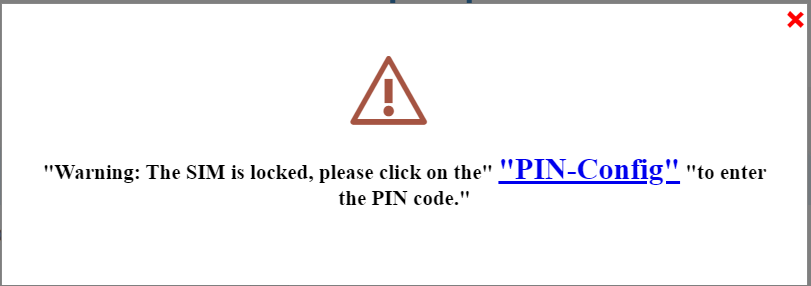
5. Saisissezvotre code PIN
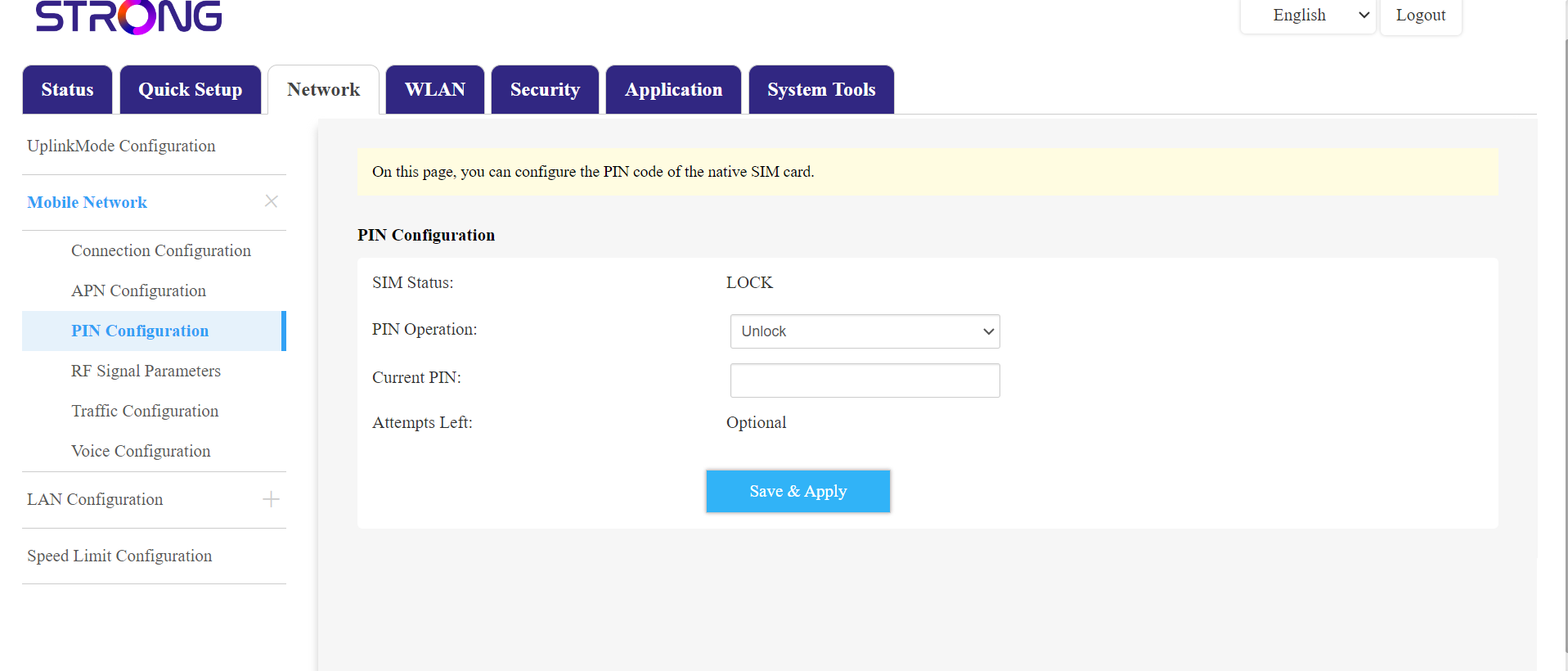
Rendez-vous ensuite dans « Réseau » dans la barre supérieure, puis dans la section « Réseau mobile », et cliquez sur « Configuration du code PIN ».
Saisissez votre code PIN dans le champ prévu à cet effet, puis cliquez sur « Valider ».
La carte SIM 6est débloquée
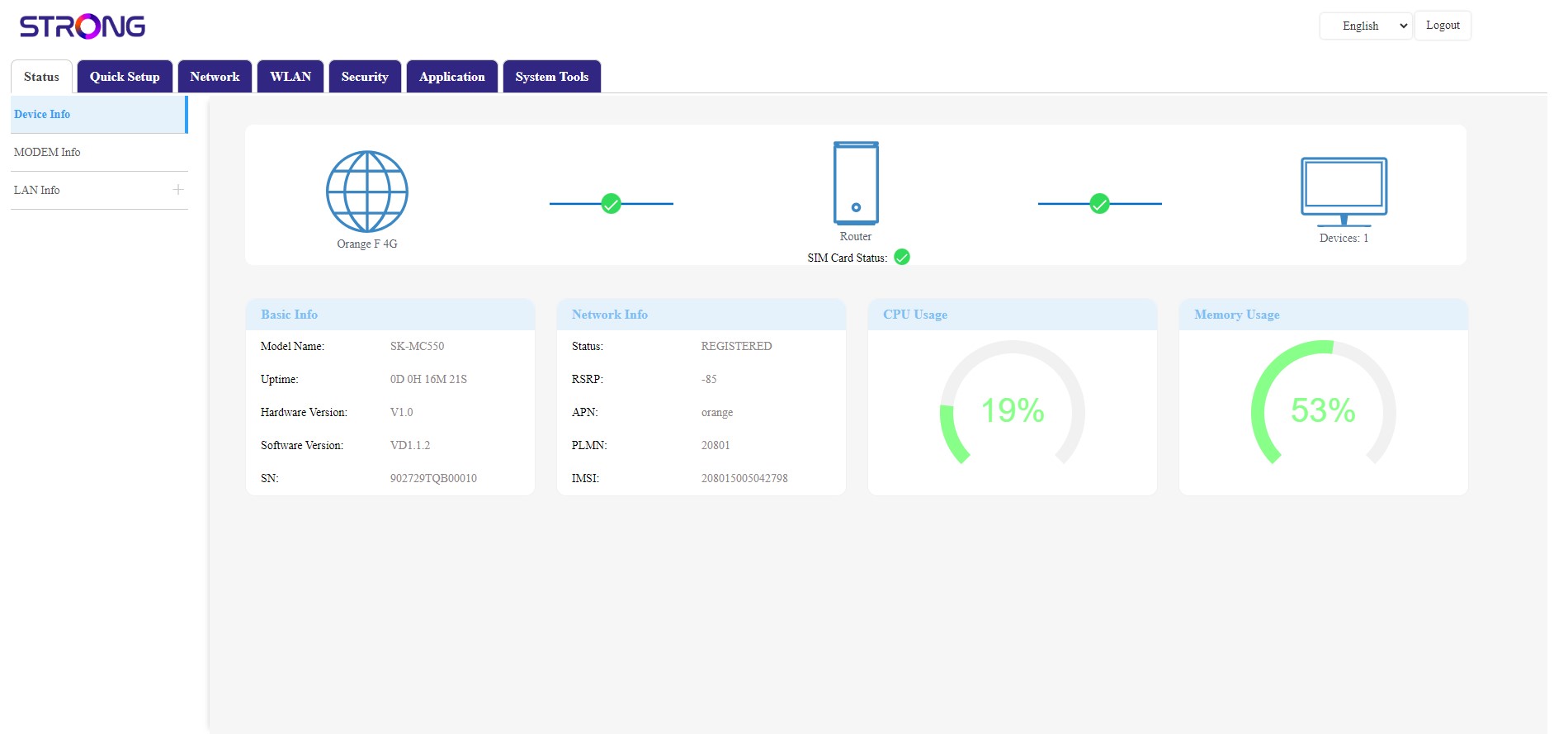
La carte SIM est débloquée, et son icône s'affiche désormais en vert, avec le nom du réseau à côté.