4G AIRSPOT 220 Wi-Fi kijelzővel
Nem találtunk tárgyakat.
Nem találtunk tárgyakat.
Minden kérdés
4G AIRSPOT 220 Wi-Fi kijelzővel
Nem találtunk tárgyakat.
Nem találtunk tárgyakat.
Hogyan adhatom meg a SIM-kártyám PIN-kódját?
1. Csatlakozzaz útválasztó Wi-Fi-hálózatához
A SIM-kártya PIN-kódjának megadásához csatlakoznia kell a webes felhasználói felülethez. Ehhez írja be a készülékébe az útválasztó SSID-jét (Wi-Fi-hálózat nevét) és a Wi-Fi-jelszót.

2Keressemeg a webes felhasználói felület IP-címét
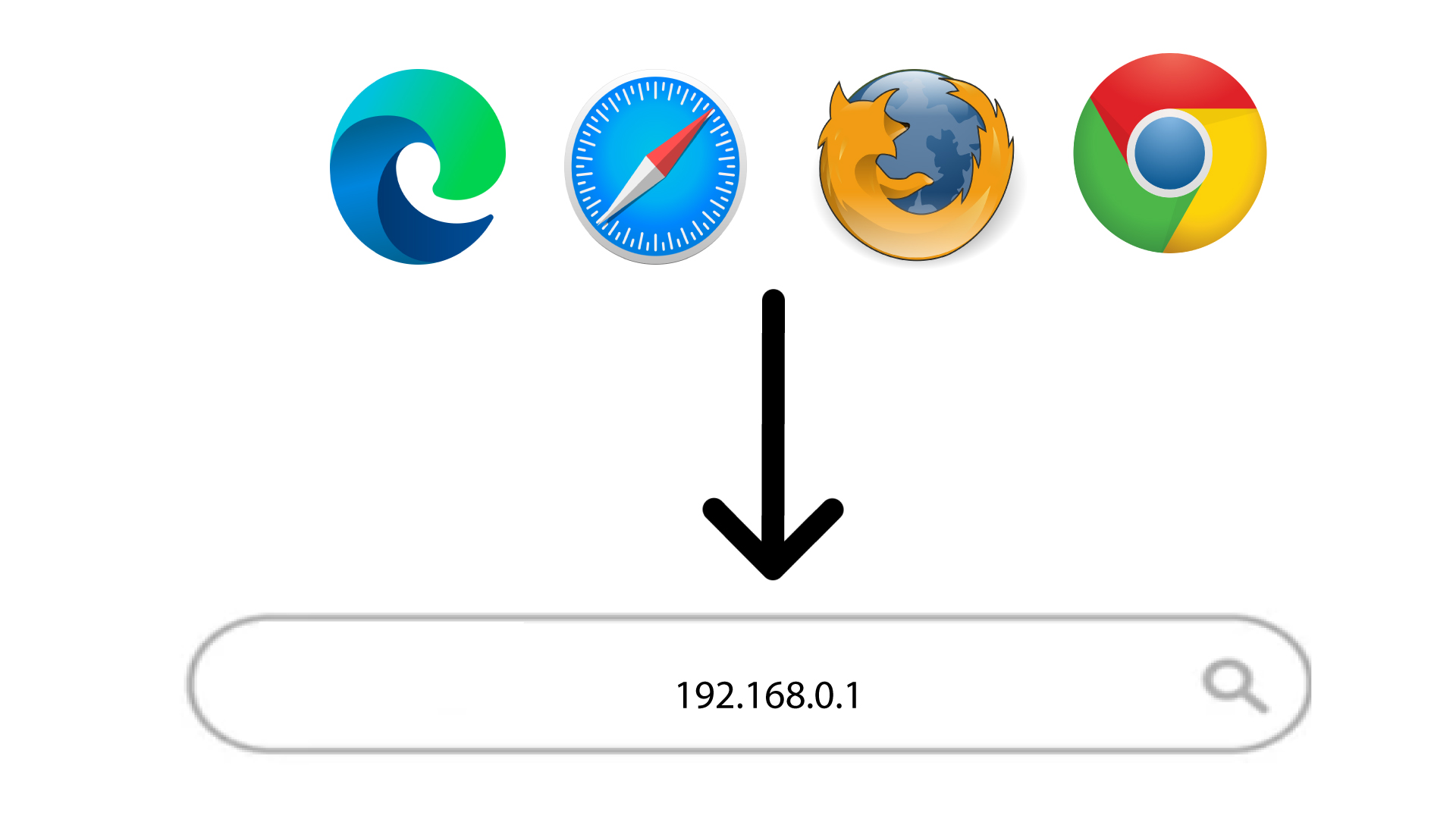
Ezután írja be a böngészőjébe a következő IP-címet: 192.168.188.1
3Bejelentkezés
Miután megadta az IP-címet, be kell írnia a jelszót, majd a „Bejelentkezés” gombra kell kattintania.

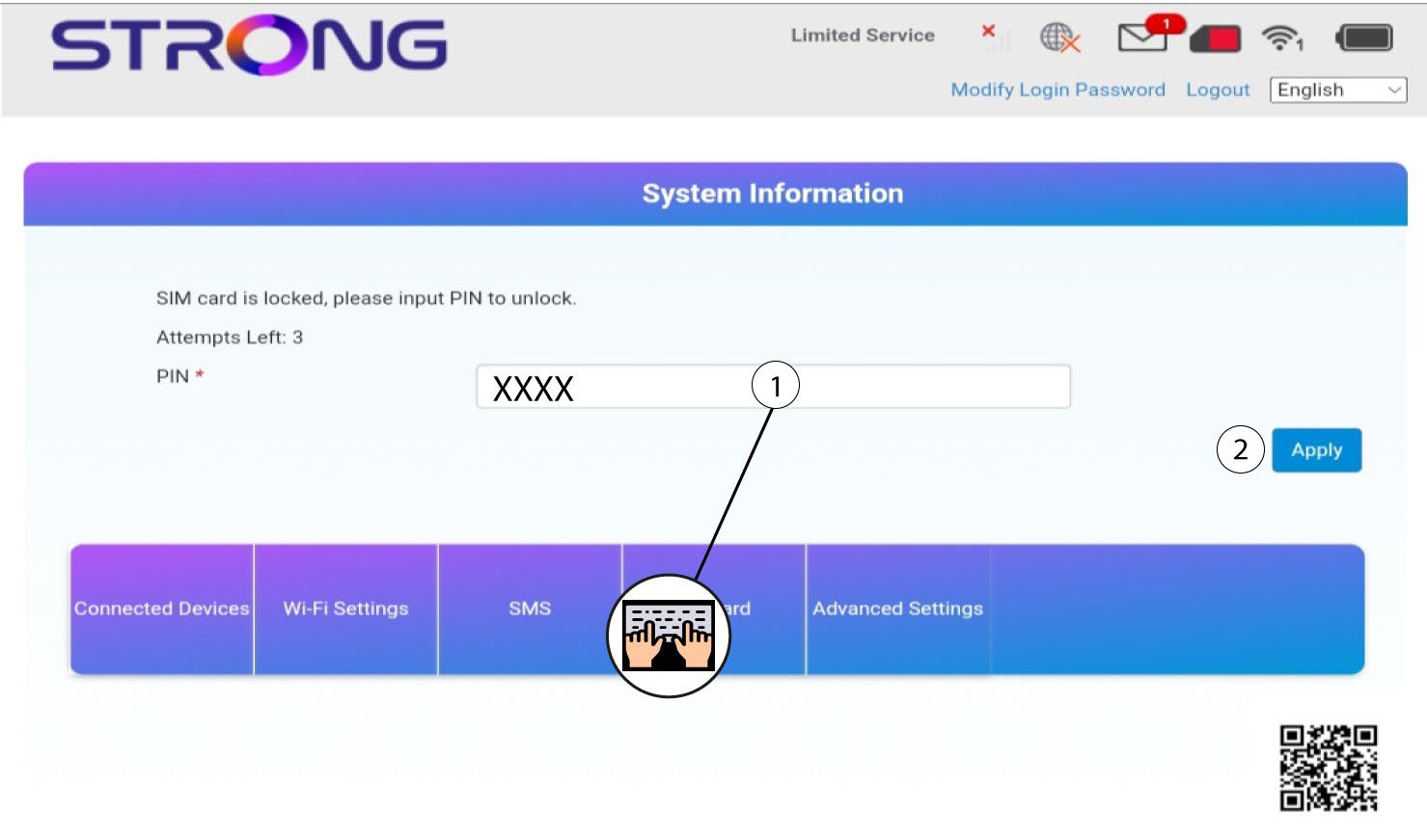
4. Írjabe a PIN-kódot
Írja be a SIM-kártya PIN-kódját, majd kattintson az „Alkalmazás” gombra.