
4G AIRSPOT 220 Mobiele wifi met display
Geen items gevonden.
Geen items gevonden.
Alle vragen
4G AIRSPOT 220 Mobiele wifi met display
Geen items gevonden.
Geen items gevonden.
Hoe krijg ik toegang tot de webinterface?
Om toegang te krijgen tot de webinterface moet u verbonden zijn met het wifi-netwerk van uw 4G PORTABLE HOTSPOT 150 MET DISPLAY/4G PORTABLE HOTSPOT 150, nadat u de simkaart in de sleuf hebt geplaatst.
1. Maak verbindingmet het wifi-netwerk van de router
Voer hiervoor de SSID en het wachtwoord van de router in op je apparaat.
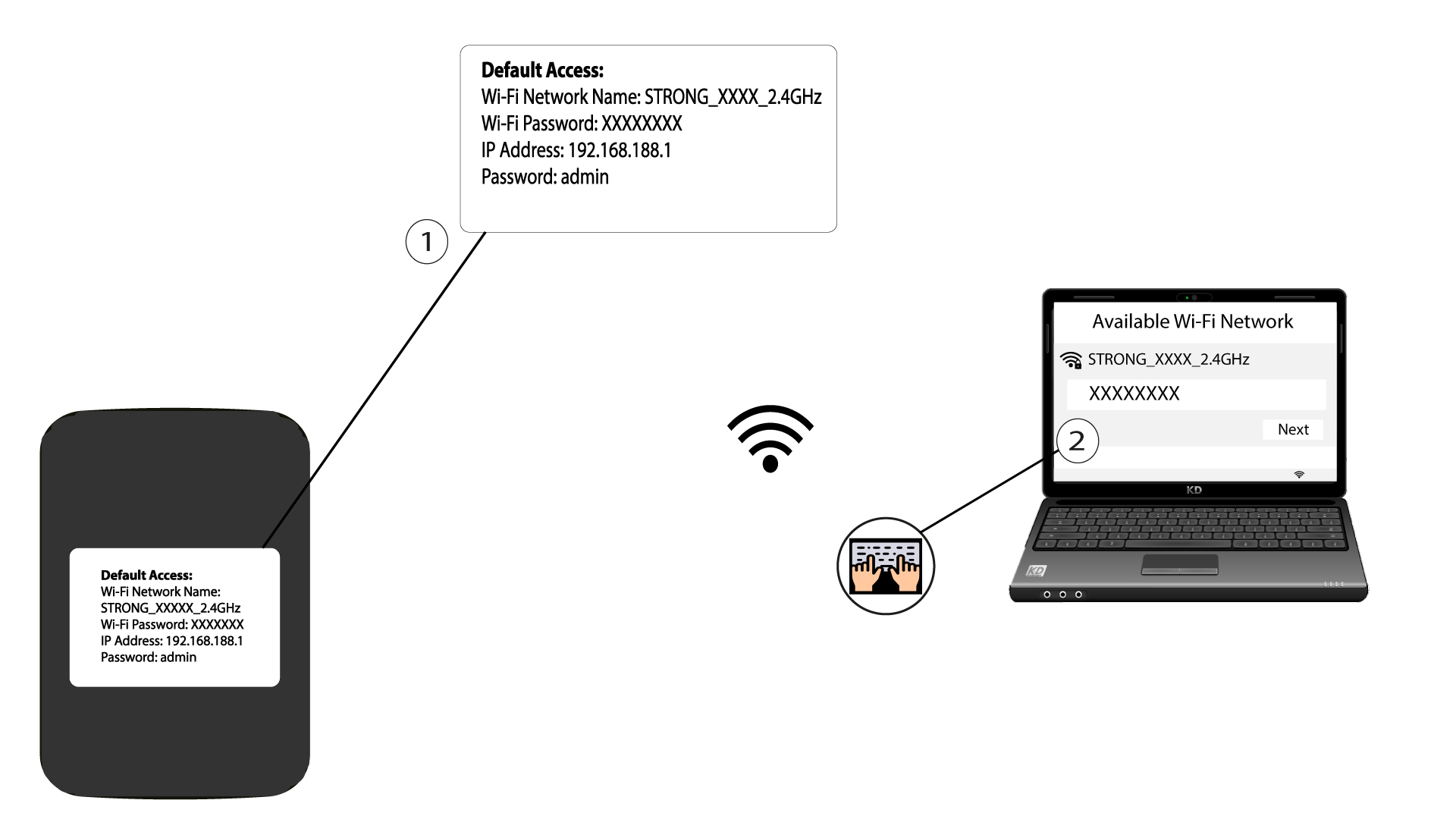
2. Ganaar het IP-adres van de webinterface
Voer vervolgens het volgende IP-adres in je browser in: 192.168.188.1

3Ga naarde inlogpagina
Zodra u naar het IP-adres bent gegaan, moet u het wachtwoord invoeren en op ‘Inloggen’ klikken.

4Waarschuwingsbericht
Zodra je bent ingelogd, krijg je een waarschuwing te zien over het beheerderswachtwoord.


Waarschuwing: Nadat u voor het eerst verbinding hebt gemaakt, raden wij u ten zeerste aan het beheerderswachtwoord te wijzigen om de toegang tot de router te beveiligen en hacking te voorkomen.