4G AIRSPOT 220 Mobiele wifi met display
Geen items gevonden.
Geen items gevonden.
Alle vragen
4G AIRSPOT 220 Mobiele wifi met display
Geen items gevonden.
Geen items gevonden.
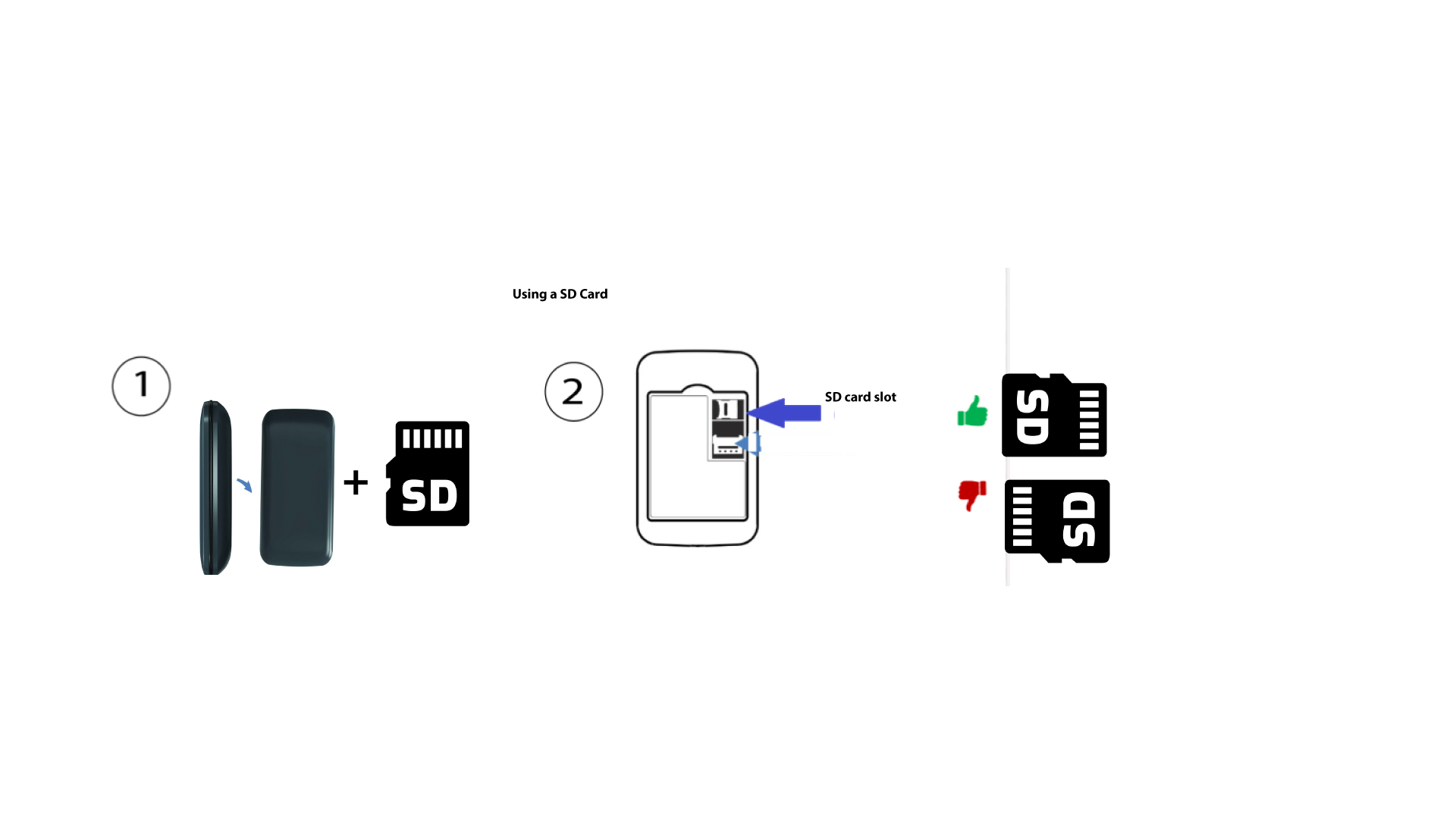
Hoe plaats je de SD-kaart in de Hotspot 150?
Hoe plaats je de SD-kaart in de Hotspot 150?
Om de SD-kaart in de router te plaatsen, moet u het apparaat eerst uitschakelen door de aan/uit-knop vijf seconden ingedrukt te houden.
1
Plaats de SD-kaart
Verwijder vervolgens het klepje en plaats de SD-kaart in de sleuf rechtsboven aan de achterzijde van het apparaat.