ATRIA Wi-Fi 6 Mesh 3000 (2-pack)
Alle vragen
ATRIA Wi-Fi 6 Mesh 3000 (2-pack)
Hoe krijg ik toegang tot de webinterface?
Om toegang te krijgen tot de webinterface moet u verbonden zijn met het wifi-netwerk van uw apparaat, nadat u een ethernetkabel hebt aangesloten op de WLAN-poort van uw internetbox en op de WLAN-poort van de Mesh -unit.
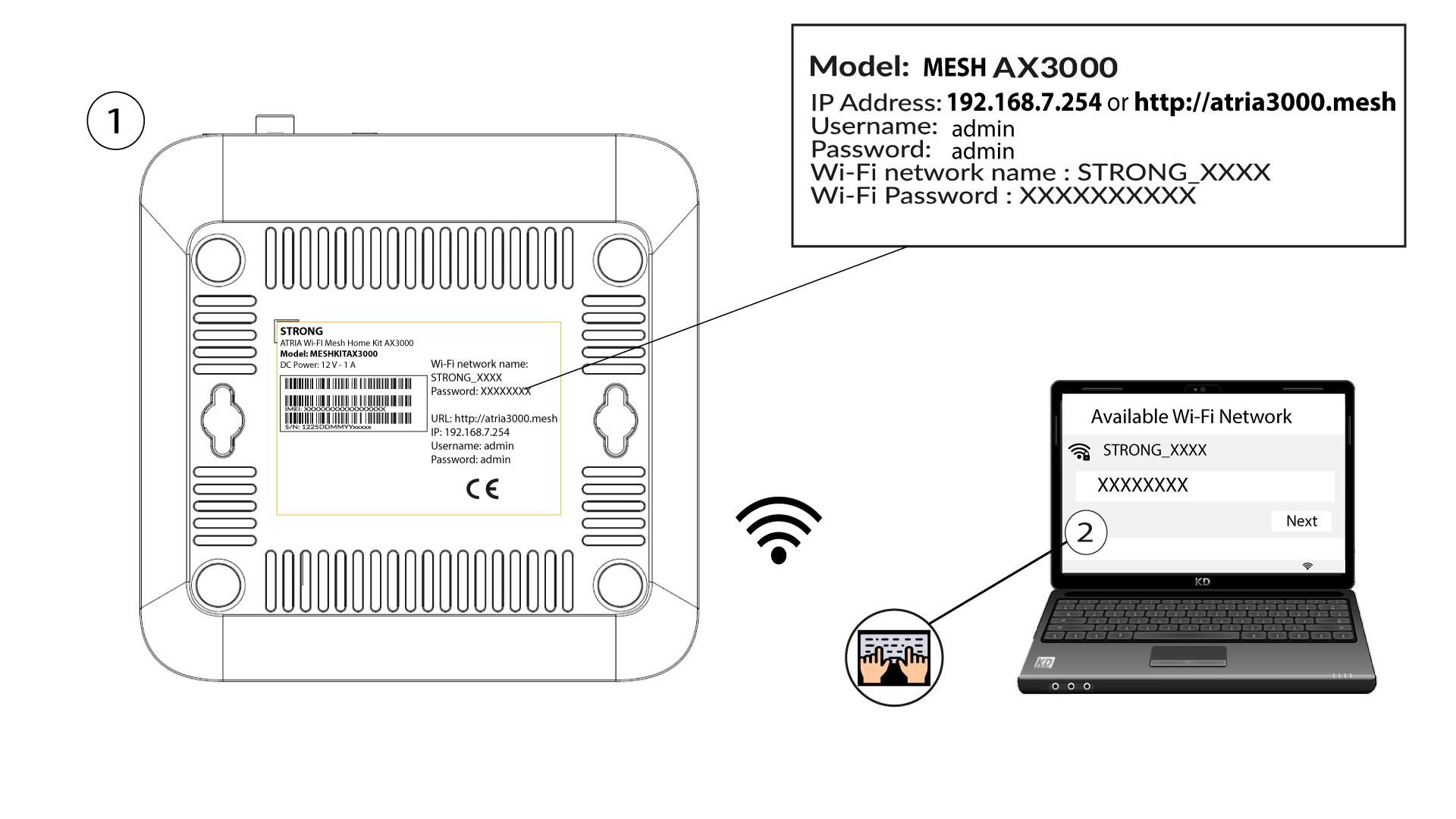
1Maak verbindingmet het wifi-netwerk van het apparaat
Voer hiervoor de SSID (naam van het wifi-netwerk) en het wifi-wachtwoord van de router in op je apparaat:
2. Ganaar het IP-adres van de webinterface
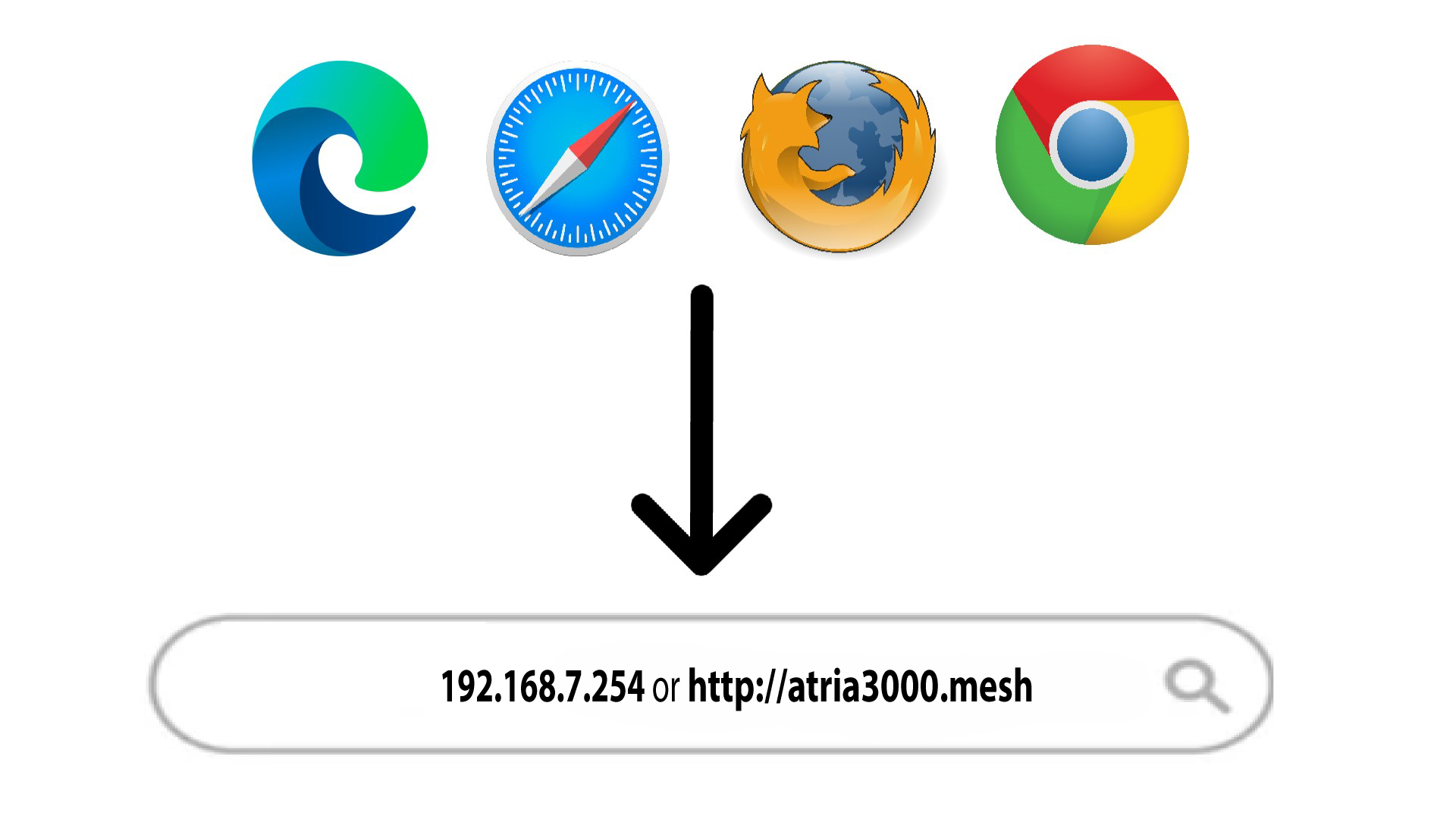
Voer vervolgens het volgende IP-adres in je browser in: 192.168.7.254 of typ het volgende adres in: http://atria3000.mesh
3Voeruw inloggegevens in
U moet de gebruikersnaam (admin) en het wachtwoord (admin) invoeren (let op: na de eerste keer inloggen stelt u uw eigen beheerderswachtwoord in, wat betekent dat het wachtwoord dat op het productlabel staat niet meer werkt). Klik vervolgens op ‘Inloggen’.

4Hoofdpagina
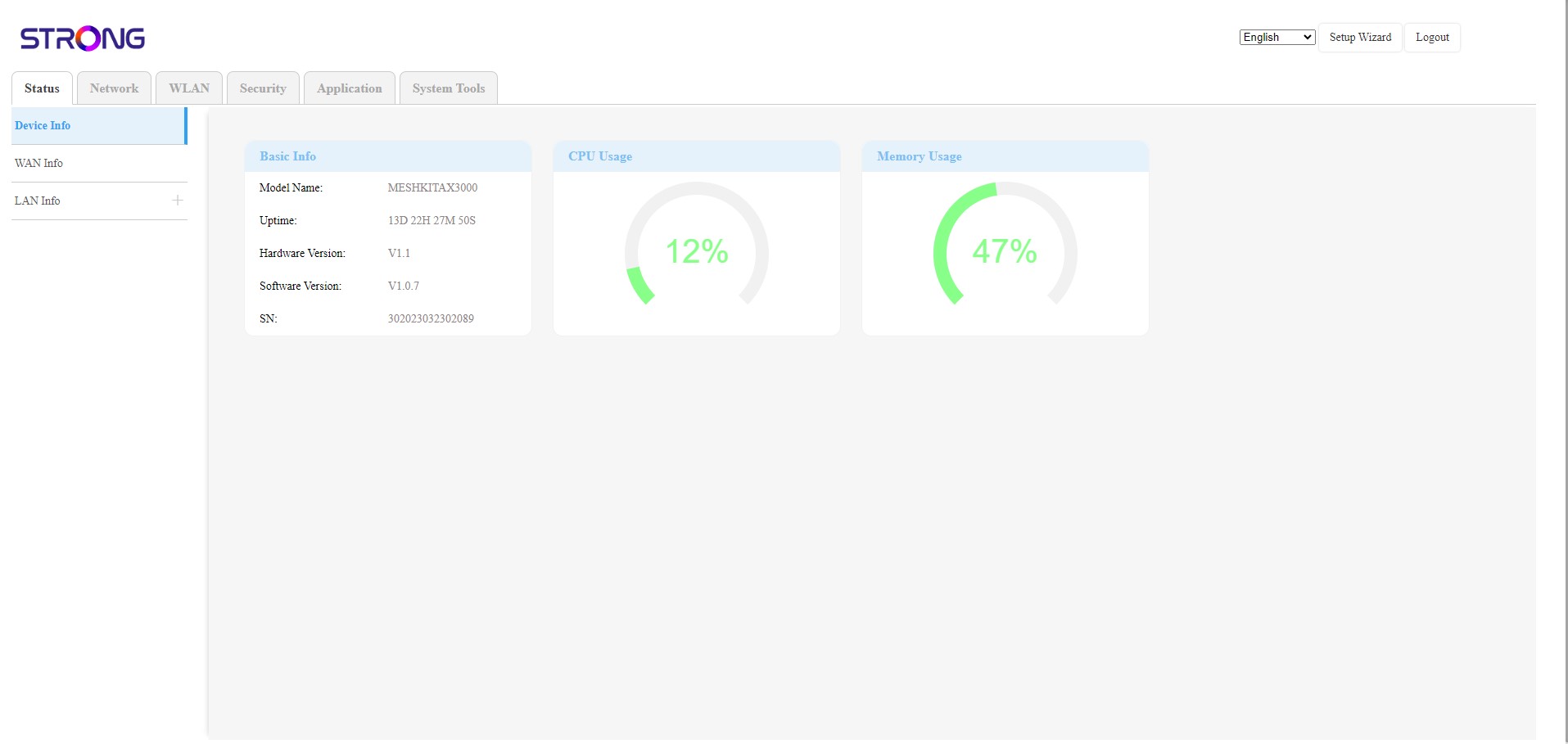
U bevindt zich nu op de hoofdpagina van de webinterface. Mogelijk moet u het wachtwoord voor de webinterface na uw eerste aanmelding wijzigen. Volg hiervoor de onderstaande instructies.