ATRIA Wi-Fi 6 Mesh 3000 (2-pack)
Geen items gevonden.
Geen items gevonden.
Alle vragen
ATRIA Wi-Fi 6 Mesh 3000 (2-pack)
Geen items gevonden.
Geen items gevonden.
Hoe gebruik ik de WPS-functie?

Waarschuwing: Je kunt de WPS-functie gebruiken om de wifi-verbinding tot stand te brengen tussen je router en bijvoorbeeld je computers, smartphones en/of je printer.
Het is heel eenvoudig om WPS op je router in te schakelen.
1Mesh
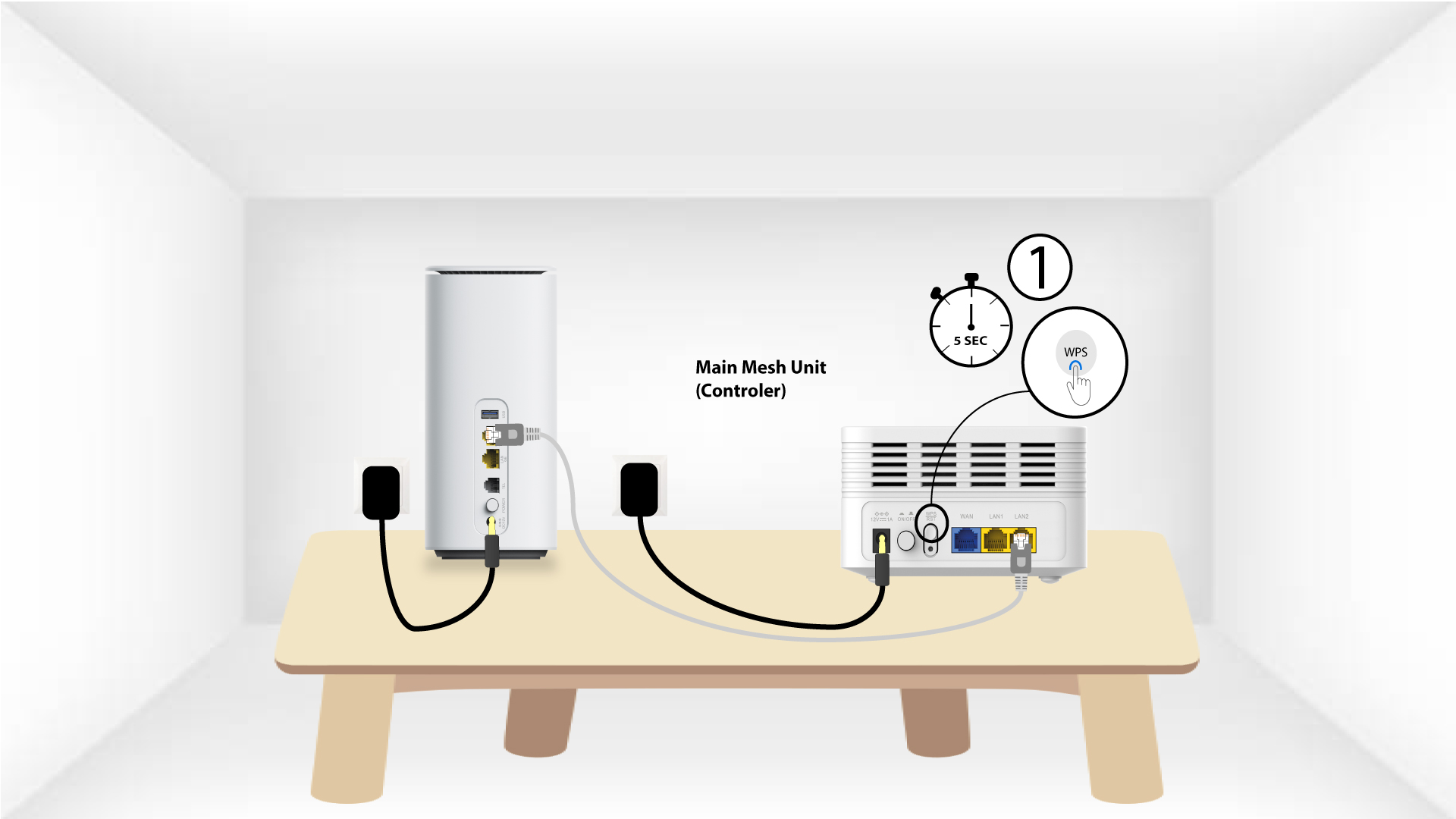
Druk hiervoor 5 seconden lang op de WPS-knop op het Mesh -apparaat dat is aangesloten op uw Mesh -netwerk.
2.Netwerkkeuze
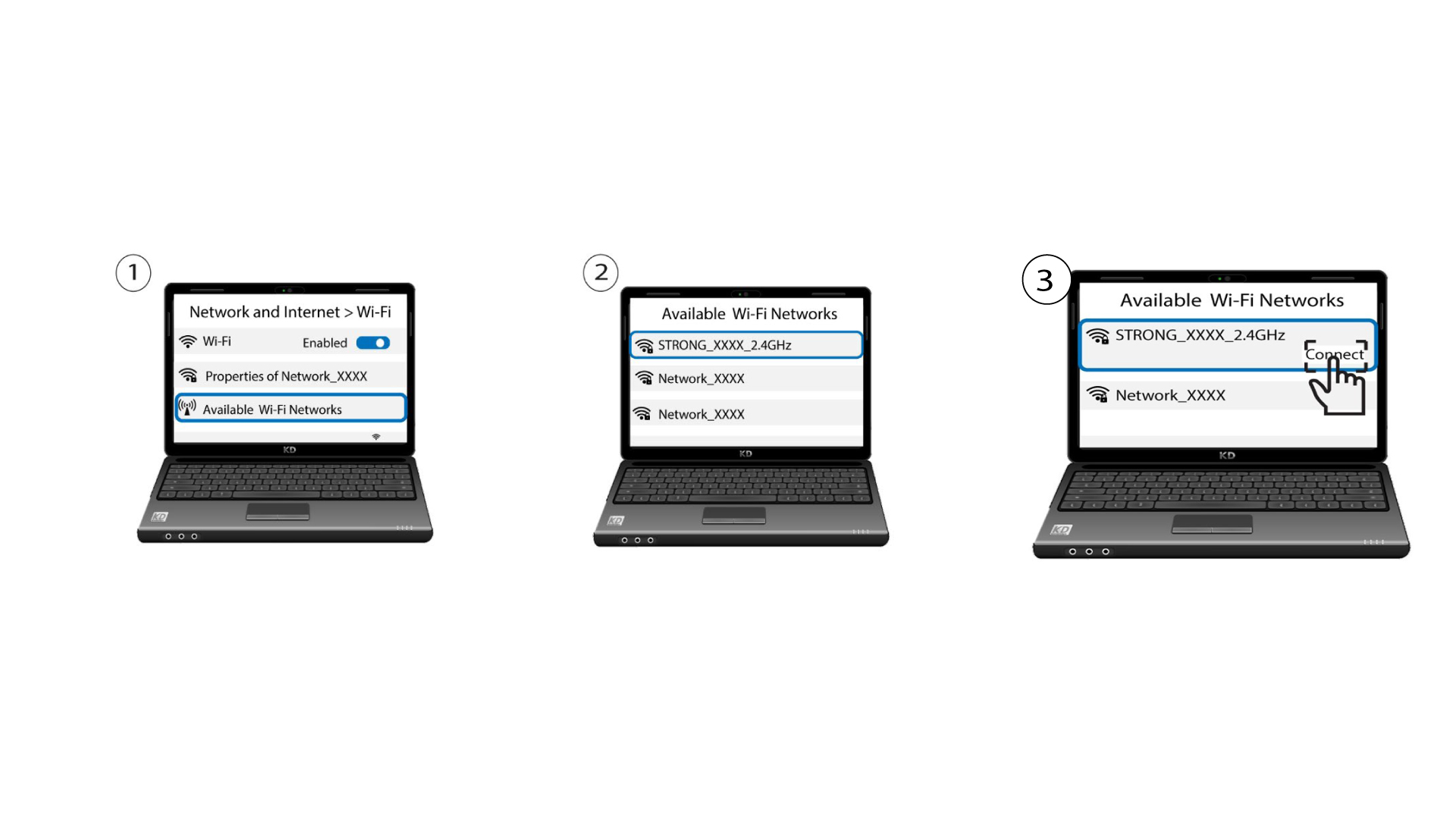
Ga nu naar de netwerkinstellingen van je apparaat (telefoon, computer, printer, enz.). Het nieuwe apparaat dat aan het netwerk is toegevoegd, zou daar moeten verschijnen en je kunt nu verbinding maken met het netwerk van dat apparaat.