
4G+ AIRSPOT 510 Mobiele wifi
Geen items gevonden.
Geen items gevonden.
Alle vragen
4G+ AIRSPOT 510 Mobiele wifi
Geen items gevonden.
Geen items gevonden.
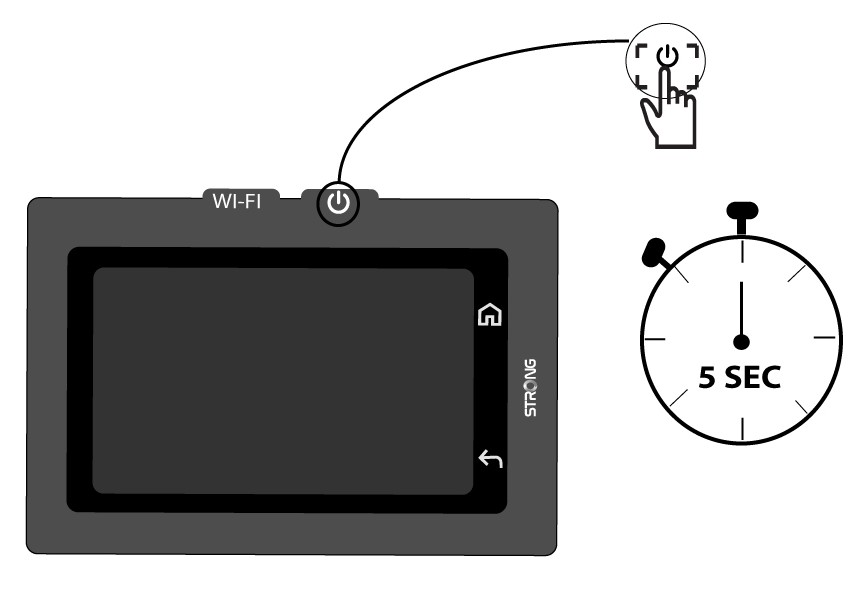
Hoe schakel ik het apparaat in en uit?
Om het apparaat in of uit te schakelen, houdt u de aan/uit-knop 5 seconden ingedrukt. De aan/uit-knop bevindt zich aan de rechterkant van het apparaat.

Waarschuwing: Zorg ervoor dat de batterij van het apparaat is opgeladen voordat u het apparaat inschakelt. U kunt ook de USB-C-kabel aansluiten op een stroomvoorziening om uw apparaat op te laden.