4G+ AIRSPOT 510 Mobiele wifi
Geen items gevonden.
Geen items gevonden.
Alle vragen
4G+ AIRSPOT 510 Mobiele wifi
Geen items gevonden.
Geen items gevonden.
Hoe kan ik de firmware van het apparaat updaten?
In de webinterface kun je een automatische upgrade of een ‘ Gebruiksaanwijzing ’-upgrade uitvoeren.
Geval 1: Automatische upgrade
1. Opende webinterface
Volg de onderstaande procedure om toegang te krijgen tot de webinterface: Hoe krijg ik toegang tot de webinterface?
2.Instellingen voor systeemupgrades openen
Klik op ‘Beheer en systeemupgrade’.
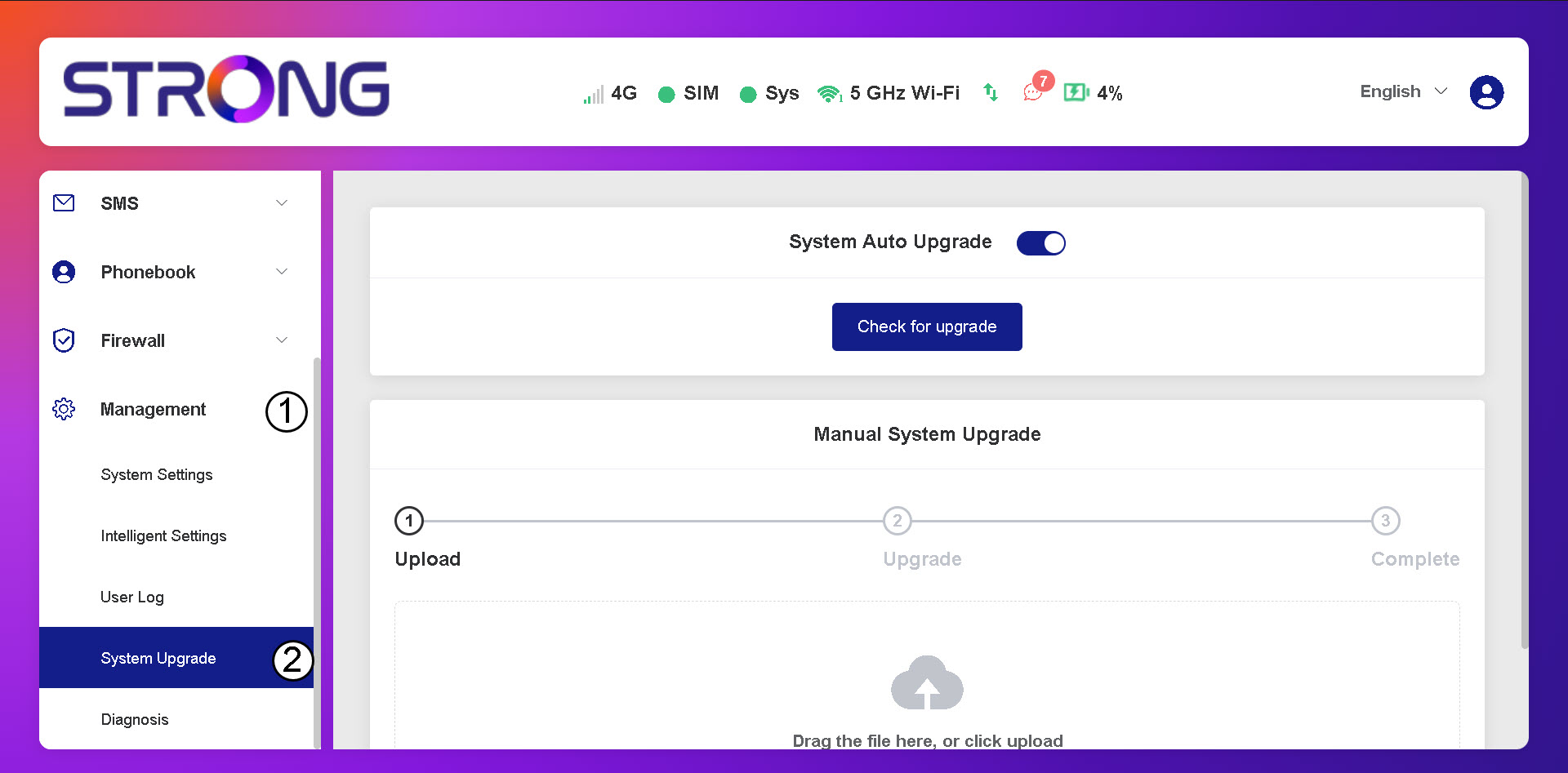
3. Controleerof er automatische updates beschikbaar zijn
Controleer of de schakelaar voor automatische systeemupdates is ingeschakeld en klik op de knop ‘Controleren op updates’.
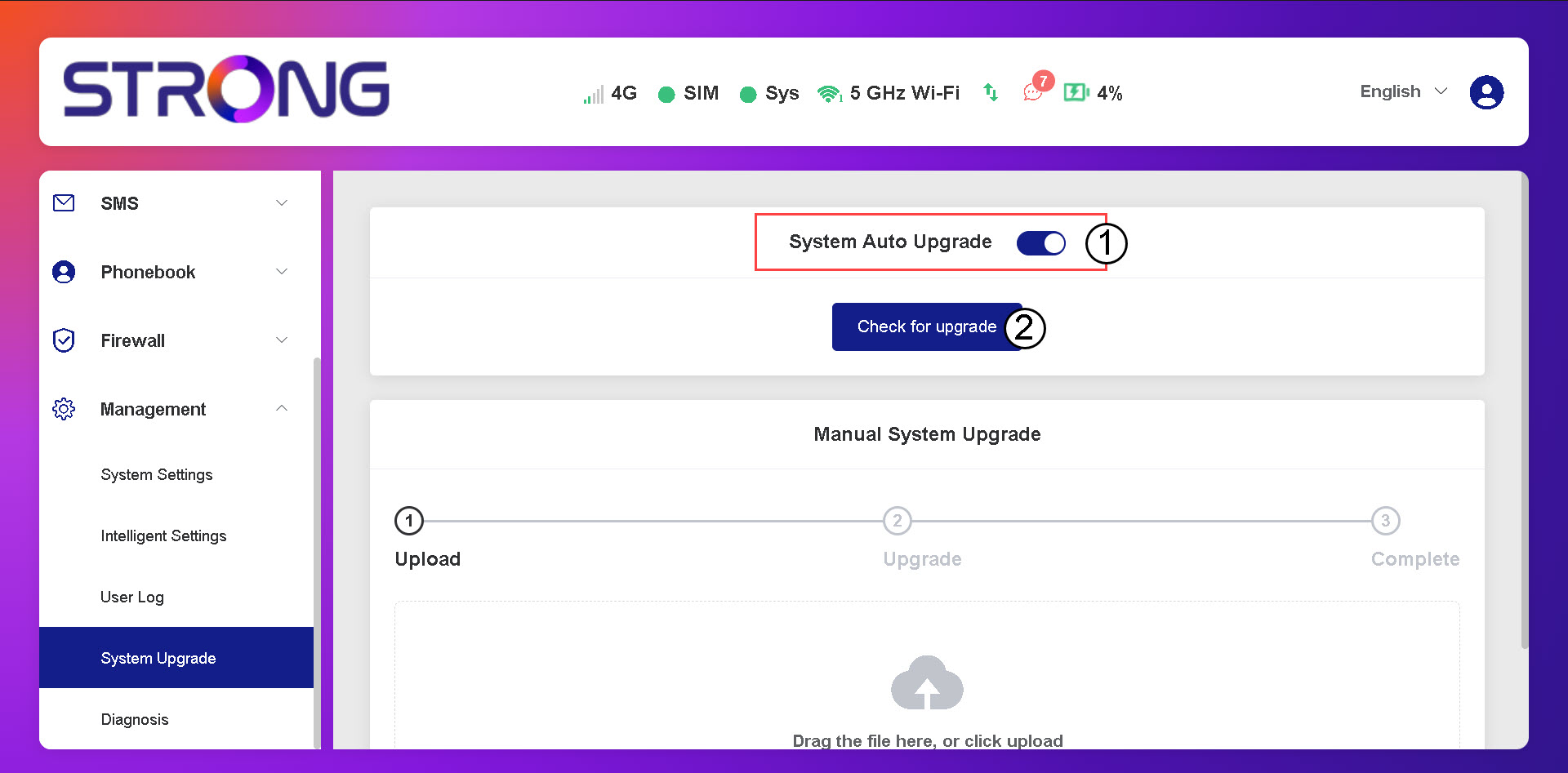
4. Wachttot de upgrade-controle is voltooid
Wacht tot het systeem controleert of er een update beschikbaar is; als dat het geval is, zal het systeem je vragen deze te downloaden.

5. Systeemstatus controleren
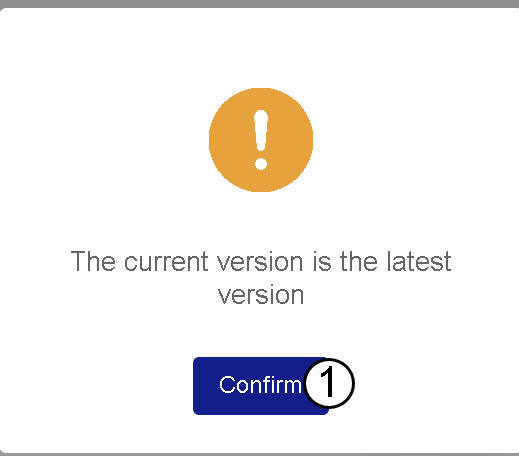
Als uw apparaat up-to-date is, wordt het volgende bericht weergegeven.