5G AIRHOME 1050 | Wi-Fi 6
Alla frågor
5G AIRHOME 1050 | Wi-Fi 6
Hur anger jag min SIM-PIN-kod?
För att ange din SIM-PIN-kod måste du ansluta till webbgränssnittet.
1. Ansluttill routerns Wi-Fi-nätverk
För att göra detta anger du routerns SSID (Wi-Fi-nätverksnamn) och Wi-Fi-lösenord på din enhet:

2. Bläddratill webbgränssnittets IP-adress
Ange sedan följande IP-adress i din webbläsare: 192.168.0.1

3Inloggningssida
Du måste ange användarnamn och lösenord ( uppgifterna står på produktetiketten som sitter på undersidan av produkten; skriv gärna ner det nya administratörslösenordet som du ställer in efter din första inloggning). Klicka sedan på ”Logga in”.

4Angedina inloggningsuppgifter
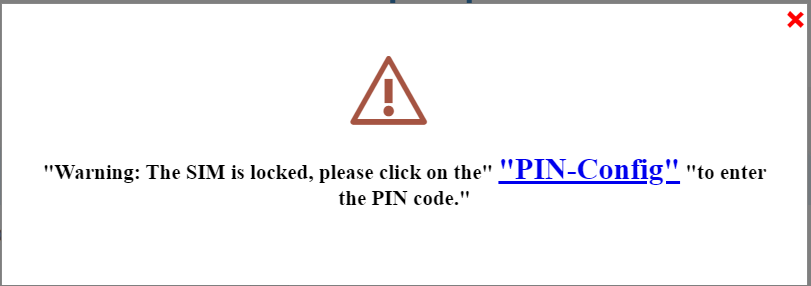
När du ansluter till webbgränssnittet för första gången visas ett varningsmeddelande där du uppmanas att ange PIN-koden genom att klicka på anslutningsknappen.
5Angedin PIN-kod
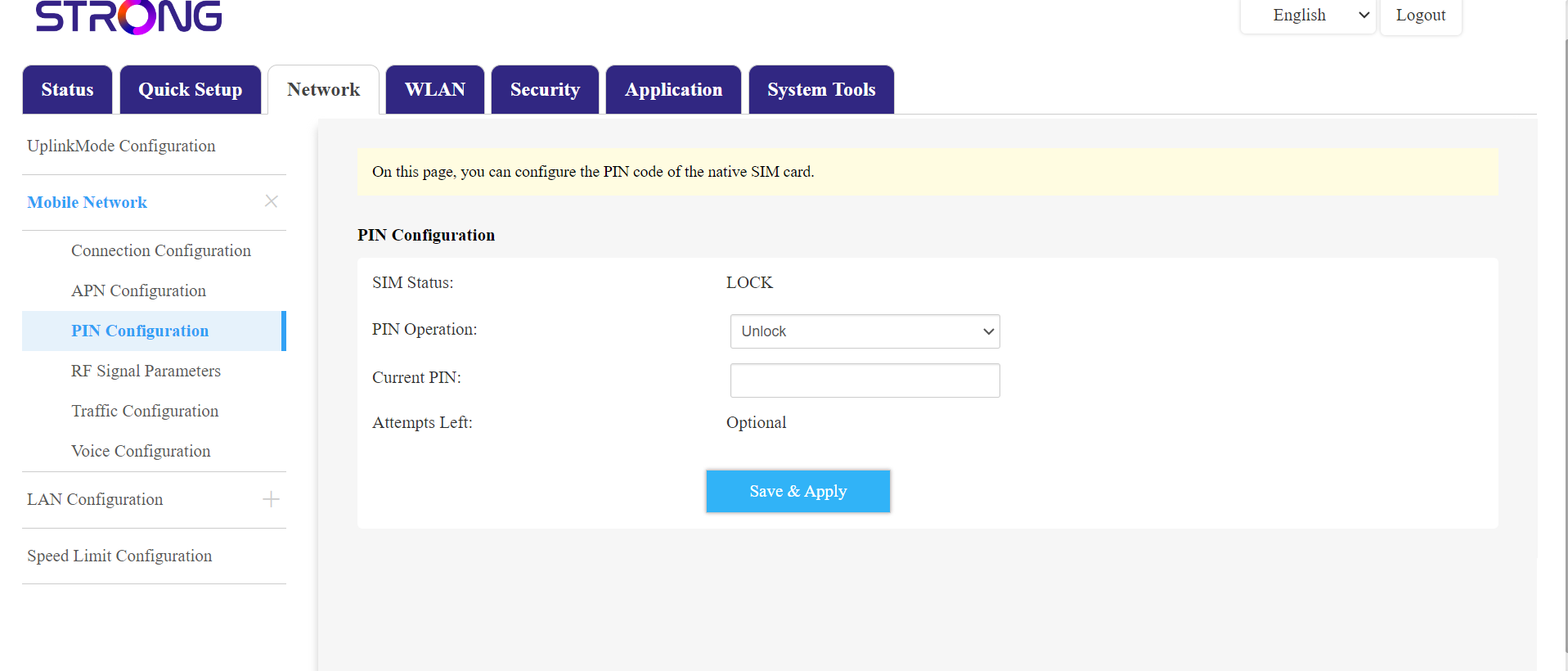
Gå sedan till ”Nätverk” i den övre menyraden och därefter till avsnittet ”Mobilnätverk” och klicka på ”PIN-konfiguration”.
Ange din PIN-kod i fältet och klicka på ”Skicka”.
6SIM-kortet är olåst
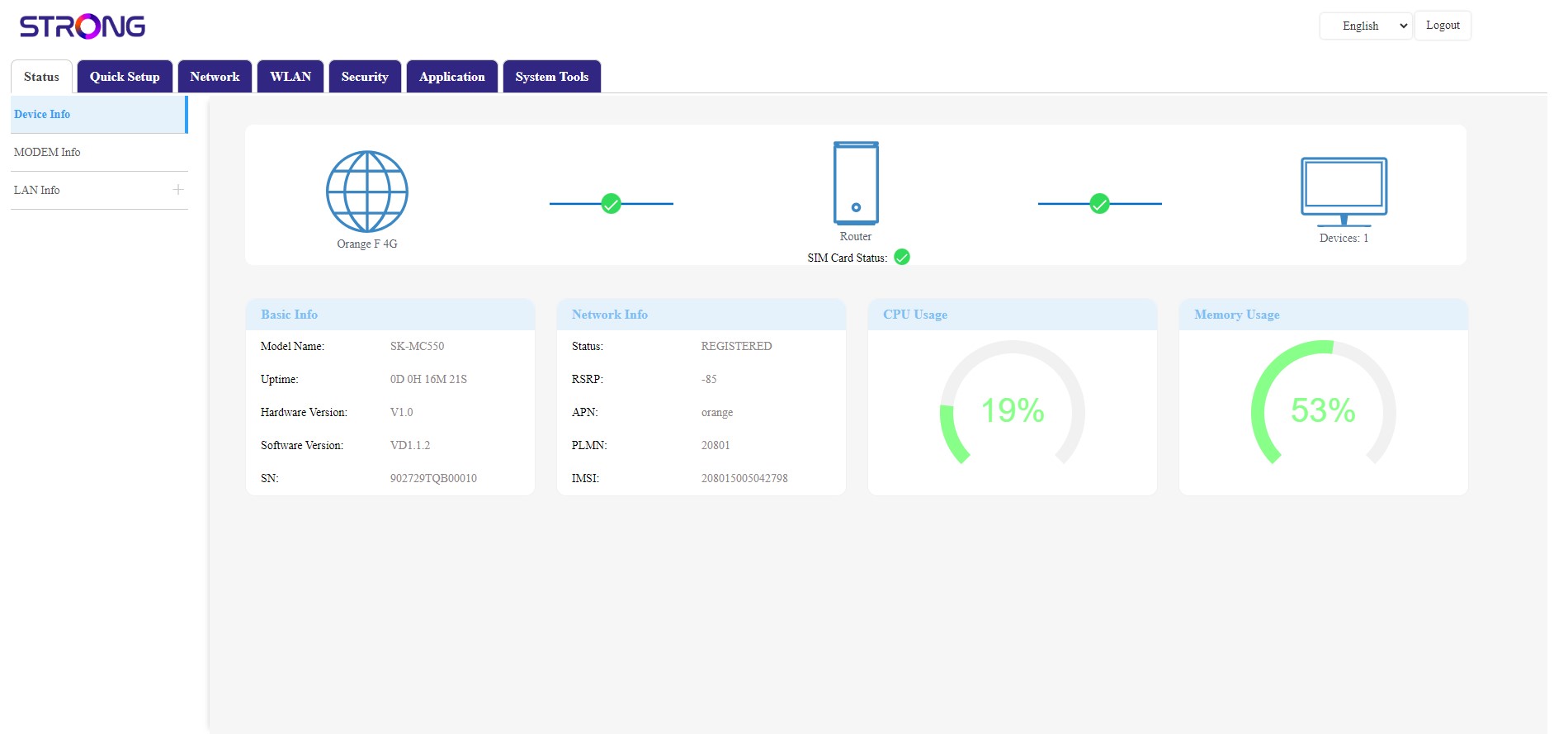
SIM-kortet är upplåst och dess ikon blir nu grön med nätverksnamnet bredvid.