
4G AIRSPOT 220 Wi-Fi рутер с дисплей
Не са намерени никакви елементи.
Не са намерени никакви елементи.
Всички въпроси
4G AIRSPOT 220 Wi-Fi рутер с дисплей
Не са намерени никакви елементи.
Не са намерени никакви елементи.
Как мога да вляза в уеб интерфейса?
За да получите достъп до уеб интерфейса, трябва да сте свързани към Wi-Fi мрежата на вашето устройство 4G PORTABLE HOTSPOT 150 WITH A DISPLAY/4G PORTABLE HOTSPOT 150, след като поставите SIM-картата в слота.
1. Свържете сес Wi-Fi мрежата на рутера
За да направите това, въведете SSID и паролата на рутера във вашето устройство.
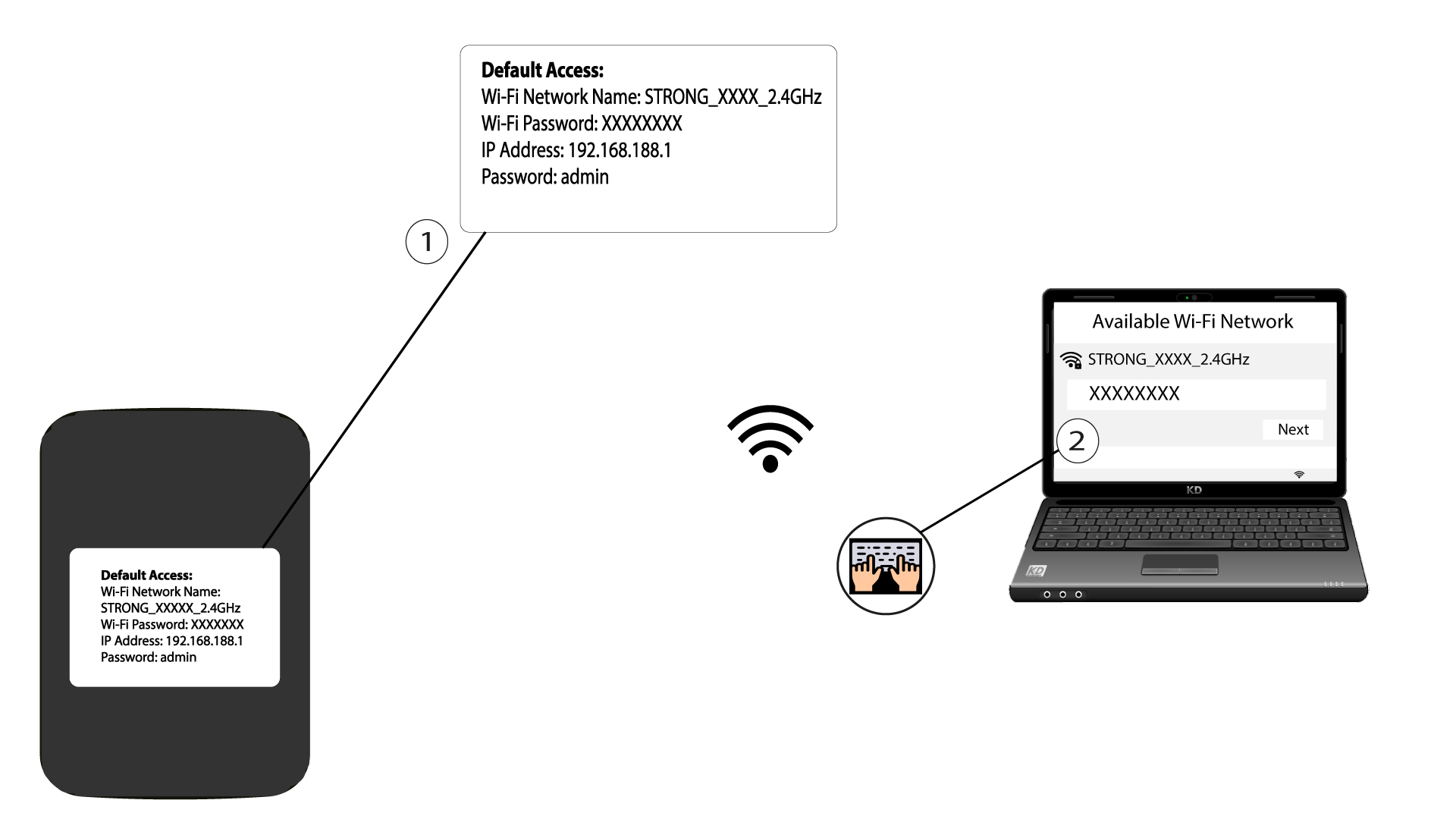
2. ОтворетеIP адреса на уеб интерфейса
След това въведете следния IP адрес в браузъра си: 192.168.188.1

3. Отворетестраницата за вход
След като отворите страницата с IP адреса, трябва да въведете паролата и да кликнете върху „Вход“.

4Предупредителносъобщение
След като се свържете, ще видите предупредително съобщение относно паролата на администратора.


Предупреждение: След първоначалното свързване ви препоръчваме настоятелно да промените паролата на администратора, за да осигурите сигурен достъп до рутера и да предотвратите хакерски атаки.